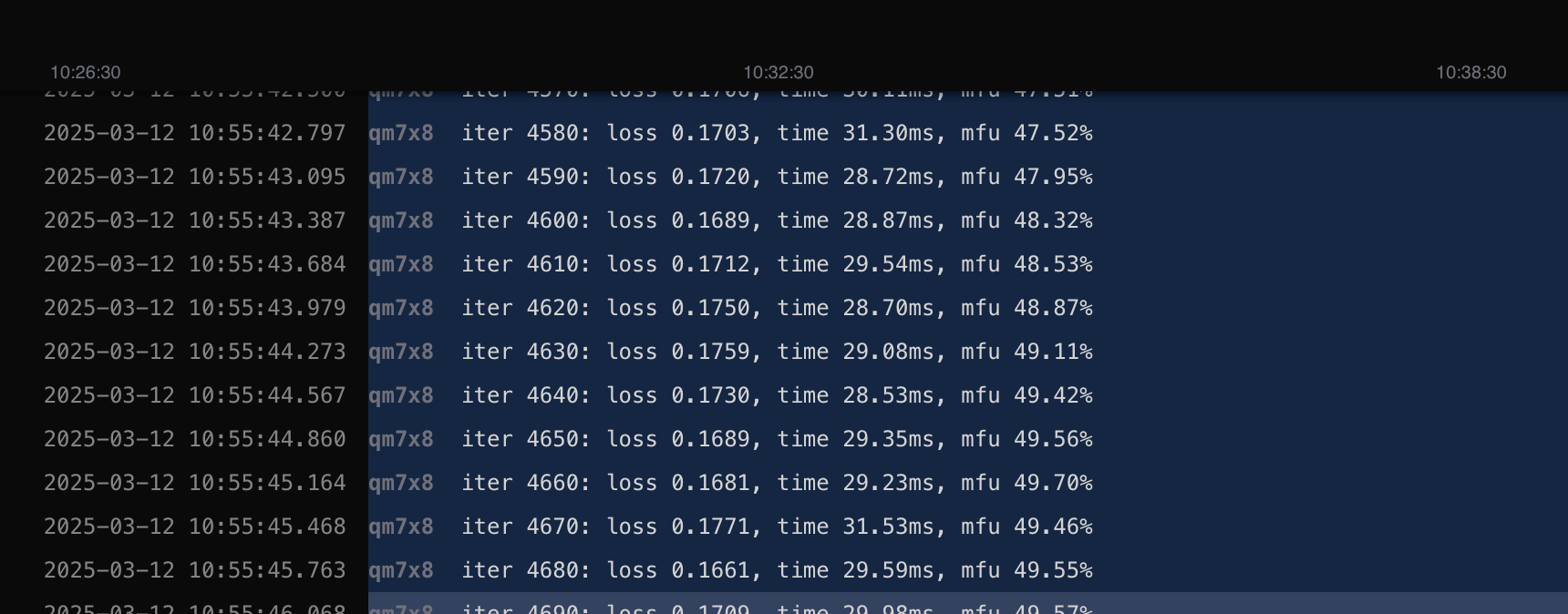
NanoGPT Training
Learn how to train a NanoGPT model with distributed training on DGX Cloud Lepton.
This is a step-by-step guide for training a NanoGPT model with distributed training on DGX Cloud Lepton.
Create Training Job
Navigate to the create job page where you can see the job configuration form.
- Job name: Set it to
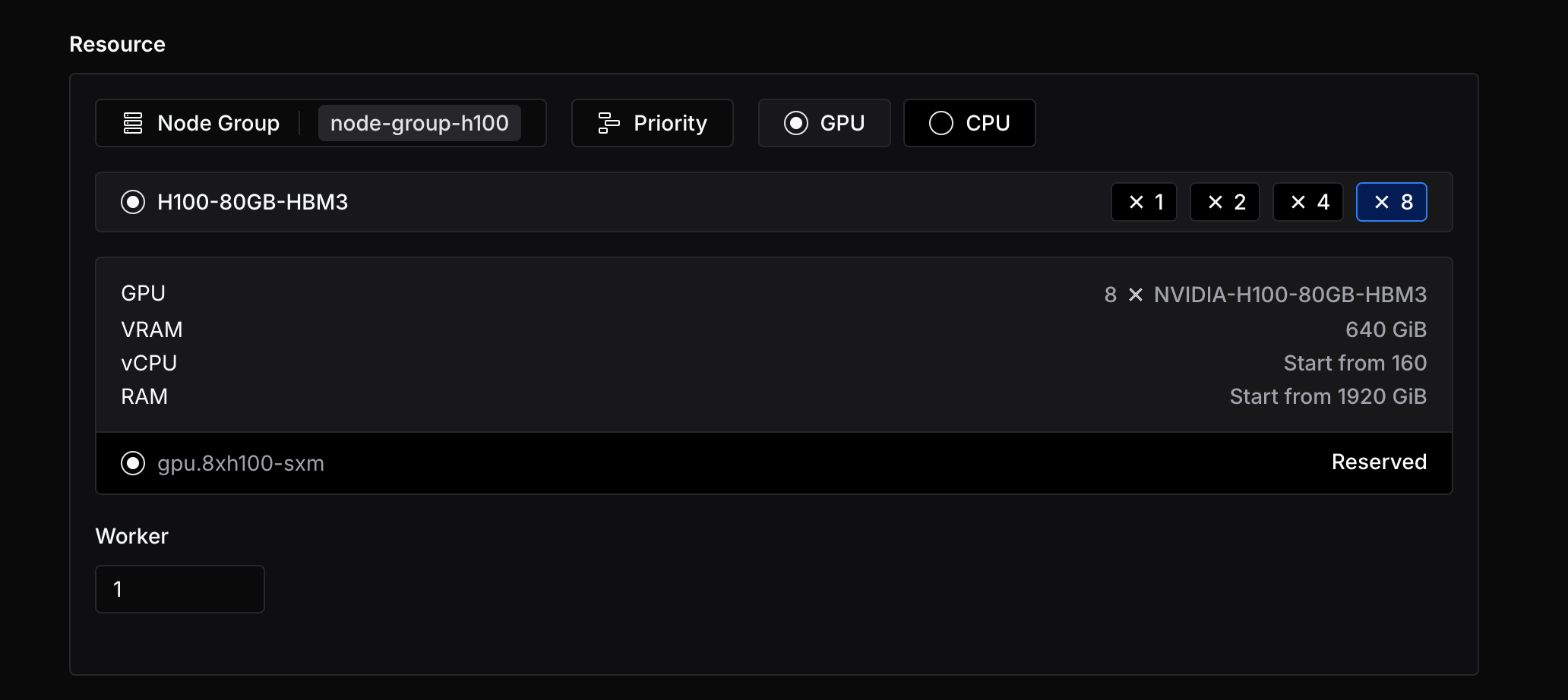
nanogpt-training. - Resource: Select H100 x8 GPUs and set the worker count to 1. You can use multiple workers to speed up the training process.
- Image: Choose the custom image and enter
nvcr.io/nvidia/pytorch:24.11-py3 - Run command: Copy the following code to the run command field.
After completing the configuration, click Create to submit the job. You can then view the job status on the job detail page.
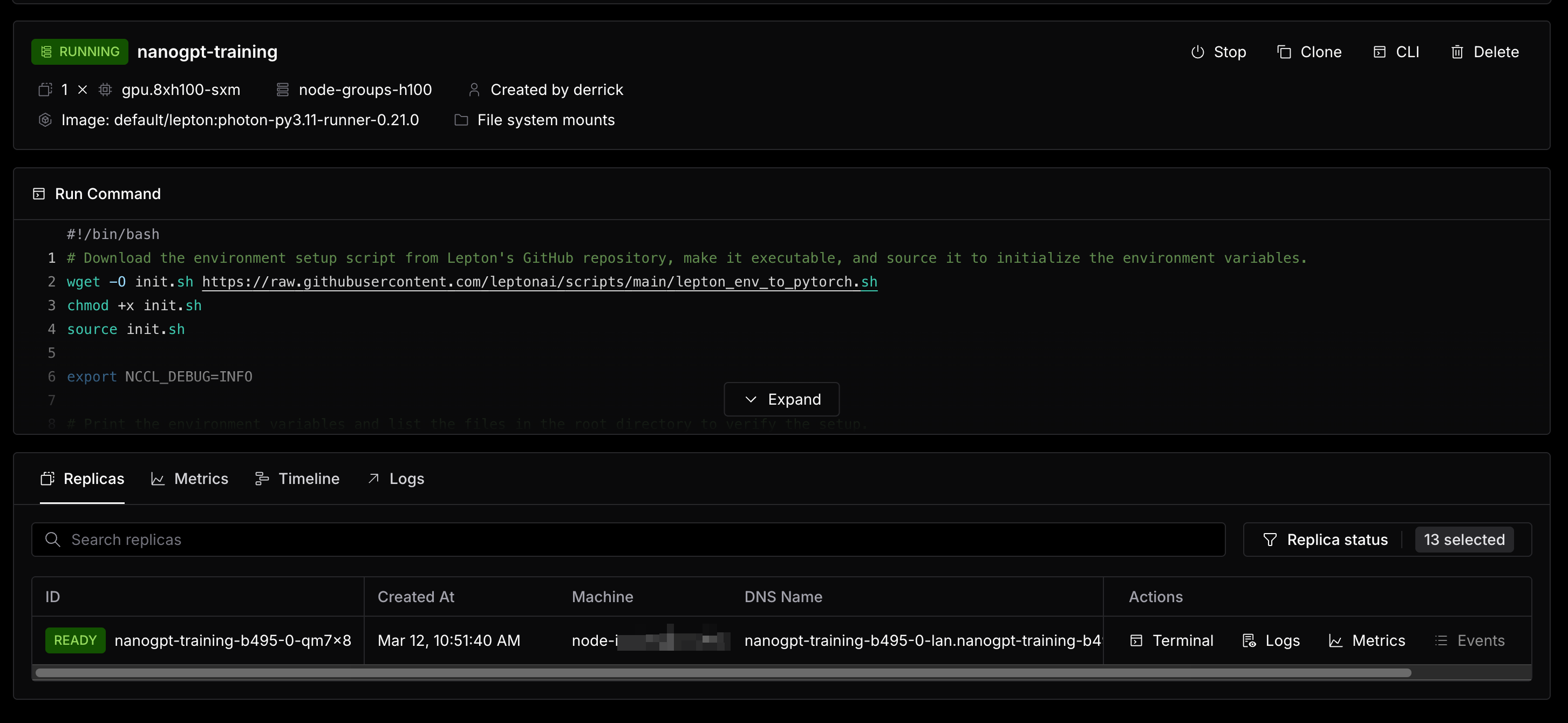
The duration of the training job depends on the number of parameters you set and the number of GPUs you use. When the job is running, you can check the real-time logs and metrics.