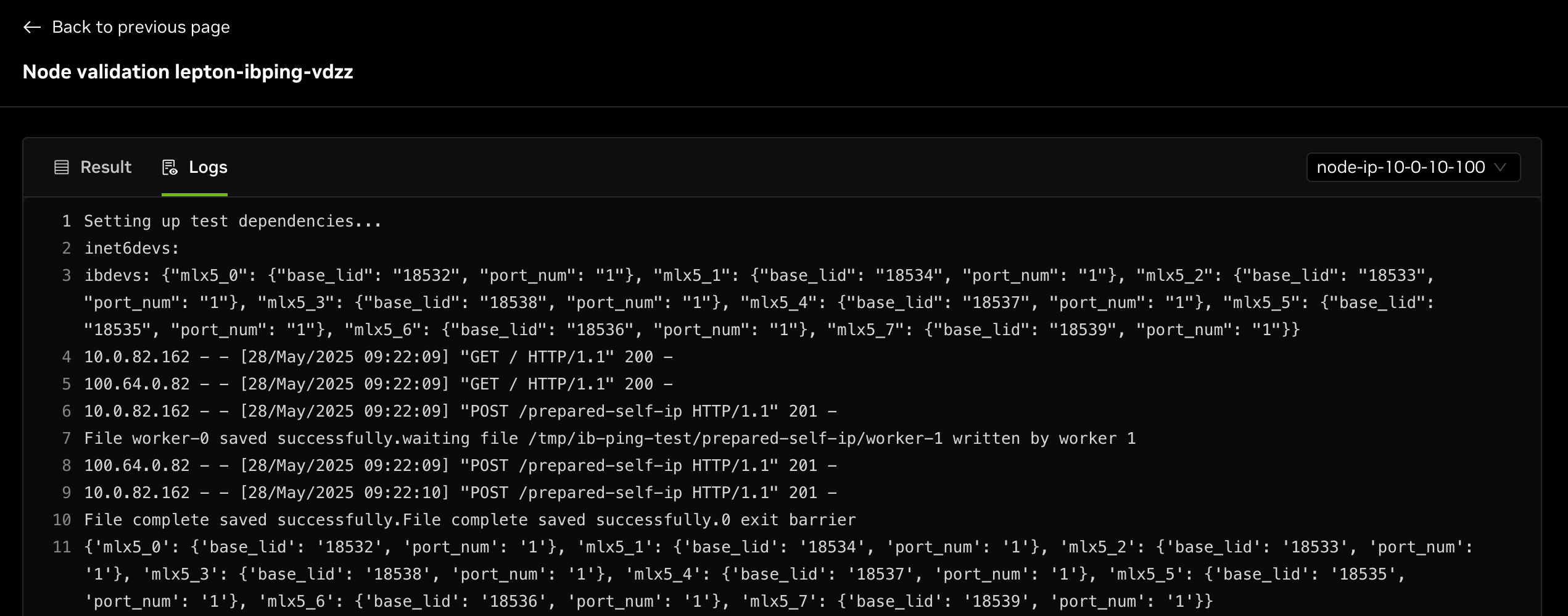
Node Validations
Learn how to run node validations on DGX Cloud Lepton.
Validation is required for each node to confirm the health and operational status of the entire node group.
DGX Cloud Lepton provides a simple way to run validations to check node group health, including:
- IB Ping
- Ethernet Ping
- NCCL Test
- GPU Burn
- FIO Test
- DCGM Diagnostics
Run a Validation
You can run a node validation and view past results for the node group under the Validations tab.
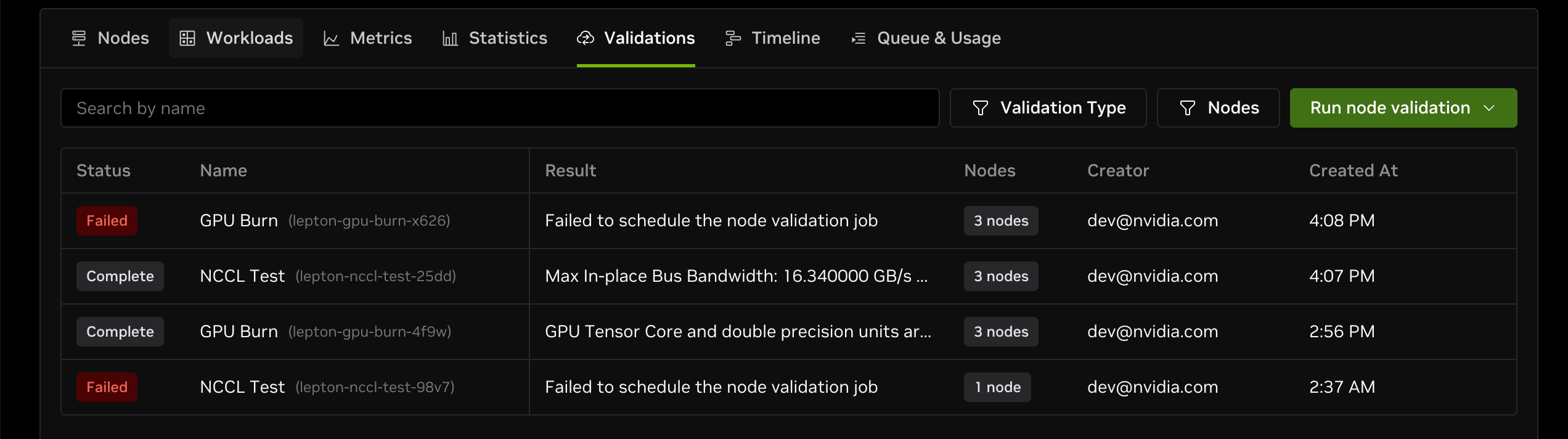
Click the Run node validation dropdown and select the validation type you want to run.
An indicator shows the latest result for each validation type: green for running, gray for completed, and red for failed.
View Validation Result and Logs
Click the name field in the validation table row to open the validation result page, where you can view results and logs.
- The Result tab shows the final validation result.
- The Logs tab shows validation logs categorized by node. Select a node from the dropdown in the top-right corner to change the view.