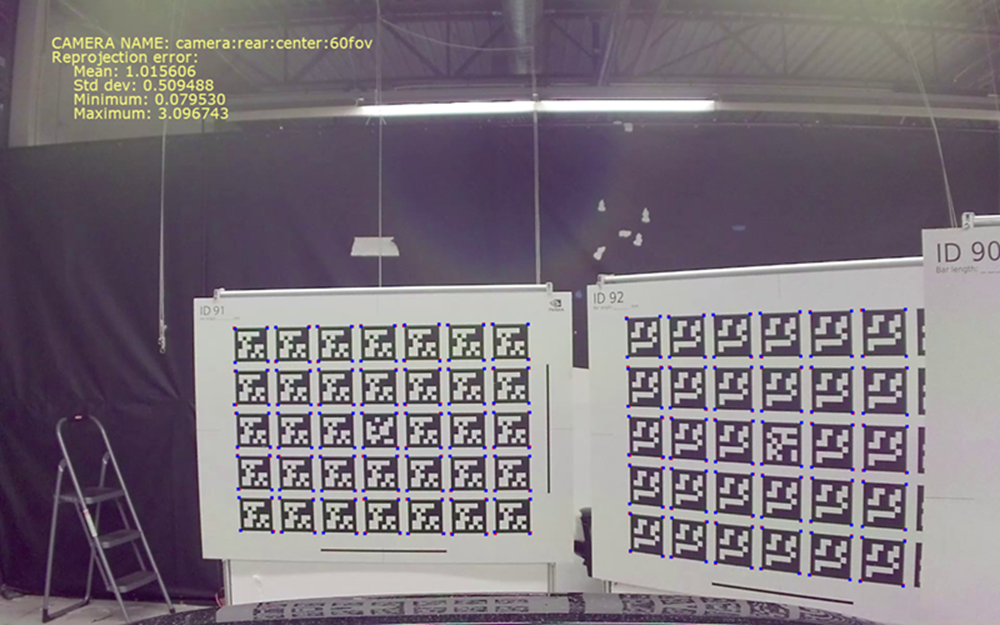
1 # Copyright (c) 2019-2020 NVIDIA CORPORATION. All rights reserved.
3 @page dwx_calibration_int_val Intrinsics Validator Tool
6 @section dwx_calibration_int_val_description Description
8 The NVIDIA<sup>®</sup> DriveWorks Intrinsics Validator tool validates the
9 intrinsic parameters for a calibrated camera. \n It computes the reprojection error
10 (mean, std, min, max) for AprilTag corners, and prints a validated PNG file as output.
12 @note SW Release Applicability: This tool is available in both <b>NVIDIA DriveWorks</b> and <b>NVIDIA DRIVE Software</b> releases.
14 @section dwx_calibration_int_val_prereqs Prerequisites
16 This tool is available on the x86 Host System and NVIDIA DRIVE<sup>™</sup> OS Linux.
18 This tool creates output files that are placed into the current working directory by default. Please ensure the following for your convenience:
19 - Write permissions are enabled for the current working directory.
20 - Include the tools folder in the binary search path of the system.
21 - Execute from your home directory.
23 To print the desired AprilTag target, measure the horizontal and
24 vertical bars, and ensure they measure the same length. \n The targets to print can be
25 found in `/data/tools/calibration`.
27 @section dwx_calibration_int_val_usage Running the Tool
29 Run the tool by executing:
31 ./calibration-intrinsics-validator --image=[input image]
32 --targetsDB=[JSON file]
34 --camera=[camera name]
35 --output=[output image]
36 --stats-json=[output JSON file]
38 @subsection dwx_calibration_int_val_params Parameters
40 --image=[path to image file]
41 Description: The image used to compute the reprojection error. It must contain at least one visible AprilTag target.
43 --targetsDB=[path to JSON file]
44 Description: The JSON file containing all the possible targets that can be used.
45 Default value: /data/tools/calibration/targets.json
47 --rig=[path to rig file]
48 Description: The rig file containing the camera intrinsics. It may be generated with the calibration tool.
49 Default value: /tools/intrinsics_validator/rig.json
51 --camera=[camera name]
52 Description: The name of the camera to validate as specified in the rig file `name` field.
53 Default value: B2_XR_60
55 --output=[path to output PNG file]
56 Description: The path where the output validation image in PNG format is stored.
57 If this parameter is empty, it will not render or store any image.
58 Default value: output.png
60 --stats-json=[path to output JSON file]
61 Description: The path where the JSON file with the output statistics will be stored.
62 If this parameter is empty, it will not save any file.
64 @section dwx_calibration_int_val_output Output
66 The tool outputs an image with the detected corners (blue dots), and the reprojected corner points (red dots).
68 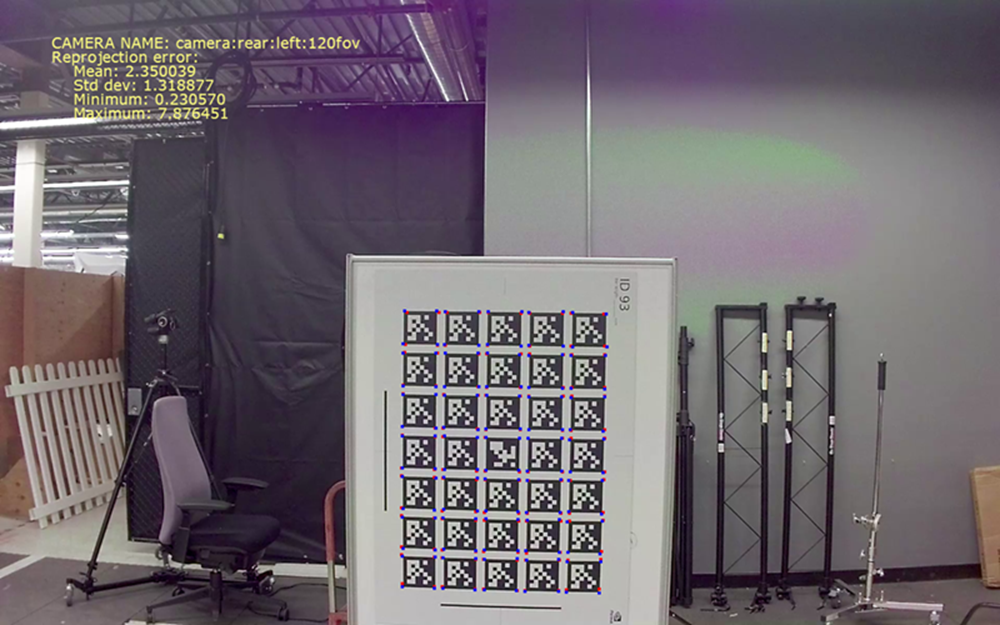
70