1 # Copyright (c) 2019-2020, NVIDIA CORPORATION. All rights reserved.
3 @page dwx_image_streamer_multi_sample Multi-Thread Image Streamer Sample
6 @note SW Release Applicability: This sample is available in both **NVIDIA DriveWorks** and **NVIDIA DRIVE Software** releases.
8 @section dwx_image_streamer_multi_description Description
10 The Multi-Thread Image Streamer sample demonstrates how to use an image streamer in a multi-thread environment.
11 It consumes a CPU image.
13 The sample shows how to create, setup, use and release
14 an image streamer in multi-thread. It does the following:
15 1. Manually creates a dwImageCPU object.
16 2. Streams the dwImageCPU to a dwImageCUDA object.
17 3. Applies a NVIDIA<sup>®</sup> CUDA<sup>®</sup> kernel on it.
18 4. Streams the resulting image to a dwImageGL object.
19 5. Renders it on screen.
21 @section dwx_image_streamer_multi_running Running the Sample
23 The command line for the sample is:
25 ./sample_image_streamer_multi
27 @section dwx_image_streamer_multi_output Output
29 The sample creates a window and renders a colored pattern.
31 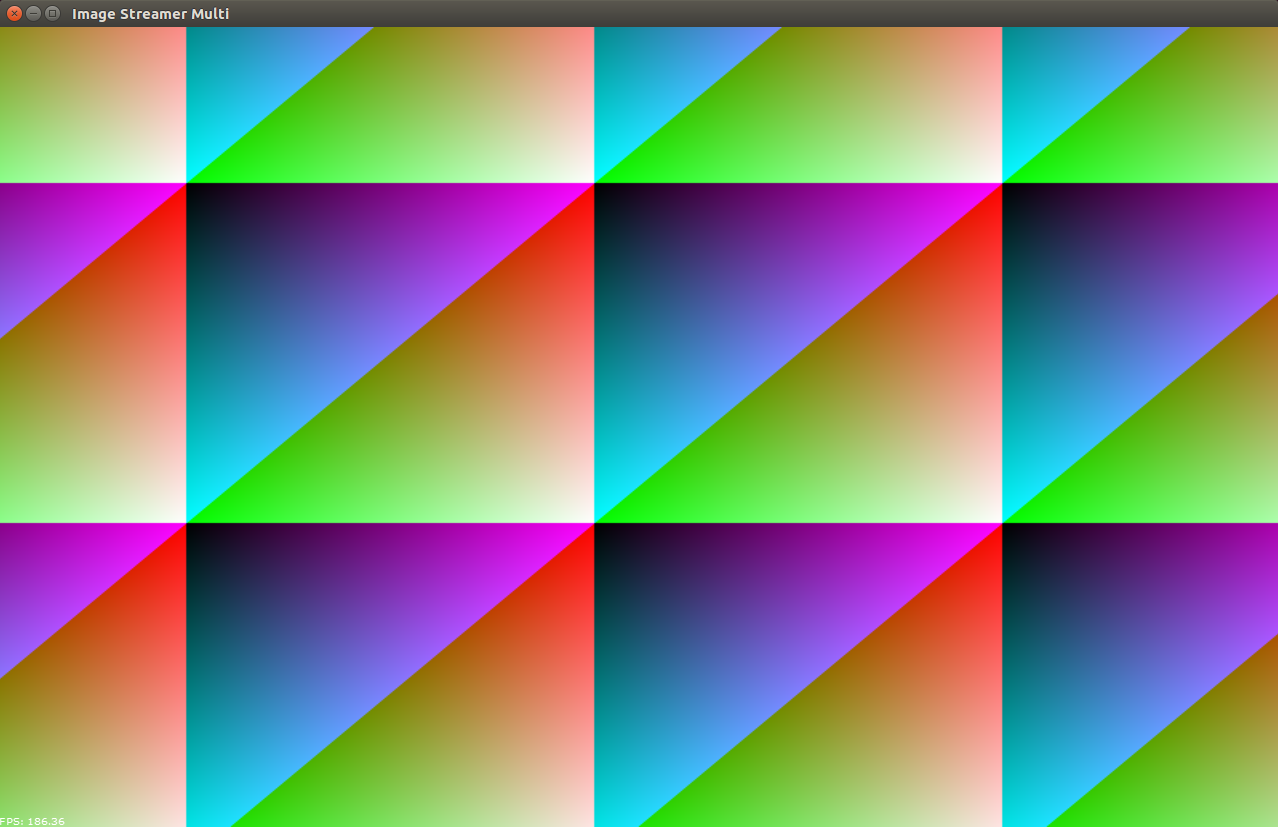
33 At the same time the state of the two threads is printed on console:
35 nvidia@tegra-ubuntu:/usr/local/driveworks-1.2/bin$ ./sample_image_streamer_multi
36 This sample illustrates how to use an image streamer given a CPU image. This will create an empty dwImageCPU, stream it to a dwImageCUDA, apply some simple operations in a kernel and then stream it to a dwImageGL for rendering. The purpose is to show how to properly create, use and destroy an image streamer.
37 [10-8-2018 9:5:10] Initialize DriveWorks SDK v1.2.227
38 [10-8-2018 9:5:10] Release build with GNU 4.9.4 from v1.2.0-rc6-0-g79beb2a against Vibrante PDK v5.0.10.3
39 [10-8-2018 9:5:10] Platform: Detected Drive PX2 - Tegra A
40 [10-8-2018 9:5:10] TimeSource: monotonic epoch time offset is 1533299678306576
41 [10-8-2018 9:5:10] TimeSource: PTP ioctl returned error. Synchronized time will not be available.
42 [10-8-2018 9:5:10] TimeSource: Could not detect valid PTP time source at 'eth0'. Fallback to CLOCK_MONOTONIC.
43 [10-8-2018 9:5:10] Platform: number of GPU devices detected 2
44 [10-8-2018 9:5:10] Platform: currently selected GPU device discrete ID 0
45 [10-8-2018 9:5:10] SDK: Resources mounted from .././data/resources
46 [10-8-2018 9:5:10] SDK: Create NvMediaDevice
47 [10-8-2018 9:5:10] SDK: Create NvMediaIPPManager
48 [10-8-2018 9:5:10] SDK: use EGL display as provided
50 WindowGLFW: create shared EGL context
51 Consumer, acquiring...
53 Producer, posted, now waiting...
55 Consumer, acquiring...
58 Producer, posted, now waiting...
60 Consumer, acquiring...
63 Producer, posted, now waiting...
67 -onProcess CPU: 21us, std= 213 | GPU: 10us, std= 255 | samples=35
68 -onRender CPU: 10394us, std=165141 | GPU: 10399us, std=165143 | samples=35
70 [10-8-2018 9:5:13] SDK: Release NvMediaDevice
71 [10-8-2018 9:5:13] Driveworks SDK released
72 [10-8-2018 9:5:13] SDK: Release NvMedia2D
74 @section dwx_image_streamer_multi_more Additional information
76 For more details see @ref image_mainsection.