1 # Copyright (c) 2019-2020, NVIDIA CORPORATION. All rights reserved.
3 @page dwx_camera_replay_sample Camera Replay Sample
6 @note SW Release Applicability: This sample is available in both **NVIDIA DriveWorks** and **NVIDIA DRIVE Software** releases.
8 @section dwx_camera_replay_sample_description Description
10 The Camera Replay sample demonstrates H.264/265/MP4 playback using a hardware decoder and RAW/LRAW replay using HWISP/SModel and software ISP. It opens a window to play back the provided video file.
12 @section dwx_video_replay_sample_running Running the Sample
14 The Camera Replay sample, sample_camera_replay, accepts the following parameters
16 ./sample_camera_replay --video=[path/to/video]
21 --video=[path/to/video]
22 Path to the video file.
23 Default value: path/to/data/samples/sfm/triangulation/video_0.h264
26 Specifies the fifo size of the sensor.
29 @subsection dwx_video_replay_sample_examples Examples
31 #### Replay .h264 file
33 ./sample_camera_replay --video=/path/to/file.h264
37 ./sample_camera_replay --video=/path/to/file.raw
39 #### Replay LRAW file:
41 For playback of LRAW recorded files the option for using PinnedMemory
42 to save cycles during CudaMemCopy has been added to this utility.
44 ./sample_camera_replay --video=/path/to/file.lraw
46 @section dwx_video_replay_sample_output Output
48 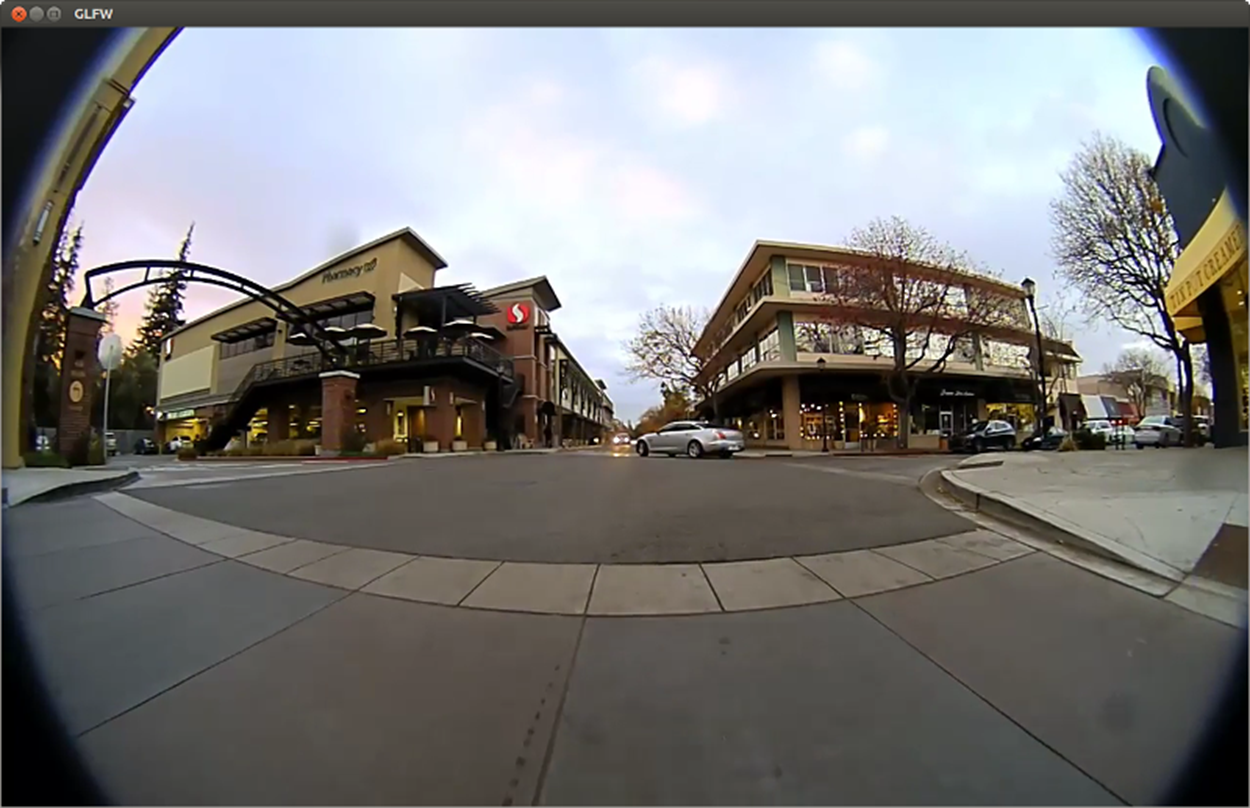
50 The sample creates a window and displays a video.
52 @section dwx_video_replay_sample_more Additional Information
54 For more details see @ref camera_mainsection.
56 Press Enter to toggle between Software ISP and Xavier ISP output when replaying RAW/LRAW.