1 # Copyright (c) 2019-2020, NVIDIA CORPORATION. All rights reserved.
3 @page dwx_camera_usb_sample USB Camera Capture Sample
6 @note SW Release Applicability: This sample is available in both **NVIDIA DriveWorks** and **NVIDIA DRIVE Software** releases.
8 @section dwx_camera_usb_sample_description Description
10 The USB Camera Capture sample captures video input from USB cameras, and displays the output in an opened window. This sample is compatible with Linux and NVIDIA DRIVE<sup>™</sup> platforms.
12 @section dwx_camera_usb_sample_running Running the Sample
14 A camera must be connected to a USB port.
15 The USB Camera Capture sample, sample_camera_usb, accepts the following parameters:
17 ./sample_camera_usb --device=[integer]
19 --record-file=[path/to/output/file]
24 Is the device ID of the camera.
28 Applicable for generic camera only. Specifies
29 a method for selecting capture settings:
30 `a`: choose mode with maximum resolution
31 `b`: choose mode with maximum fps
32 integer number: choose mode by index
35 --record-file=[path/to/output/file]
36 Specifies the path to the captured video.
37 This option is only available on x86.
40 @subsection dwx_camera_usb_sample_examples Examples
42 #### To test the first camera present on the system
46 #### To test the third camera present on the system
48 ./sample_camera_usb --device=2
50 @section dwx_camera_usb_sample_output Output
52 The sample opens a window displaying the input from the camera.
54 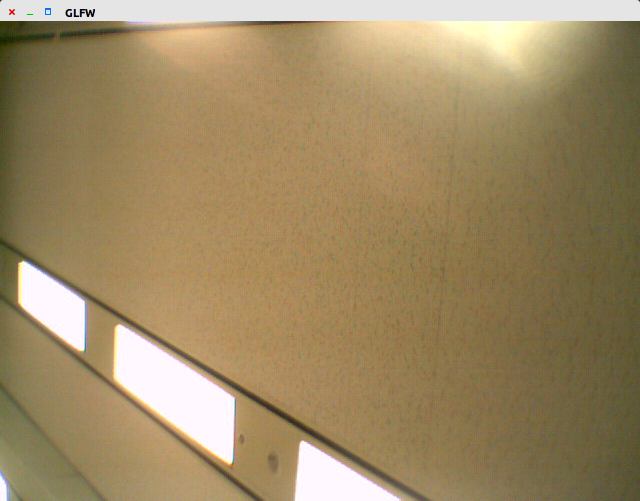
56 @section dwx_camera_usb_sample_more Additional information
58 For more details see @ref camera_mainsection.