1 # Copyright (c) 2018-2019 NVIDIA CORPORATION. All rights reserved.
3 @page dwx_image_capture_sample Image Capture Sample
6 @note SW Release Applicability: This sample is available in both **NVIDIA DriveWorks** and **NVIDIA DRIVE Software** releases.
8 @section dwx_image_capture_description Description
10 The Image Capture sample shows how to record a video from an NVIDIA<sup>®</sup> CUDA<sup>®</sup> image or
11 directly from the rendering window. To differentiate the two sources, the sample renders different text on the screen.
13 @section dwx_image_capture_running Running the Sample
15 The command line for the sample is:
17 ./sample_image_capture --capture-bitrate=[integer]
18 --capture-file=[path/to/output/h264/file]
19 --capture-framerate=[integer]
20 --capture-screen=[0|1]
24 --capture-bitrate=[integer]
25 Defines the suggested bitrate for the output file. The actual bitrate might be different, depending on the input.
26 For example, if the input is a black windows the output frame rate will be very close to 0.
27 Default value: 10000000
29 --capture-file=[path/to/output/h264/file]
30 Specifies the path to the captured video.
31 Default value: capture.h264
33 --capture-framerate=[integer]
34 Specifies the rate at which frames are captured.
37 --capture-screen=[0|1]
38 Specifies whether to capture the current window on a synthetic CUDA image.
41 @subsection dwx_image_capture_examples Example
43 #### To record with default parameters in a specific output file
45 ./sample_image_capture --capture-file=path/to/captureOutput.h264
47 @section dwx_image_capture_output Output
49 The sample creates a window and renders a coloured pattern and a floating "DriveWorks" text.
51 - When recording directly from screen, the text is also visible in the recording.
52 - When recording from a synthetic CUDA image, there is no rendered text.
54 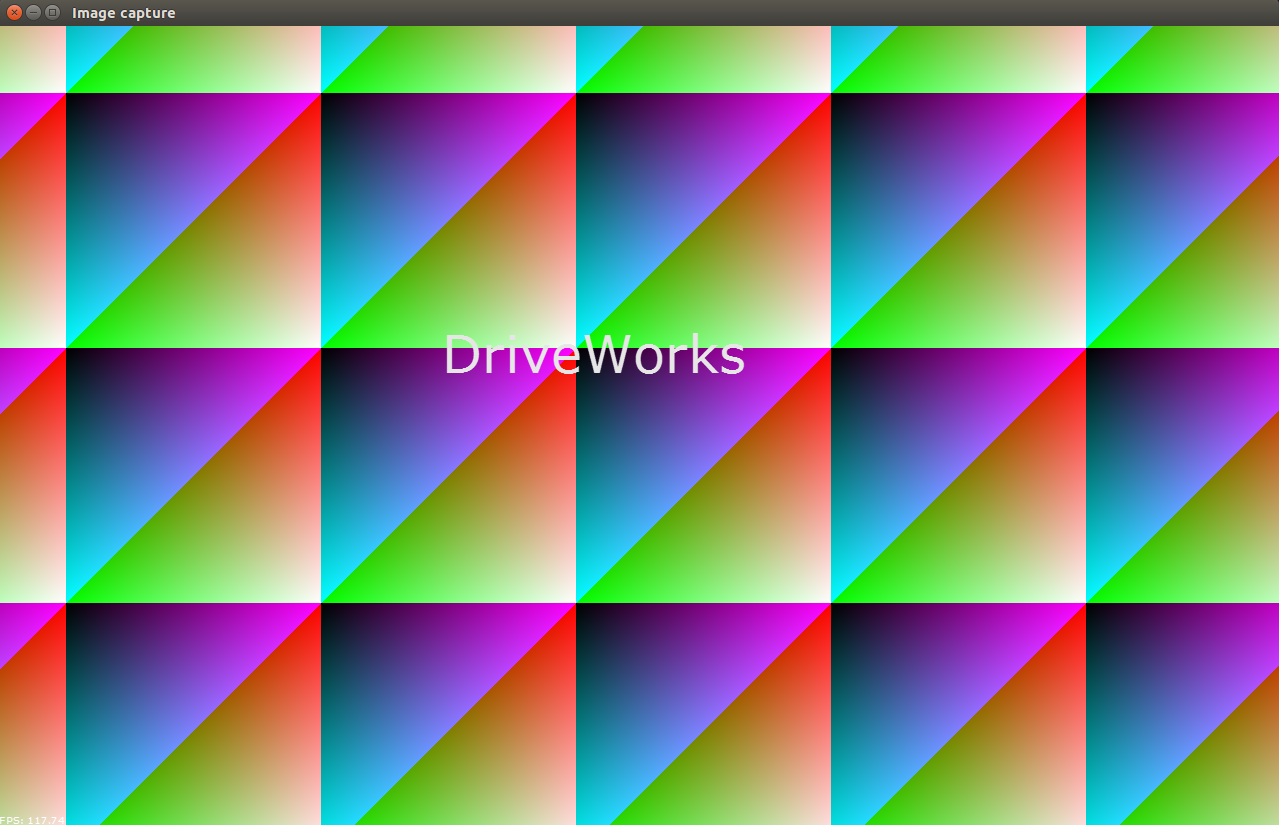
56 @section dwx_image_capture_more Additional information
58 For more information, see @ref image_mainsection .