1 # Copyright (c) 2019-2020, NVIDIA CORPORATION. All rights reserved.
3 @page dwx_camera_usb_sample USB Camera Capture Sample
6 @section dwx_camera_usb_sample_description Description
8 The USB Camera Capture sample captures video input from USB cameras, and displays the output in an opened window. This sample is compatible with Linux and NVIDIA DRIVE<sup>™</sup> platforms.
10 @section dwx_camera_usb_sample_running Running the Sample
12 A camera must be connected to a USB port.
13 The USB Camera Capture sample, sample_camera_usb, accepts the following parameters:
15 ./sample_camera_usb --device=[integer]
17 --record-file=[path/to/output/file]
22 Is the device ID of the camera.
26 Applicable for generic camera only. Specifies
27 a method for selecting capture settings:
28 `a`: choose mode with maximum resolution
29 `b`: choose mode with maximum fps
30 integer number: choose mode by index
33 --record-file=[path/to/output/file]
34 Specifies the path to the captured video.
35 This option is only available on x86.
38 @subsection dwx_camera_usb_sample_examples Examples
40 #### To test the first camera present on the system
44 #### To test the third camera present on the system
46 ./sample_camera_usb --device=2
48 @section dwx_camera_usb_sample_output Output
50 The sample opens a window displaying the input from the camera.
52 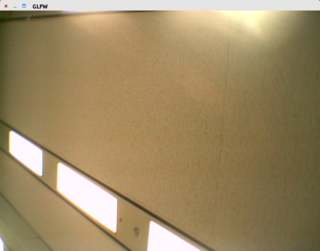
54 @section dwx_camera_usb_sample_more Additional information
56 For more details see @ref camera_mainsection.