# Physical AI Learning
Start building autonomous robots, digital twins, and AI-powered systems with free, self-paced courses from NVIDIA.
Choose a course below to begin your physical AI journey.
## Courses

**How to Develop and Deploy Humanoid Robots End-to-End with NVIDIA Isaac GR00T and Unitree G1**
This course introduces the GR00T reference workflow: a validated, open, and reproducible sim-first to deployment workflow for the Unitree G1 humanoid robot.
**Level:** Intermediate
\\\\
**Time:** 4-12 hours
\\\\
**Key Skills:** NVIDIA Isaac GR00T, Isaac Lab-Arena, Isaac Teleop, Isaac ROS, Jetson Thor, Unitree G1
[Start Learning](https://docs.nvidia.com/learning/physical-ai/gr00t-e2e-workflow/latest/index.html)

**Train an SO-101 Robot From Sim-to-Real With NVIDIA Isaac**
Explore a complete sim-to-real workflow using the SO-101 arm and an affordable physical workspace you can build yourself. Configure and calibrate the robot, then perform demonstrations to post-train a GR00T policy for centrifuge vial pick-and-place. Evaluate with Isaac Lab and deploy to real hardware, applying four strategies to help close the sim-to-real gap.
**Level:** Intermediate
\\\\
**Time:** 6-10 hours
\\\\
**Key Skills:** NVIDIA Isaac Lab, NVIDIA GR00T, LeRobot by Hugging Face, Cosmos, sim-to-real transfer principles
[Start Learning](https://docs.nvidia.com/learning/physical-ai/sim-to-real-so-101/latest/index.html)

Partner Content
**Learning Physical AI: A Sim-to-Real VLA Pipeline with Seeed reBot Arm and NVIDIA Isaac**
An end-to-end, hands-on curriculum for Physical AI, guiding developers through Hugging Face LeRobot teleoperation with the reBot robotic arm, NVIDIA Isaac Sim digital twin emulation, Cosmos Transfer scene augmentation, Isaac GR00T VLA fine-tuning, and real-time NVIDIA Jetson edge deployment.
**Level:** Intermediate
\\\\
**Time:** 20+ hours
\\\\
**Key Skills:** NVIDIA Isaac GR00T, Isaac Sim, LeRobot by Hugging Face, Seeed reBot Arm, Jetson Thor
[Start Learning](https://www.seeedstudio.com/sim-to-real-with-seeed-rebot-and-nvidia-isaac)
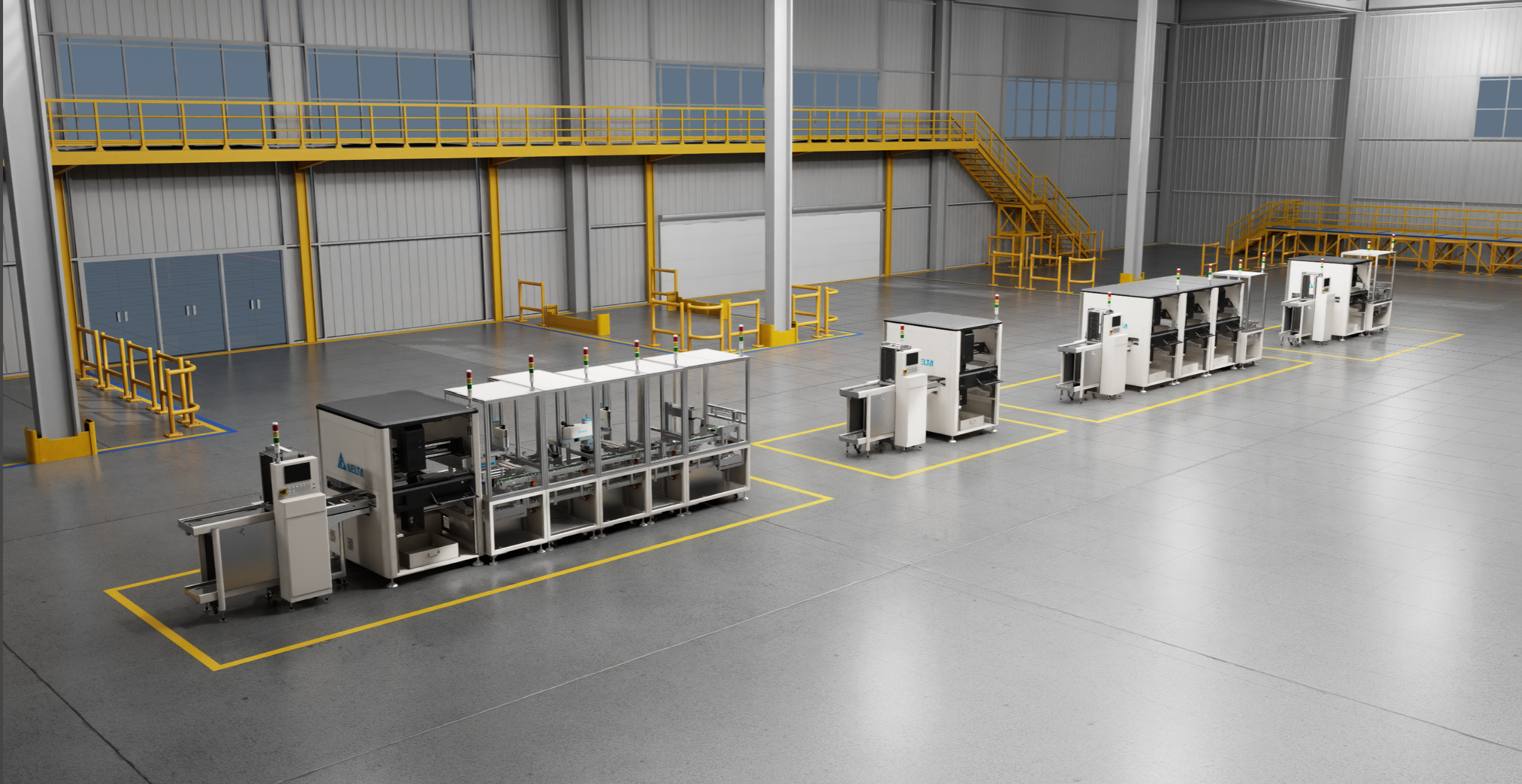
**Assembling Digital Twins With Omniverse and OpenUSD**
Learn to assemble complex industrial scenes using NVIDIA Omniverse and OpenUSD standards for factories and warehouses. Apply scene composition, asset organization, and collaborative workflows.
**Level:** Intermediate
\\\\
**Time:** 3-4 hours
\\\\
**Key Skills:** OpenUSD, scene composition, asset organization, pipeline development
[Start Learning](https://docs.nvidia.com/learning/physical-ai/assembling-digital-twins/latest/index.html)

**Physical AI Agent Bootcamp**
Build practical physical AI workflows one step at a time. Direct an AI coding agent against real NVIDIA SDKs and Omniverse libraries using the Patterned Prompt Method to render OpenUSD scenes, validate SimReady assets, and run real-time physics simulations.
**Level:** Beginner
\\\\
**Time:** Self-paced
\\\\
**Key Skills:** AI agent workflows, OpenUSD, RTX rendering, Omniverse Kit libraries, SimReady physics
[Start Learning](https://docs.nvidia.com/learning/physical-ai/physical-ai-agent-bootcamp/latest/index.html)
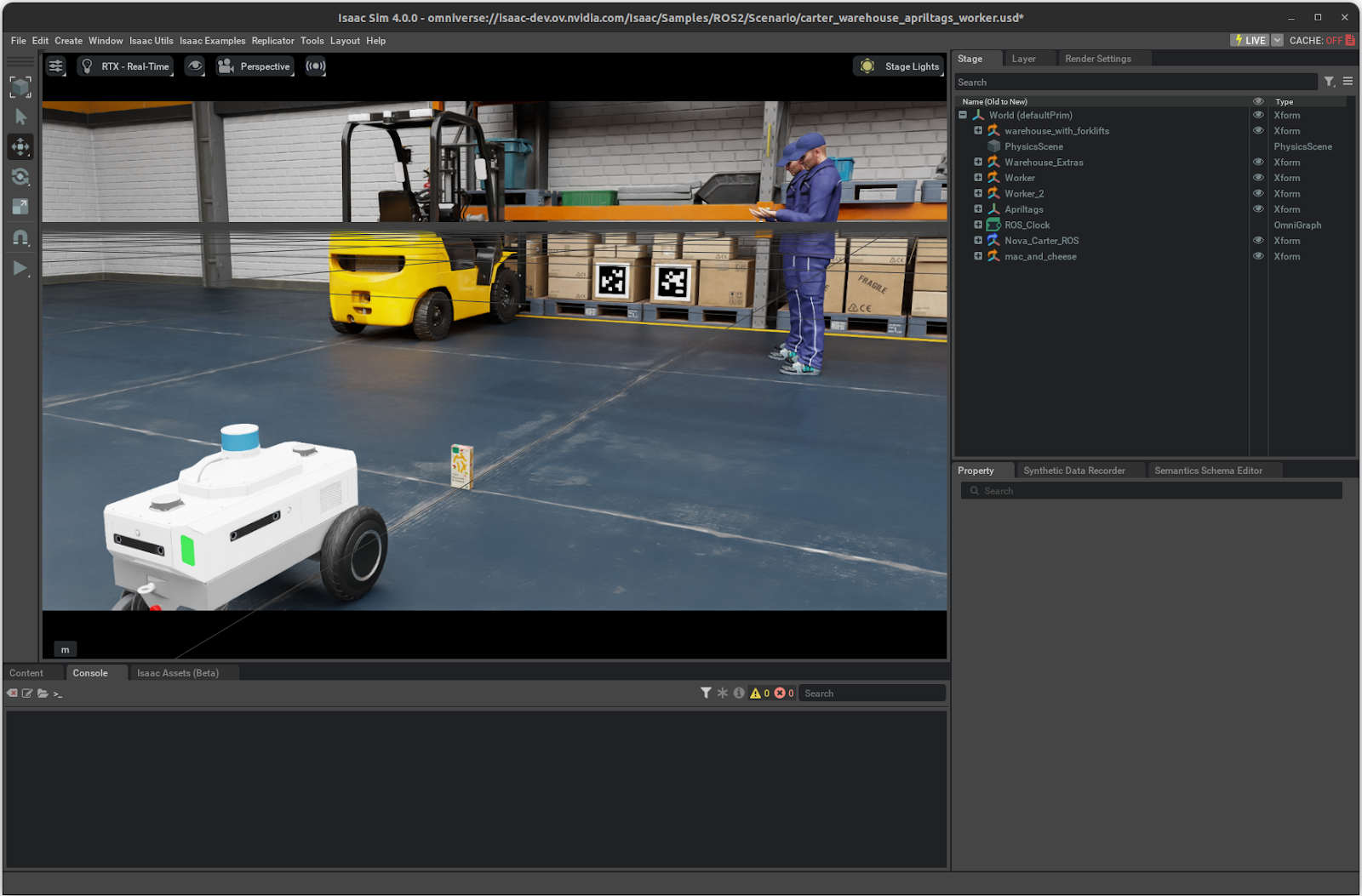
**Getting Started With Isaac Sim**
Explore the NVIDIA Isaac Sim interface. Build a robot from scratch, configure physics properties, add sensors, and run your first simulation.
**Level:** Beginner
\\\\
**Time:** 2-3 hours
\\\\
**Key Skills:** Physics simulation, sensor integration, environment setup
[Start Learning](https://docs.nvidia.com/learning/physical-ai/getting-started-with-isaac-sim/latest/index.html)
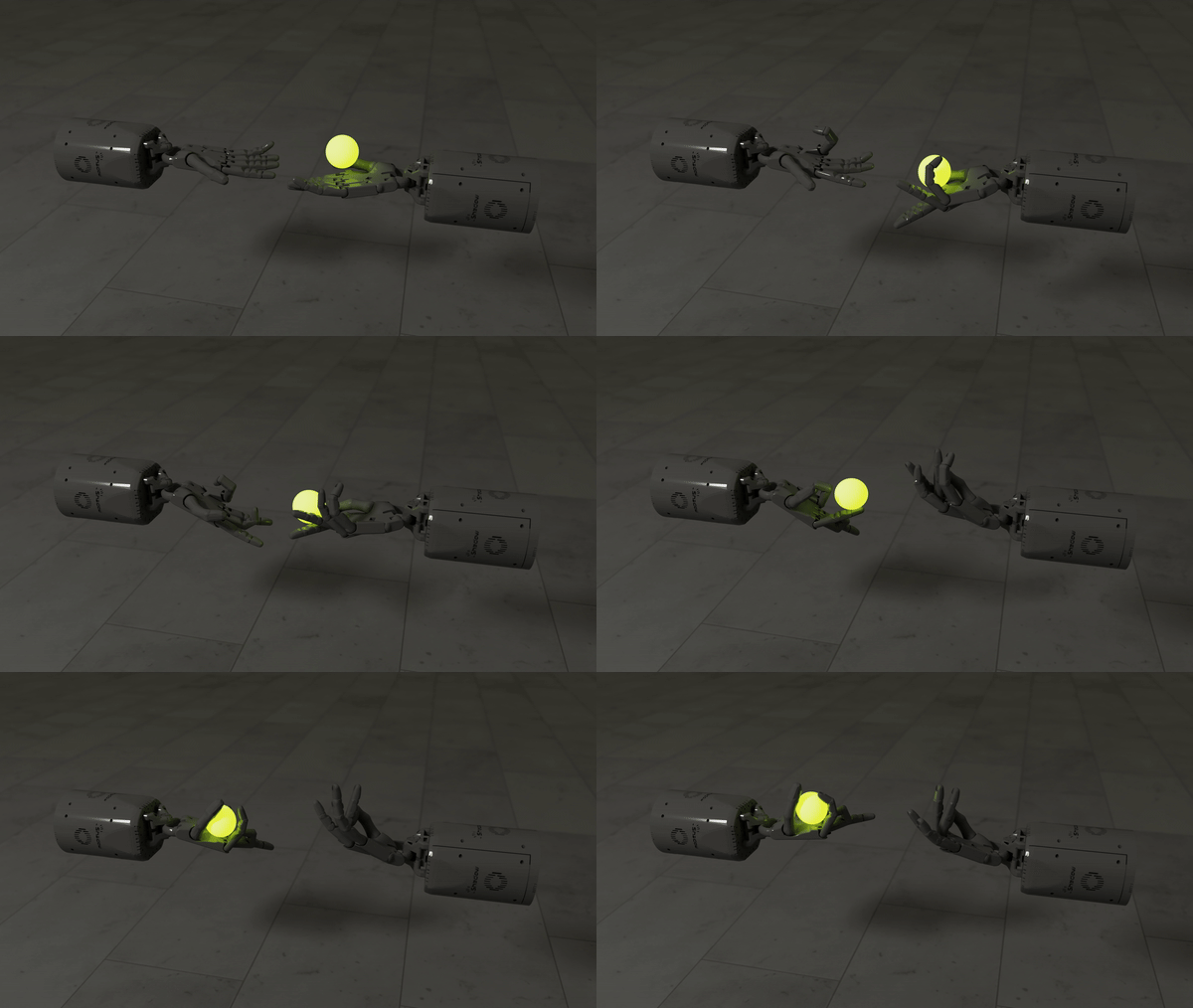
**Getting Started With Isaac Lab**
Dive into reinforcement learning and GPU-accelerated training. Understand how NVIDIA Isaac Lab trains thousands of robots in parallel, achieving convergence in hours instead of days.
**Level:** Intermediate
\\\\
**Time:** 3-4 hours
\\\\
**Key Skills:** Reinforcement learning, GPU acceleration, policy training
[Start Learning](https://docs.nvidia.com/learning/physical-ai/getting-started-with-isaac-lab/latest/index.html)

**Getting Started With Isaac ROS**
Accelerate ROS 2 development with NVIDIA Isaac ROS GEMs and NITROS for production-grade perception and navigation systems. Deploy AI policies on real hardware with real-time constraints.
**Level:** Intermediate
\\\\
**Time:** 2-3 hours
\\\\
**Key Skills:** ROS 2, NITROS acceleration, production robotics
[Start Learning](https://docs.nvidia.com/learning/physical-ai/getting-started-with-isaac-ros/latest/index.html)
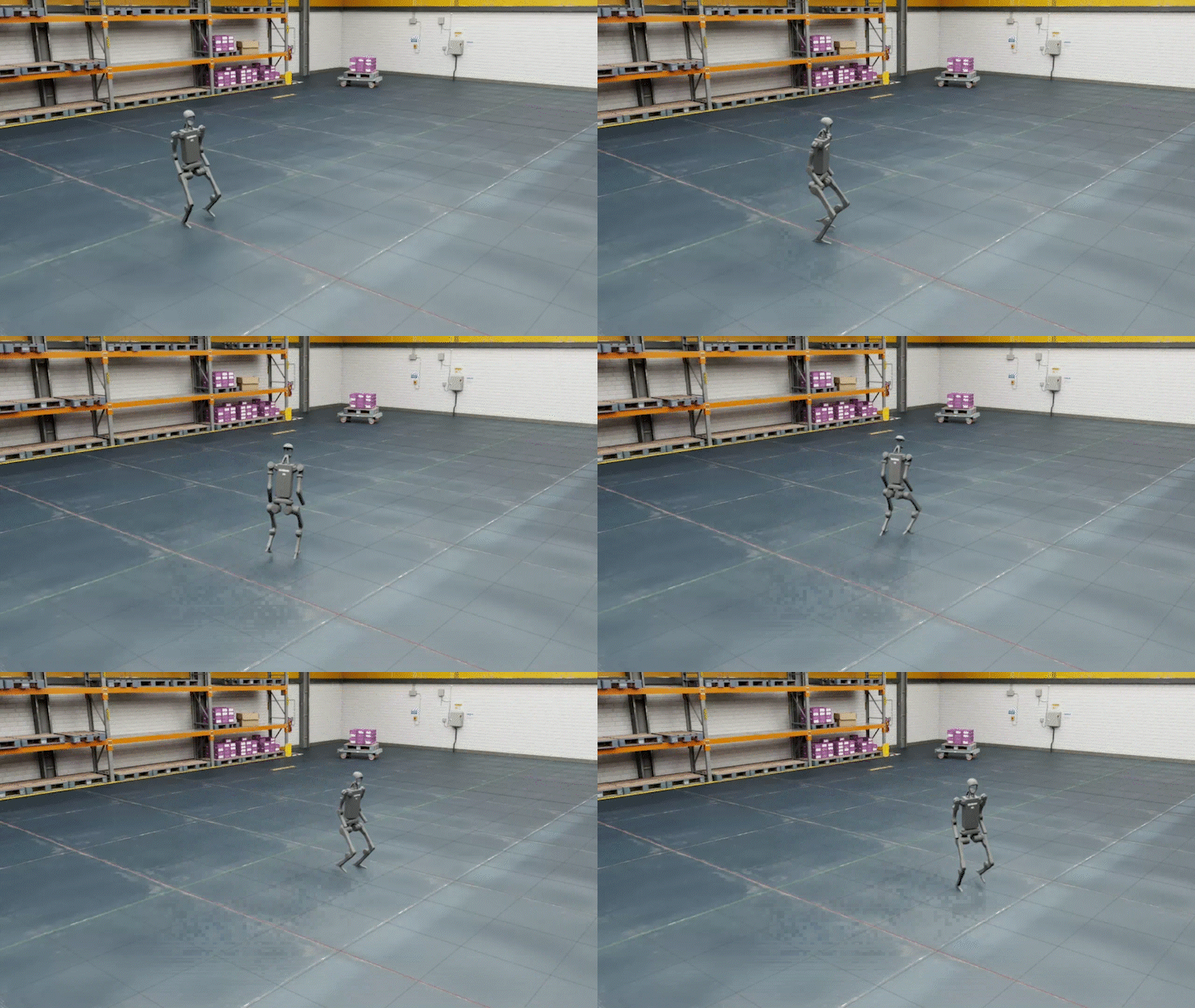
**Going Further With Robotics**
Develop OpenUSD interoperability skills. Convert URDF to USD, optimize robotic assets, and build enterprise-grade digital twins that scale to complex multi-robot systems.
**Level:** Advanced
\\\\
**Time:** 4-5 hours
\\\\
**Key Skills:** USD interoperability, asset optimization, enterprise deployment
[Start Learning](https://docs.nvidia.com/learning/physical-ai/going-further-with-robotics/latest/index.html)

**Getting Started With Isaac for Healthcare**
Explore robotics applications in healthcare environments. Learn safety-critical system design, regulatory considerations, and healthcare-specific sensor integration approaches.
**Level:** Intermediate
\\\\
**Time:** 3-4 hours
\\\\
**Key Skills:** Healthcare-specific robotics, safety protocols, domain adaptation
[Start Learning](https://docs.nvidia.com/learning/physical-ai/getting-started-with-isaac-for-healthcare/latest/index.html)

**Learn OpenUSD**
Explore Universal Scene Description (USD) for complex 3D workflows. This free curriculum covers asset structure, composition arcs, and pipeline development—preparing you for [OpenUSD certification](https://www.nvidia.com/en-us/learn/certification/openusd-development-professional/).
**Level:** Beginner to Advanced
\\\\
**Format:** Self-paced, open-source
\\\\
**Key Skills:** USD fundamentals, asset modularity, data exchange
[Start Learning](https://docs.nvidia.com/learn-openusd/latest/index.html)
---
### Get Compute Access With NVIDIA Brev
Don’t have access to a local GPU? Get started immediately with Brev — instant access to cloud-based development environments preconfigured for NVIDIA Isaac Sim™, Omniverse™, and physical AI workflows.
**[Kit App Template Launchable](https://brev.nvidia.com/org/org-2xPtAHe7sr2KjqYj6Wu64nmkZG8/launchables)**
Build custom Omniverse applications using Kit libraries and APIs.
**[Isaac Launchable](https://brev.nvidia.com/launchable/deploy/now?launchableID=env-35JP2ywERLgqtD0b0MIeK1HnF46)**
Run Isaac™ Lab and Isaac Sim in the cloud, no local install required.
---
## FAQs
### What if I don’t have background in AI or robotics?
These courses are designed for learners at various levels. Start with [Building Your First Robot in Isaac Sim](https://docs.nvidia.com/learning/physical-ai/getting-started-with-isaac-sim/latest/index.html) — it assumes no prior experience and builds foundational concepts.
### Is OpenUSD required for all courses?
OpenUSD is essential for digital twin and industrial automation projects. For other courses, it’s helpful but not strictly necessary. However, we recommend exploring [Learn OpenUSD](https://docs.nvidia.com/learn-openusd/latest/index.html) to understand the standards underlying modern 3D workflows.