Understanding Predictive Query
This Kumo Studio information is prerelease and is not yet supported. Stay tuned for the Docker and Kubernetes releases.
What is a Predictive Query?
A Predictive Query is a declarative syntax that defines a predictive modeling task in Kumo. It specifies the target variable to predict and the data context for training.
Kumo uses Predictive Query Language (PQL), a SQL-like syntax, to automate the ML pipeline, including feature engineering, training table generation, and model training.
Creating a Predictive Query
To train a model in Kumo:
-
Navigate to New > Model from the side menu.
-
On the Model Training page, enter a Model Name and optional Description.
-
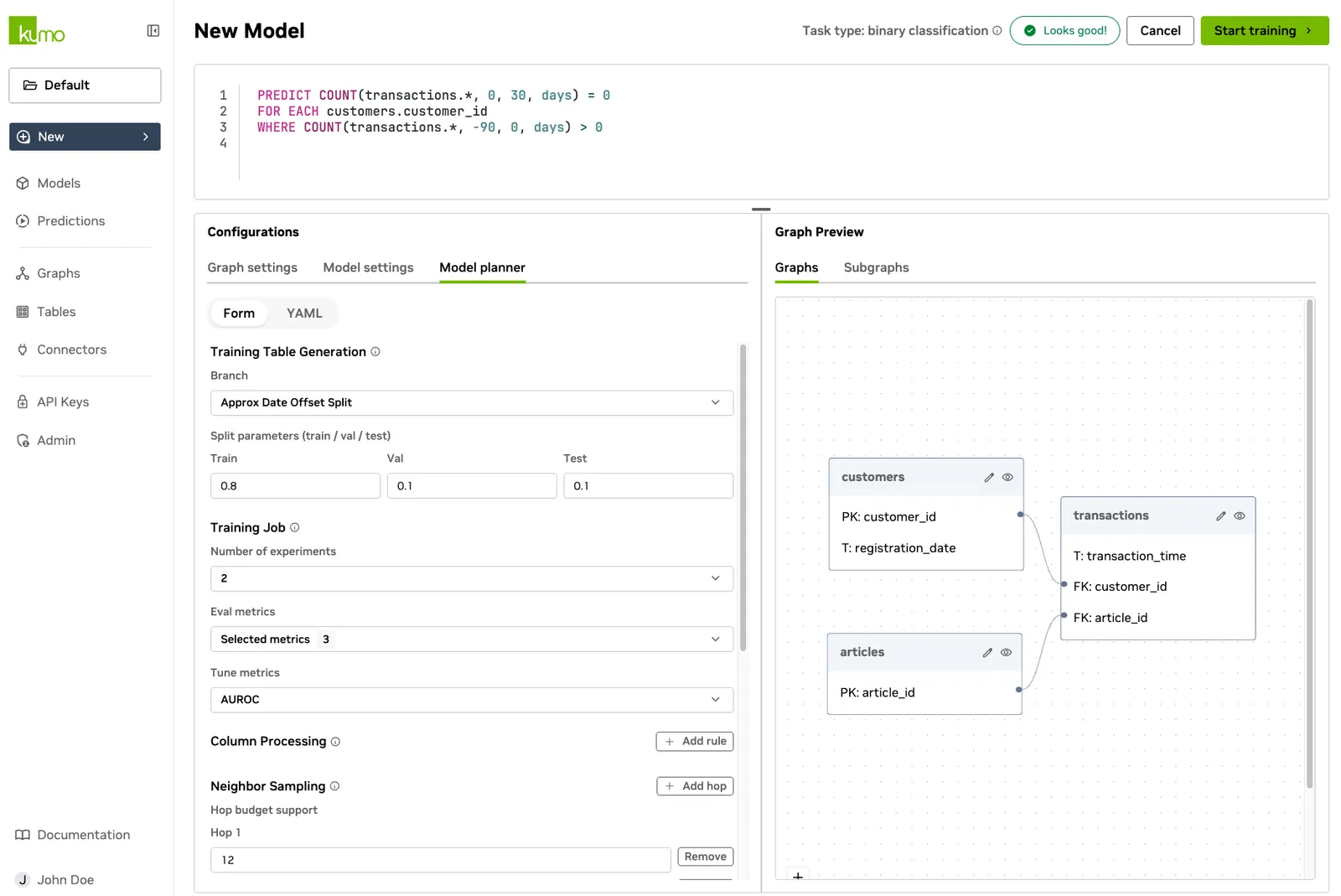
Select a Graph from your previously created graphs. After a graph is selected, its structure and linkages appear on the right side for reference.
-
Write your Predictive Query (PQL) in the text area.
Example PQL
Model Settings
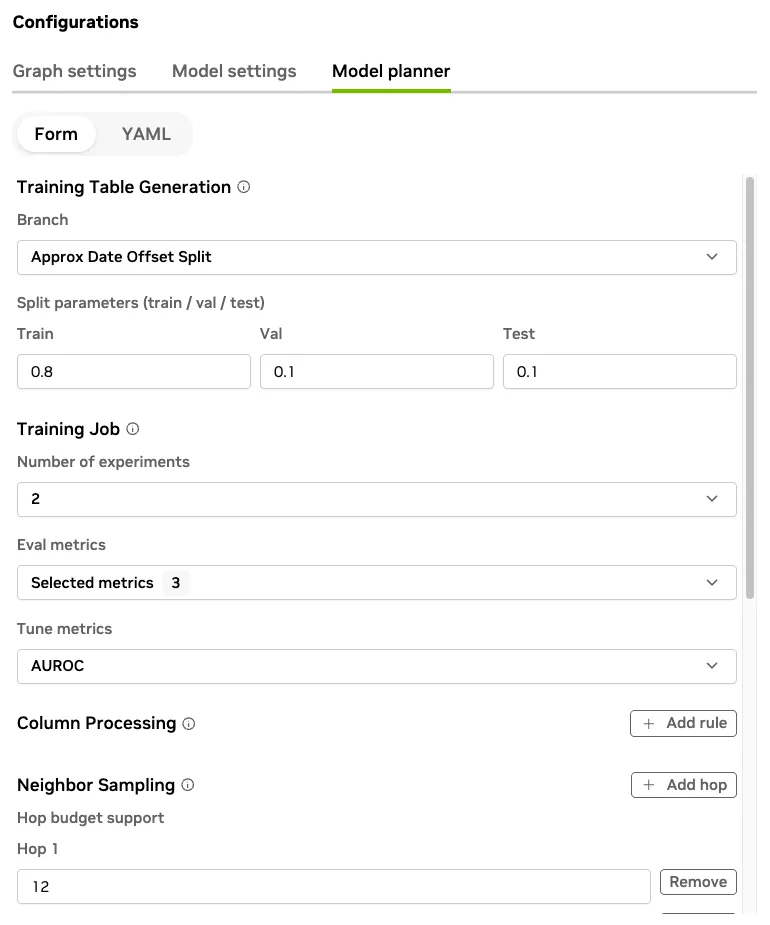
Before training, you can configure advanced model settings to:
-
Configure baseline and run mode.
-
Adjust hyperparameters in the model plan.
-
Modify training table generation settings.
By default, Kumo optimizes the model automatically. Use advanced settings to customize these defaults.