Obtaining an entitlement certificate
Follow the guidance below to edit your cluster subscription setting and obtain the entitlement.
#. Navigate to https://access.redhat.com/management/systems/` and click New. Log in to access.redhat.com .
Fill “Virtual Server”, “x86_64”, 1 core, RHEL 8, and click Create.
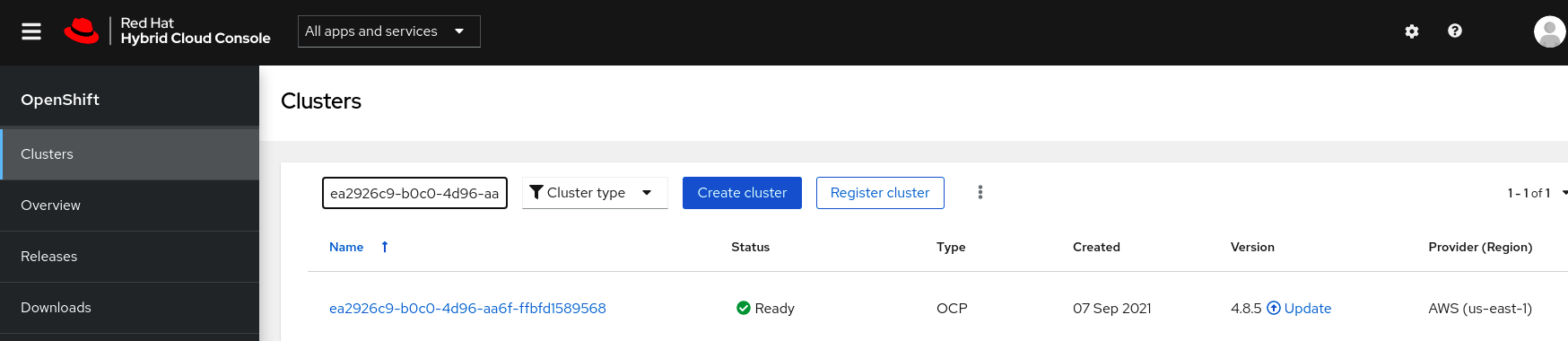
Go to the “Subscription” page and click “Attach Subscriptions”r.
Search for “Red Hat Developer Subscription” [content here may vary according to accounts], tick one of them and click “Attach Subscriptions”.
Click “Download Certificates”
Download and extract the file.
Extract the key from “consumer_export.zip/export/entitlement_certificates/<key>.pem” and test it with this command: