Endpoint
Learn how to create and use endpoints on DGX Cloud Lepton for AI model deployment.
An Endpoint is a running instance of an AI model that exposes an HTTP server.
DGX Cloud Lepton lets you deploy AI models as endpoints, making them accessible via high-performance, scalable REST APIs.
Create an Endpoint
Navigate to the create LLM endpoint page.
Select vLLM as the LLM engine, and load a model from Hugging Face in the Model section. In this case, we will use the nvidia/Nemotron-Research-Reasoning-Qwen-1.5B model.
Then, in the Resource section, select the node group and your desired resource shape. In this case, use H100-80GB-HBM3 x 1 from node group h100.
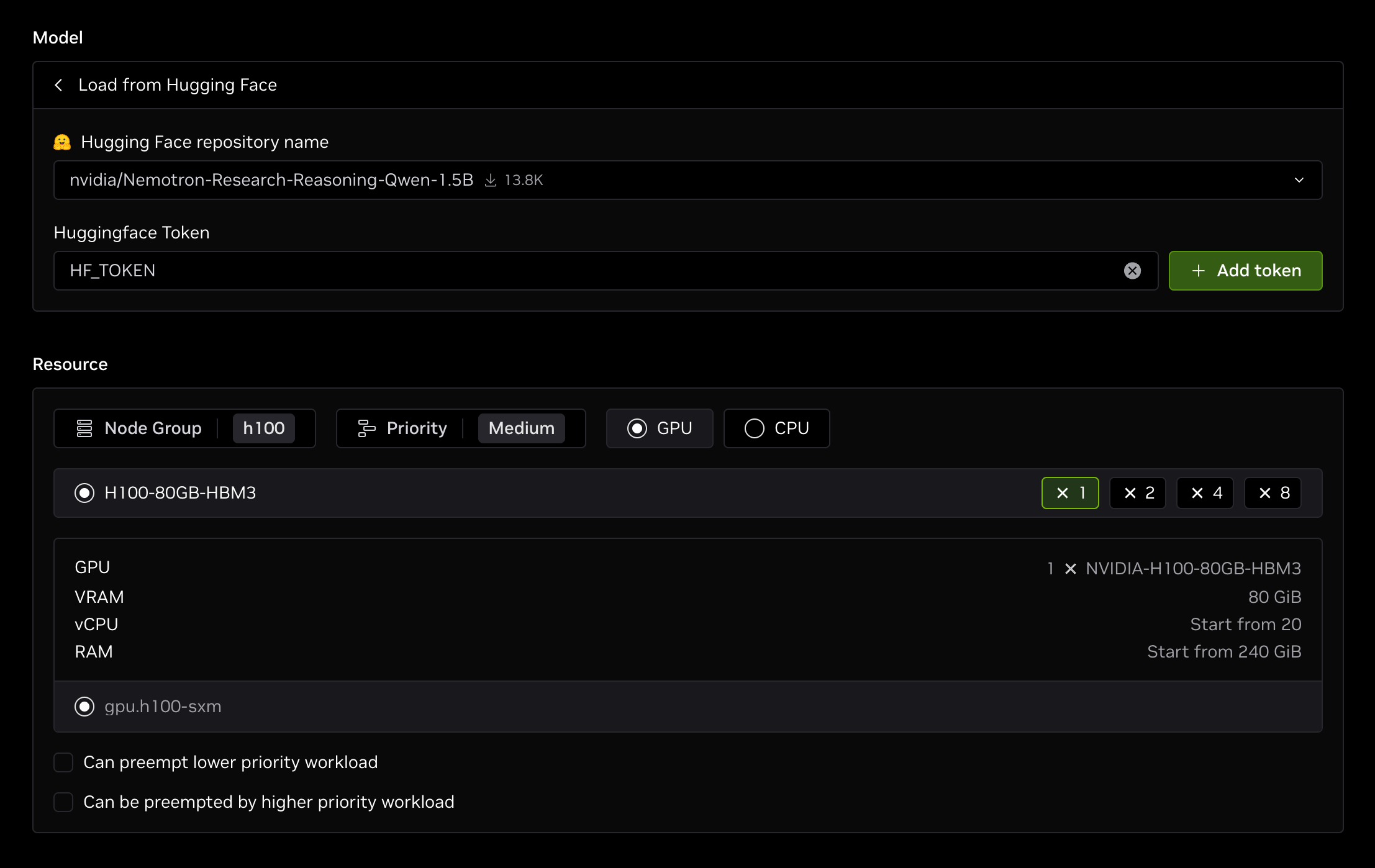
Click Create to deploy an endpoint that:
- Uses one H100 GPU from node group
h100 - Deploys the
nvidia/Nemotron-Research-Reasoning-Qwen-1.5Bmodel with vLLM
You need to have a node group with available nodes in your workspace first.
Use the Endpoint
By default, the endpoint is public and can be accessed by anyone with the URL. Refer to the endpoint configurations for managing endpoint access control.
Playground
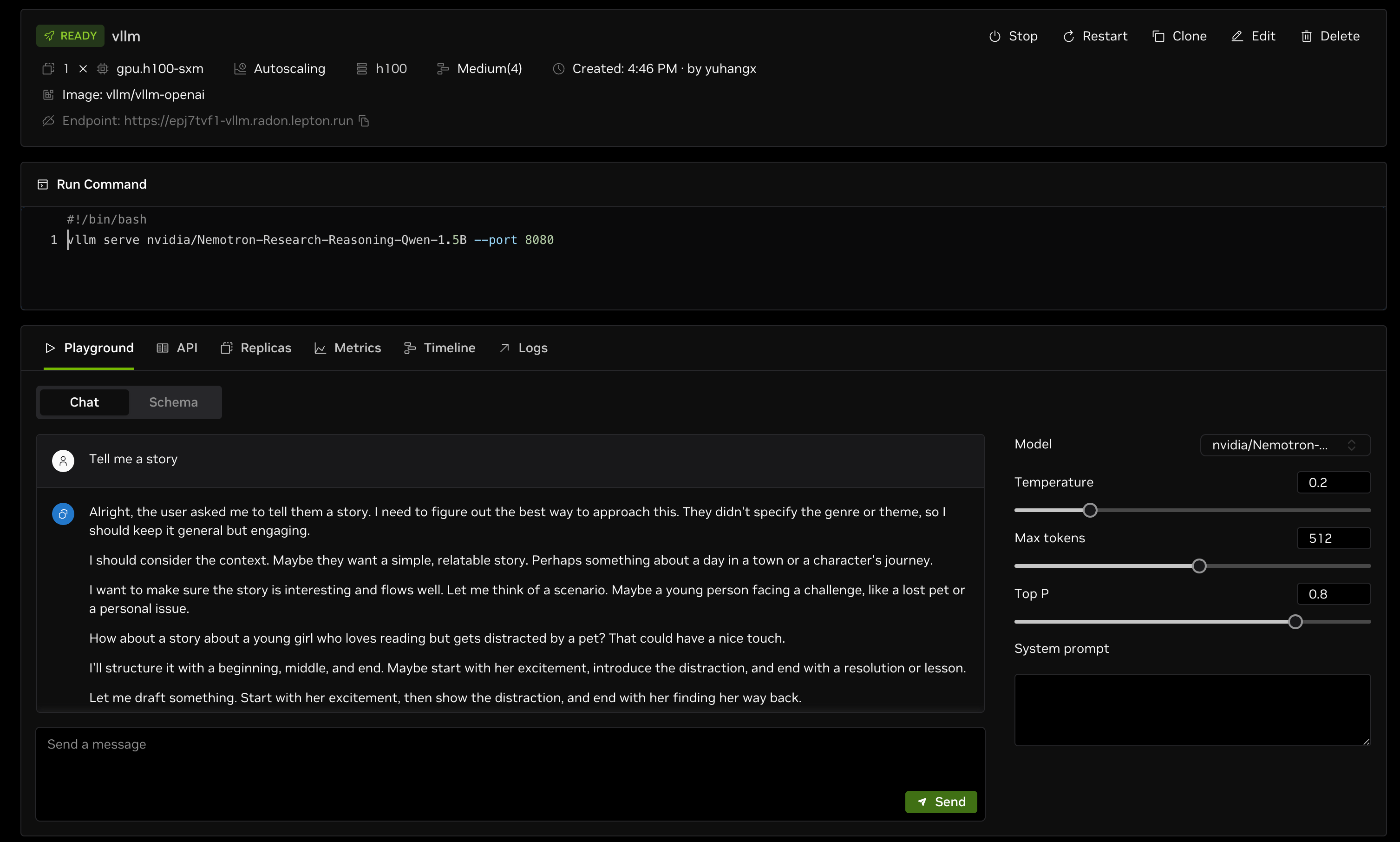
After the endpoint is created, the endpoint details page shows a chat playground where you can interact with the deployed model.
API Request
You can also use the endpoint URL to make API requests. Go to the API tab on the endpoint details page for details.
For example, you can use the following command to list the available models in the endpoint.
Next Steps
For more information about endpoints, refer to the following: