

Uninstallation#
This section describes how to uninstall the previous setup, in the case that some of the components are broken; or a fresh re-install is needed.
Run the
cm-kubernetes-setupcommand as root user on the BCM headnode.root@pdx-289-bcm-01:# cm-kubernetes-setup
Figure 45 Running cm-kubernetes-setup on the BCM head node, connecting to CMDaemon#
Wizard screen.
a. Select Uninstall, and click OK.
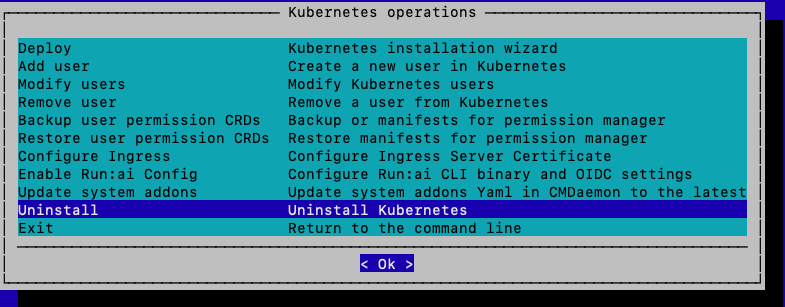
Figure 46 Wizard screen with Uninstall option selected#
Choosing the cluster.
a. Toggle the cluster we want to uninstall, and click OK.
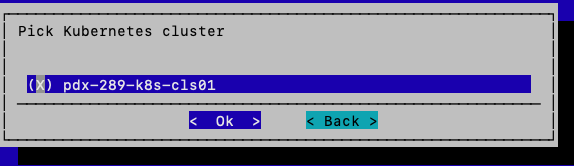
Figure 47 Cluster selection screen showing the cluster to be uninstalled#
Confirming the cluster.
a. Toggle yes, and click OK.

Figure 48 Cluster uninstallation confirmation screen#
Uninstall finished.
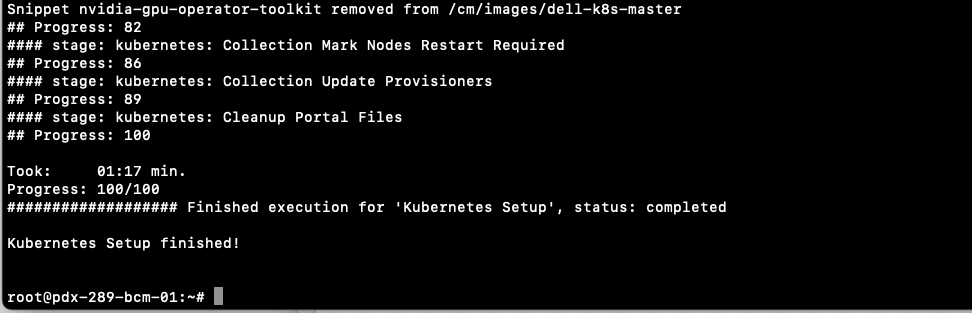
Figure 49 Uninstallation complete screen#
Rebooting the nodes.
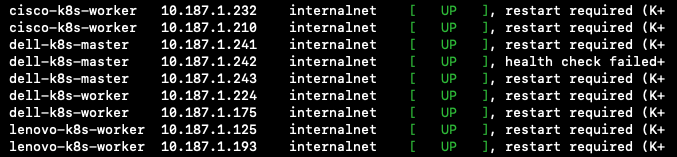
Figure 50 Node reboot progress screen#

Figure 51 Node reboot completion output#