
Physical AI Learning#
Start building autonomous robots, digital twins, and AI-powered systems with free, self-paced courses from NVIDIA.
Choose a course below to begin your physical AI journey.
What is physical AI?
Physical AI brings AI into systems that perceive, reason about, and act in the physical world, including robots, cameras, autonomous machines, and smart spaces. These courses build the stack behind that work: OpenUSD data workflows, Omniverse digital twins, Isaac Sim simulation, Isaac Lab policy training, Isaac ROS deployment, and sim-to-real robotics.
Course finder
Find your next course
Courses#
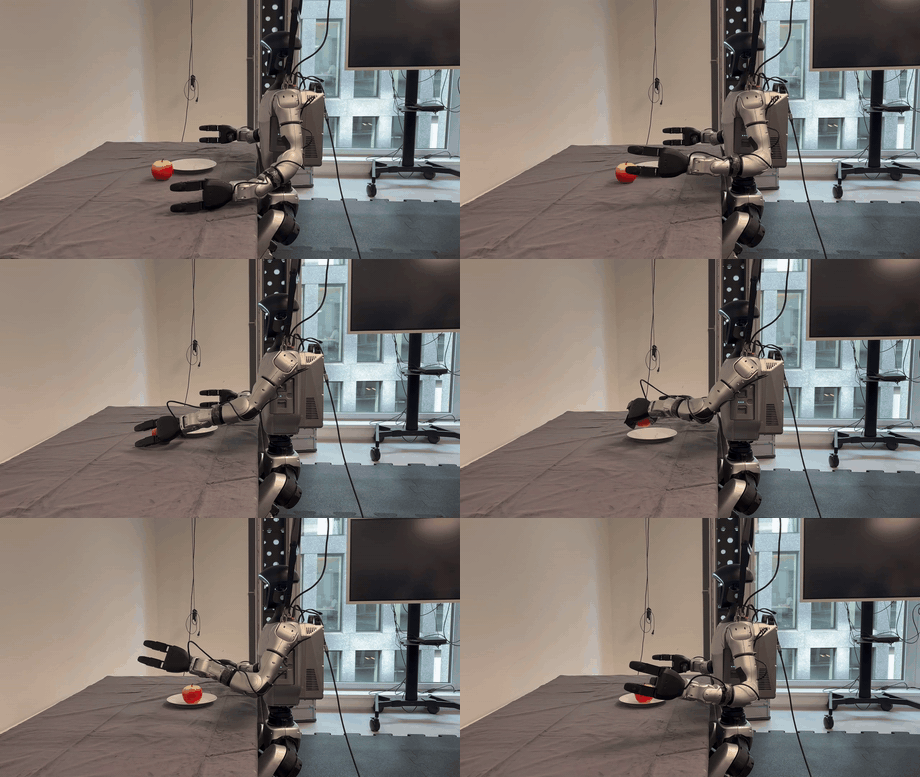
How to Develop and Deploy Humanoid Robots End-to-End With NVIDIA Isaac GR00T and Unitree G1
This course introduces the GR00T reference workflow: a validated, open, and reproducible sim-first to deployment workflow for the Unitree G1 humanoid robot.
Level: Intermediate
Time: 4-12 hours
Key Skills: NVIDIA Isaac GR00T, Isaac Lab-Arena, Isaac Teleop, Isaac ROS, Jetson Thor, Unitree G1
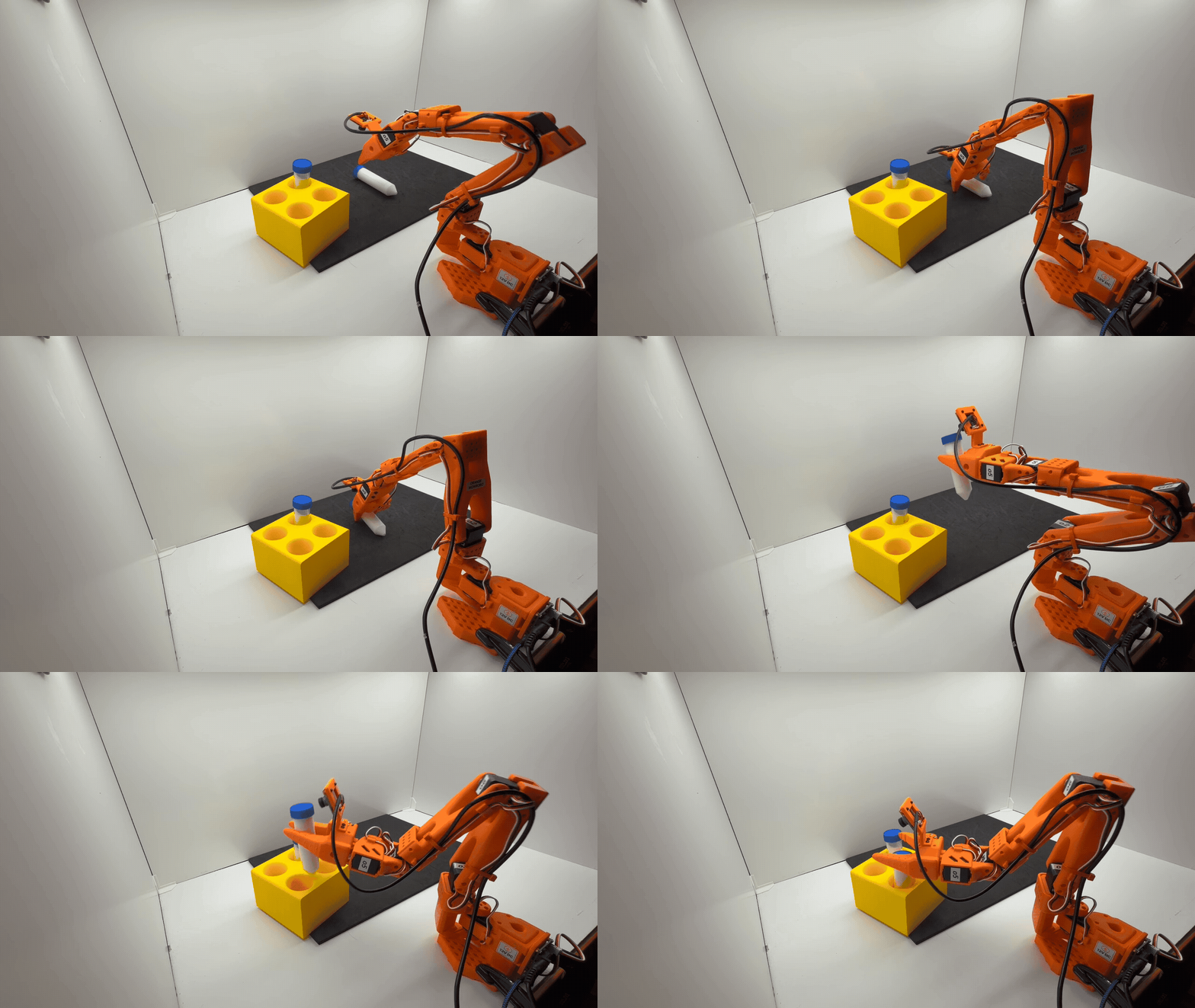
Train an SO-101 Robot From Sim-to-Real With NVIDIA Isaac
Explore a complete sim-to-real workflow using the SO-101 arm and an affordable physical workspace you can build yourself. Configure and calibrate the robot, then perform demonstrations to post-train a GR00T policy for centrifuge vial pick-and-place. Evaluate with Isaac Lab and deploy to real hardware, applying four strategies to help close the sim-to-real gap.
Level: Intermediate
Time: 6-10 hours
Key Skills: NVIDIA Isaac Lab, NVIDIA GR00T, LeRobot by Hugging Face, Cosmos, sim-to-real transfer principles
Partner Content
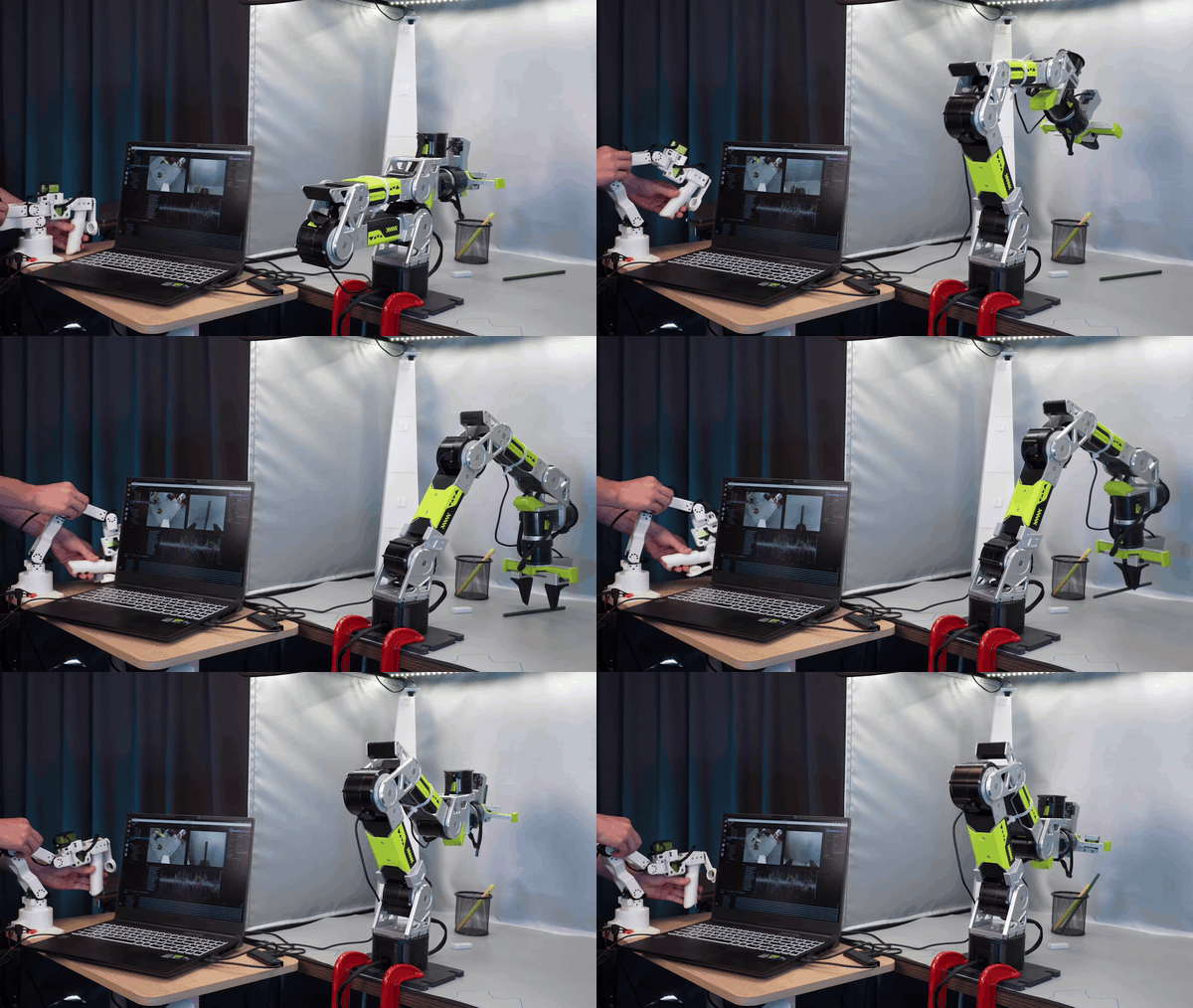
Learning Physical AI: A Sim-to-Real VLA Pipeline With Seeed reBot Arm and NVIDIA Isaac
An end-to-end, hands-on curriculum for Physical AI, guiding developers through Hugging Face LeRobot teleoperation with the reBot robotic arm, NVIDIA Isaac Sim digital twin emulation, Cosmos Transfer scene augmentation, Isaac GR00T VLA fine-tuning, and real-time NVIDIA Jetson edge deployment.
Level: Intermediate
Time: 20+ hours
Key Skills: NVIDIA Isaac GR00T, Isaac Sim, LeRobot by Hugging Face, Seeed reBot Arm, Jetson Thor
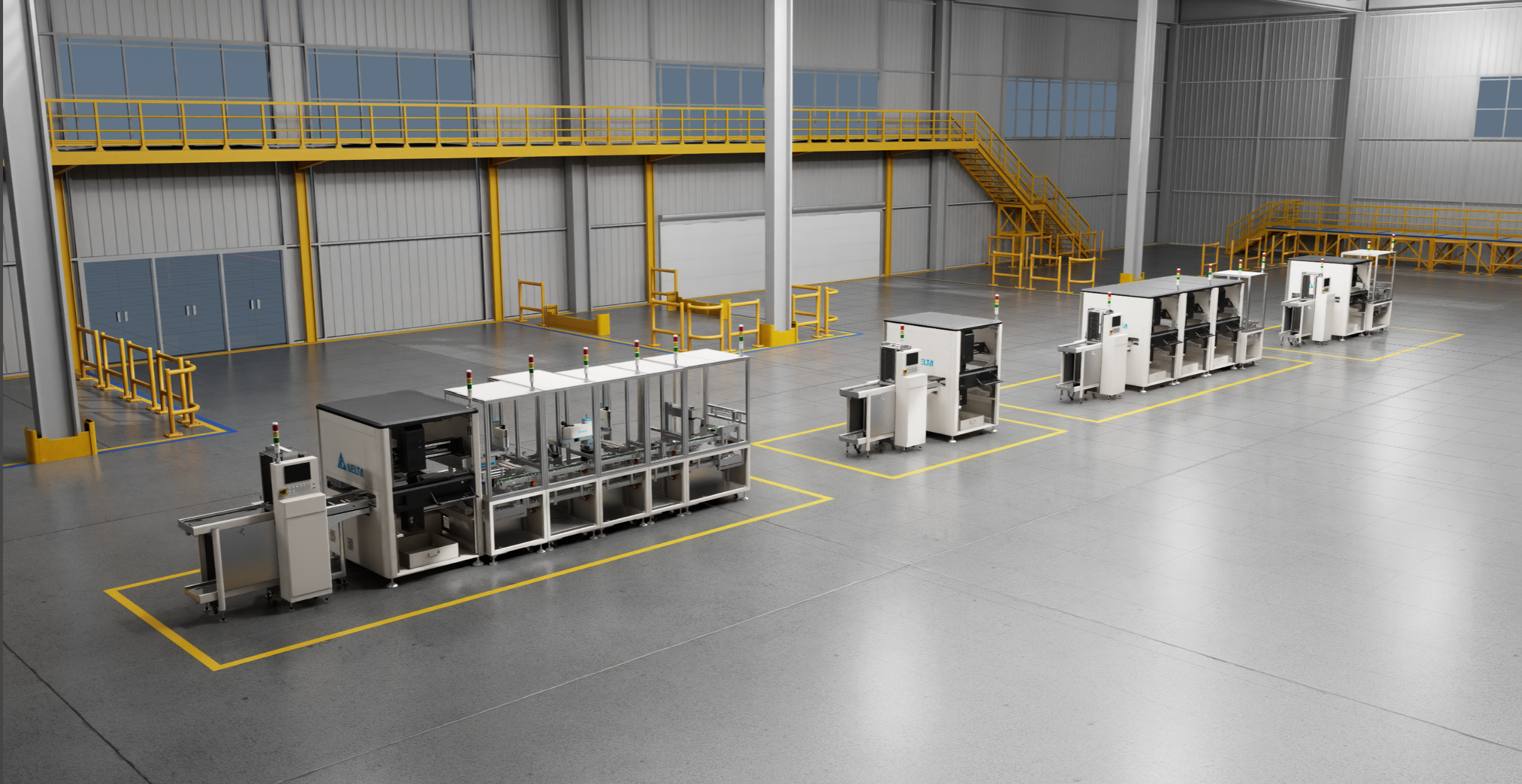
Assembling Digital Twins With Omniverse and OpenUSD
Learn to assemble complex industrial scenes using NVIDIA Omniverse and OpenUSD standards for factories and warehouses. Apply scene composition, asset organization, and collaborative workflows.
Level: Intermediate
Time: 3-4 hours
Key Skills: OpenUSD, scene composition, asset organization, pipeline development
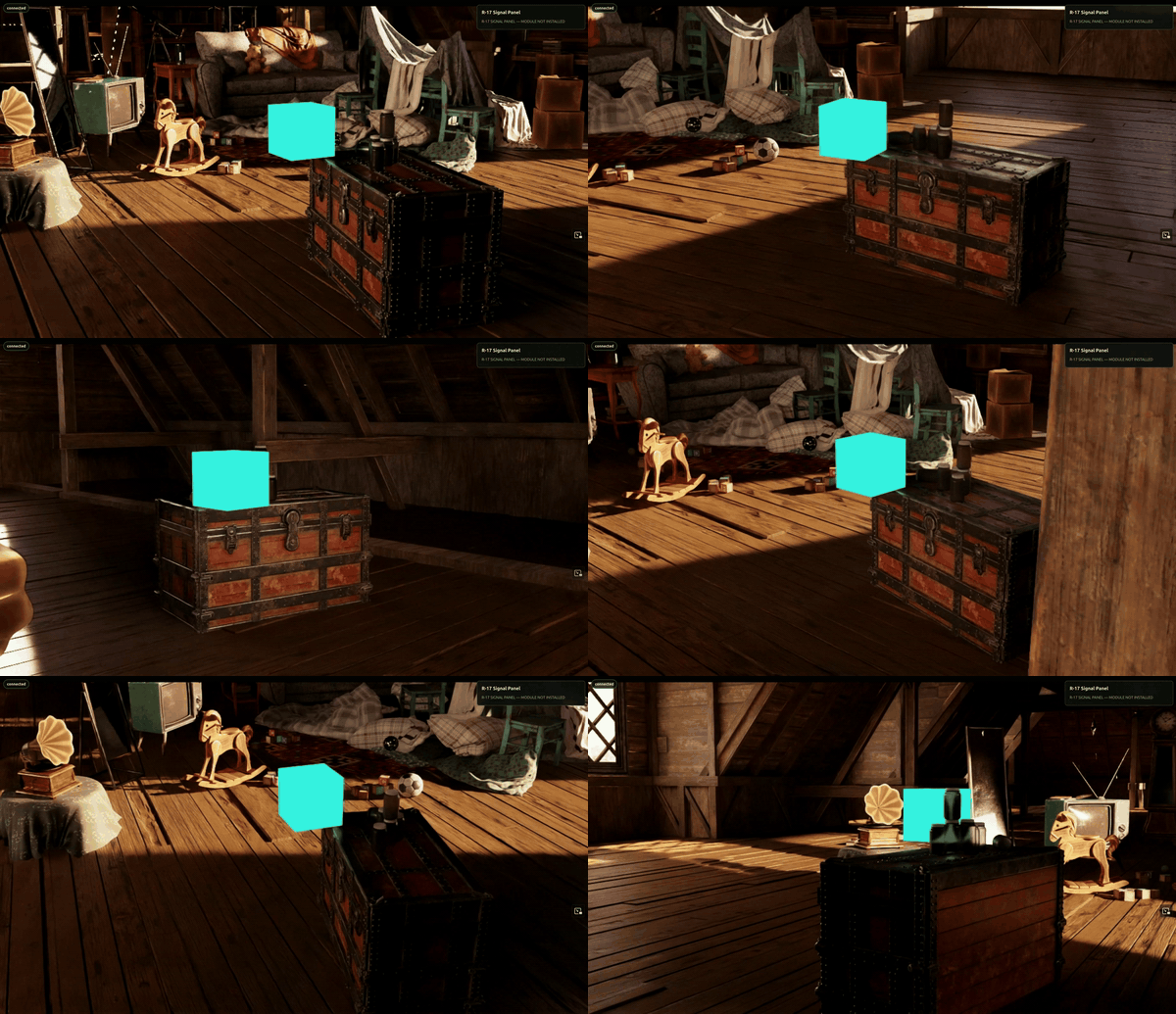
Physical AI Agent Bootcamp
Build practical physical AI workflows one step at a time. Direct an AI coding agent against real NVIDIA SDKs and Omniverse libraries using the Patterned Prompt Method to render OpenUSD scenes, validate SimReady assets, and run real-time physics simulations.
Level: Beginner
Time: Self-paced
Key Skills: AI agent workflows, OpenUSD, RTX rendering, Omniverse Kit libraries, SimReady physics
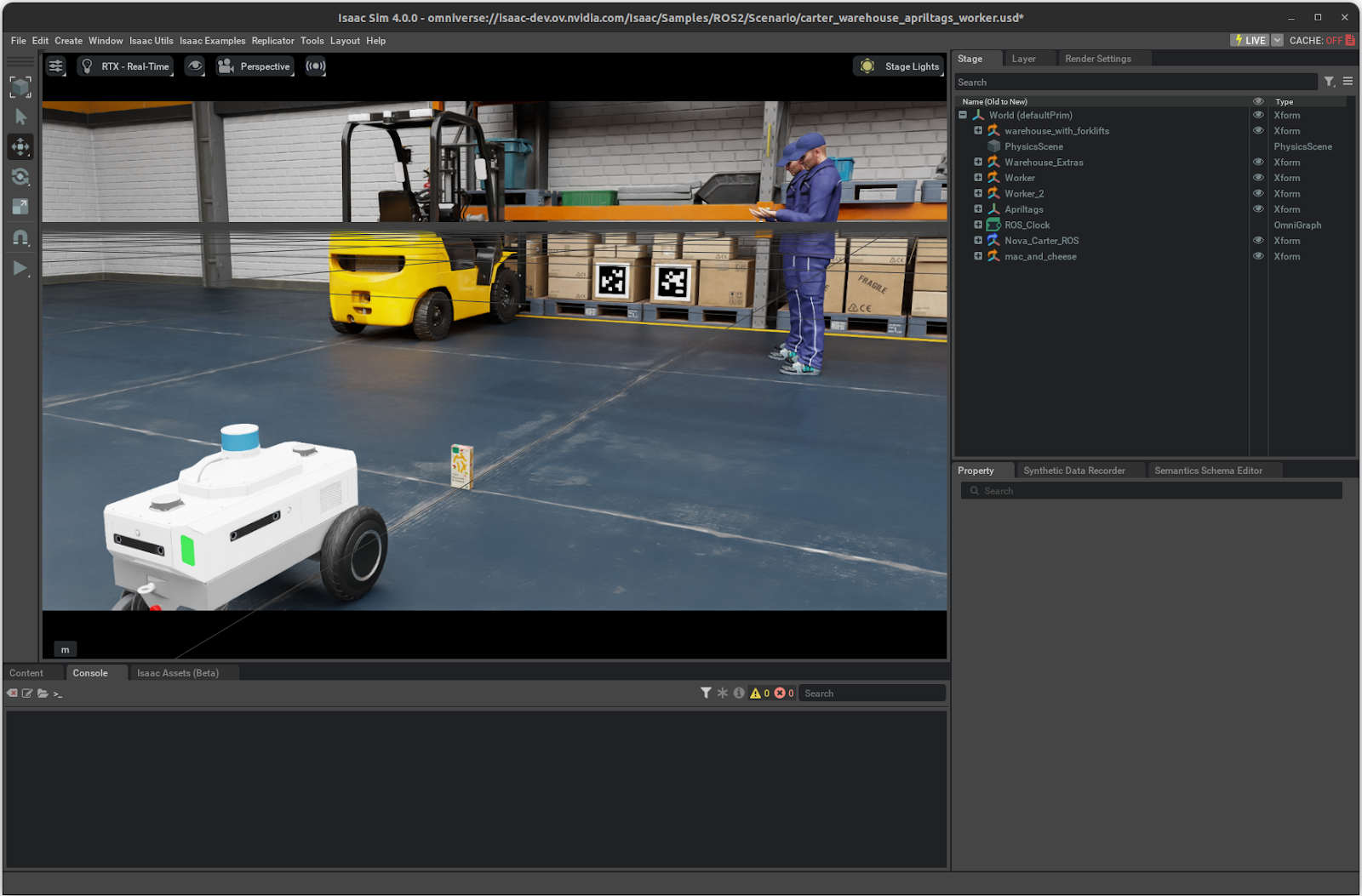
Getting Started With Isaac Sim
Explore the NVIDIA Isaac Sim interface. Build a robot from scratch, configure physics properties, add sensors, and run your first simulation.
Level: Beginner
Time: 2-3 hours
Key Skills: Physics simulation, sensor integration, environment setup
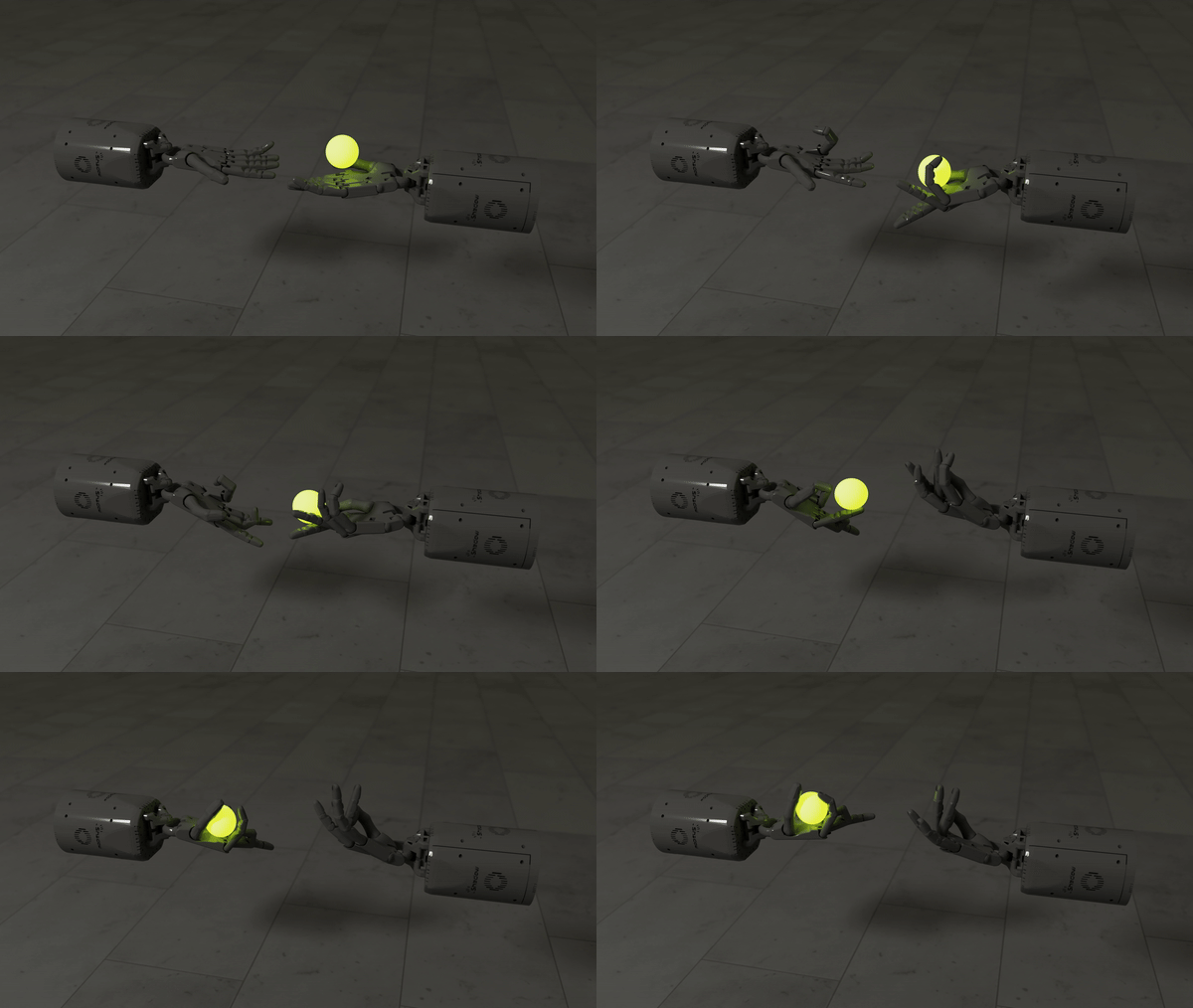
Getting Started With Isaac Lab
Dive into reinforcement learning and GPU-accelerated training. Understand how NVIDIA Isaac Lab trains thousands of robots in parallel, achieving convergence in hours instead of days.
Level: Intermediate
Time: 3-4 hours
Key Skills: Reinforcement learning, GPU acceleration, policy training
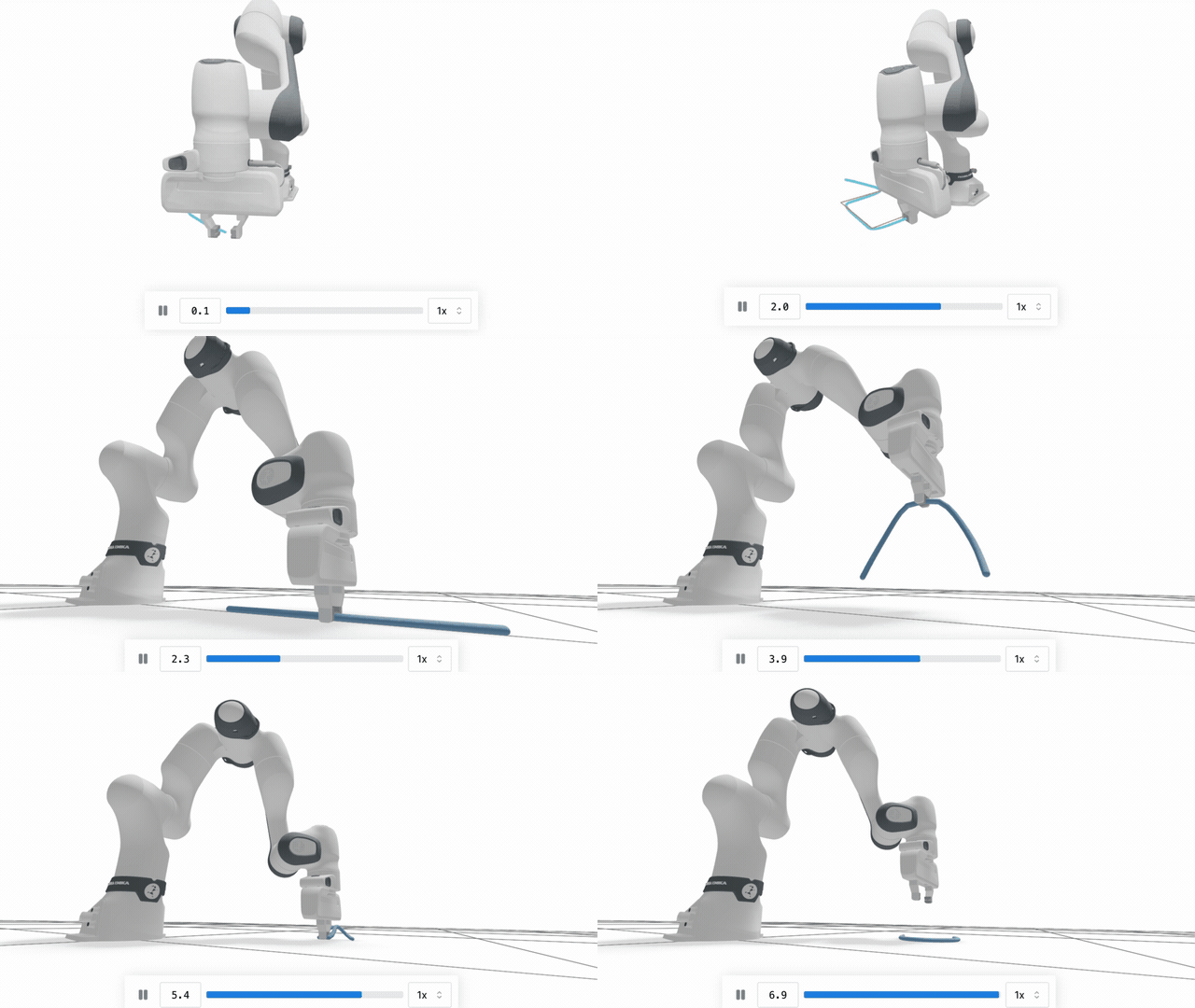
Accelerating Robot Learning With Isaac Lab and Newton
Build GPU-accelerated simulations with Newton physics engine. Control a Franka robot arm, explore inverse kinematics and deformable cable manipulation, then train and play back a reinforcement learning policy in Isaac Lab.
Level: Intermediate
Time: 2 hours
Key Skills: Newton, Isaac Lab, GPU-accelerated physics, inverse kinematics, reinforcement learning
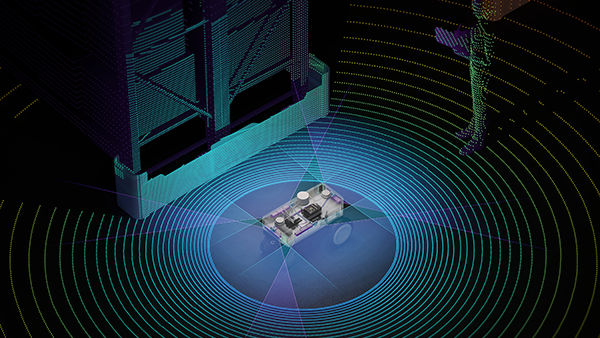
Getting Started With Isaac ROS
Accelerate ROS 2 development with NVIDIA Isaac ROS GEMs and NITROS for production-grade perception and navigation systems. Deploy AI policies on real hardware with real-time constraints.
Level: Intermediate
Time: 2-3 hours
Key Skills: ROS 2, NITROS acceleration, production robotics
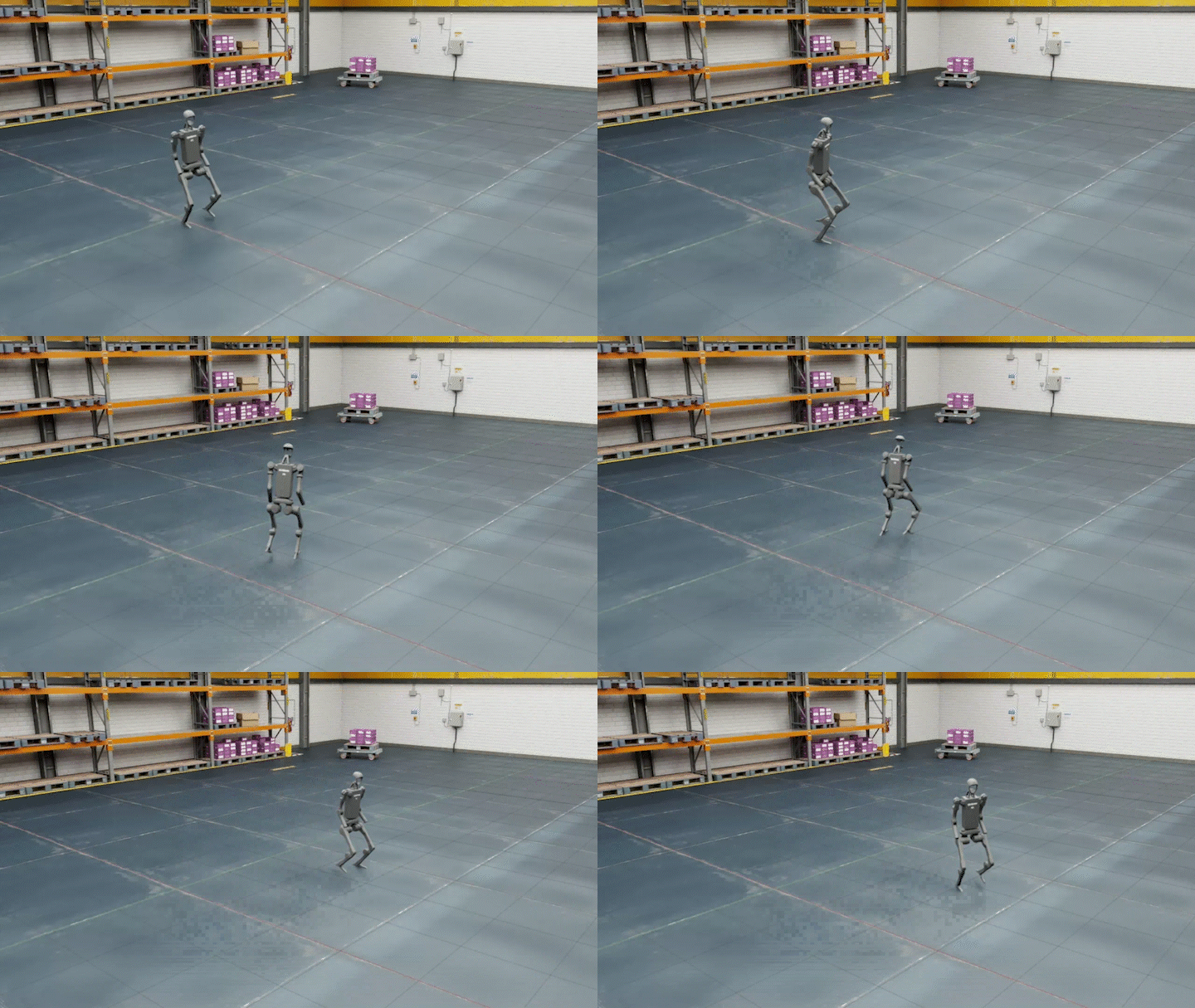
Going Further With Robotics
Develop OpenUSD interoperability skills. Convert URDF to USD, optimize robotic assets, and build enterprise-grade digital twins that scale to complex multi-robot systems.
Level: Advanced
Time: 4-5 hours
Key Skills: USD interoperability, asset optimization, enterprise deployment
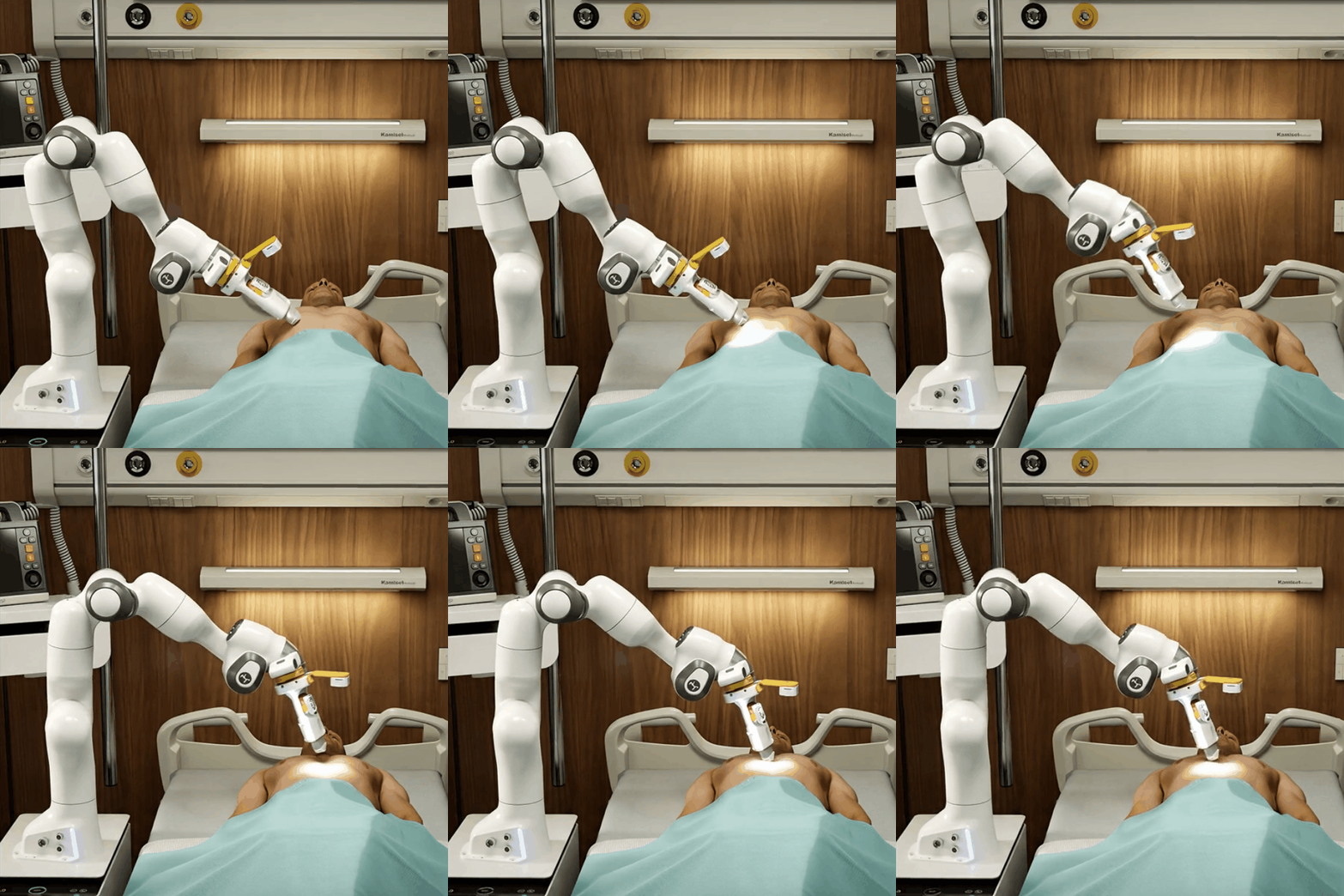
Getting Started With Isaac for Healthcare
Explore robotics applications in healthcare environments. Learn safety-critical system design, regulatory considerations, and healthcare-specific sensor integration approaches.
Level: Intermediate
Time: 3-4 hours
Key Skills: Healthcare-specific robotics, safety protocols, domain adaptation
Learn OpenUSD
Explore Universal Scene Description (USD) for complex 3D workflows. This free curriculum covers asset structure, composition arcs, and pipeline development—preparing you for OpenUSD certification.
Level: Beginner to Advanced
Format: Self-paced, open-source
Key Skills: USD fundamentals, asset modularity, data exchange
Events#
NVIDIA GTC Berlin 2026
Join us October 20–22 for this industry-shaping, three-day AI event that empowers developers, researchers, start-ups, and business leaders to build their ideal AI strategy.
When: October 20–22, 2026
Where: Berlin, Germany
Partner Content
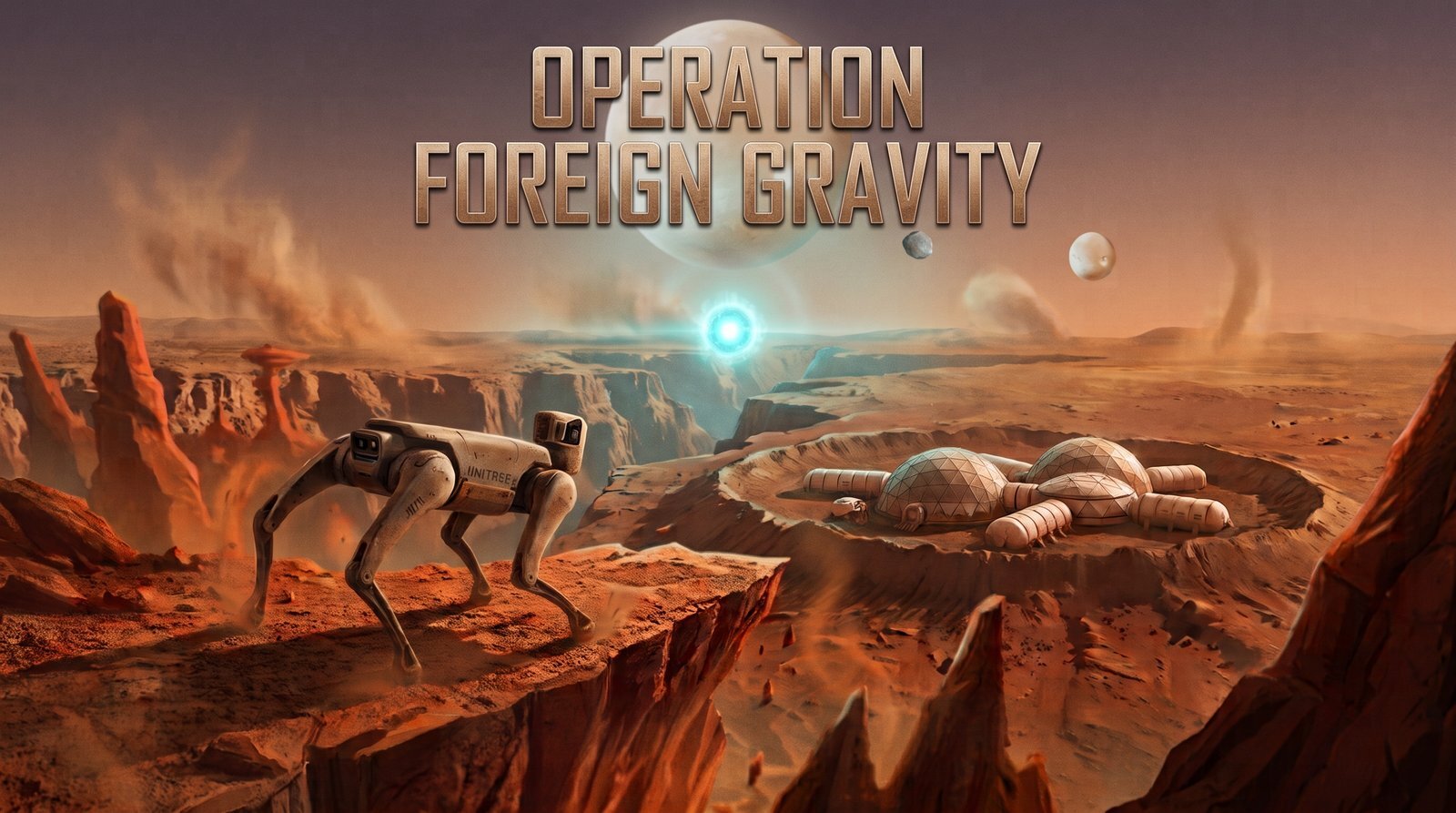
CoreWeave: Operation Foreign Gravity: Let’s Get Physical With AI — Teaching Robots New Skills in Simulation
Experience the complete workflow for adapting a robotic action policy with reinforcement learning. Configure a training strategy, run it on CoreWeave infrastructure, test the resulting policy in simulation, and use Weights & Biases to understand and improve its performance. It’s structured as a competition — teams closest to the success criteria win.
When: October 1, 2026
Where: Moscone Center, as part of CoreWeave’s Fully Connected 2026 conference
Promo Code: physai000
Get Compute Access With NVIDIA Brev
Don’t have access to a local GPU? Get started immediately with Brev — instant access to cloud-based development environments preconfigured for NVIDIA Isaac Sim™, Omniverse™, and physical AI workflows.
Kit App Template Launchable
Build custom Omniverse applications using Kit libraries and APIs.
Isaac Launchable
Run Isaac™ Lab and Isaac Sim in the cloud, no local install required.
Get Certified
Prepare for the NVIDIA OpenUSD Development Professional Certification to validate your skills and stand out in the industry.
FAQs#
What if I don’t have background in AI or robotics?
These courses are designed for learners at various levels. Start with Building Your First Robot in Isaac Sim — it assumes no prior experience and builds foundational concepts.
Is OpenUSD required for all courses?
OpenUSD is essential for digital twin and industrial automation projects. For other courses, it’s helpful but not strictly necessary. However, we recommend exploring Learn OpenUSD to understand the standards underlying modern 3D workflows.