


Main Tab#
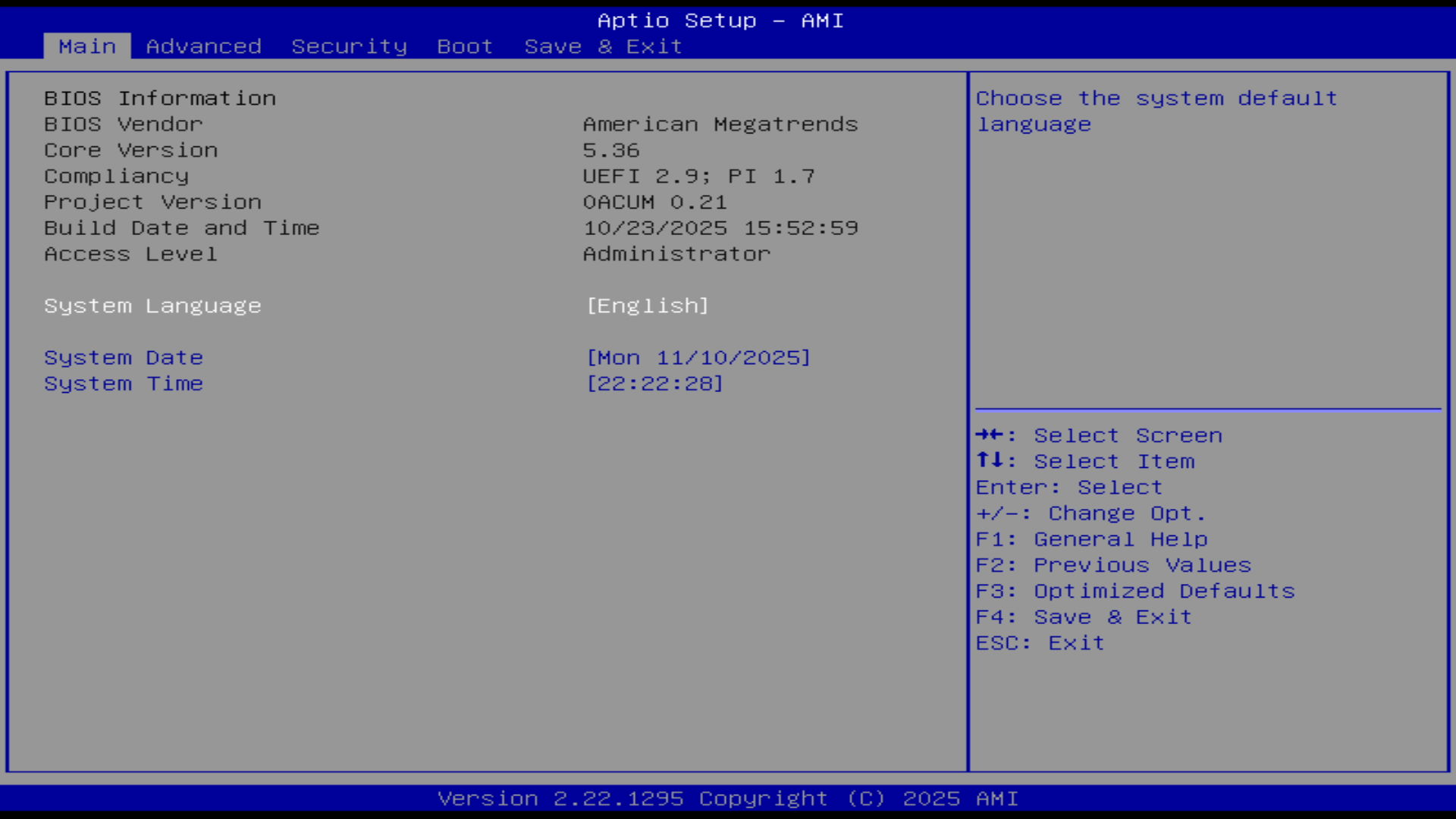
The Main tab provides additional UEFI and system information, and allows you to change the system language and date and time.
System Language#
Currently, only English is supported.
System Date and Time#
Path: Main → System Date or System Time
To change the system date or time:
Highlight System Time or System Date using the Up and Down keys.
Enter the new values using the keyboard.
Use the Tab key or the arrow keys to move between fields.
Enter the date in MM/DD/YYYY format and the time in HH:MM:SS format.