

Signing Up for Fleet Intelligence#
To sign up for Fleet Intelligence, use the NVIDIA Dev Zone sign-up page at https://developer.nvidia.com/fleet-intelligence-service.
Enter your email address when prompted. If you already have an NVIDIA GPU Cloud (NGC) account, sign in. If not, you will be prompted to create one.
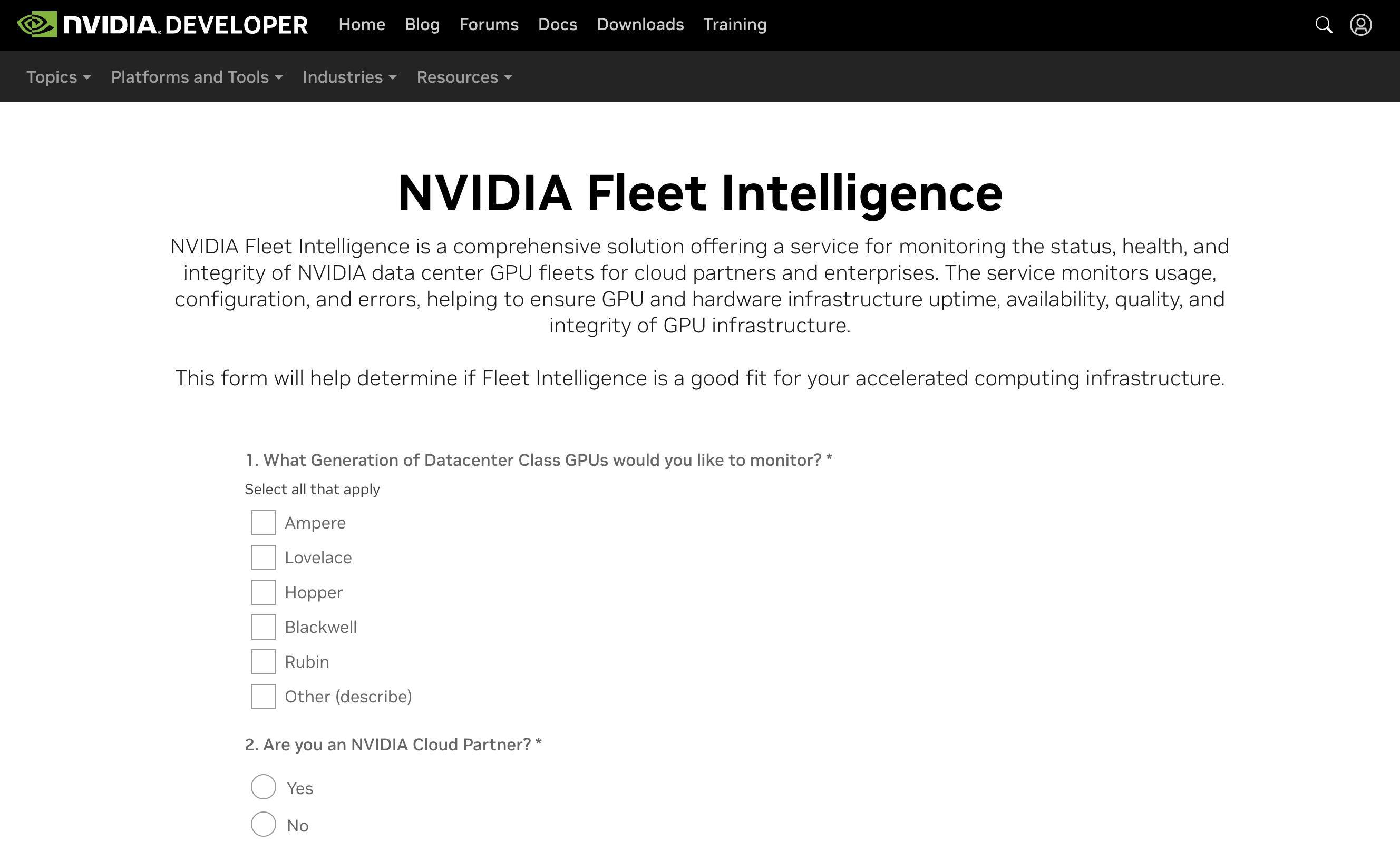
After you log in or create an account, you will see a survey and enrollment application for Fleet Intelligence.
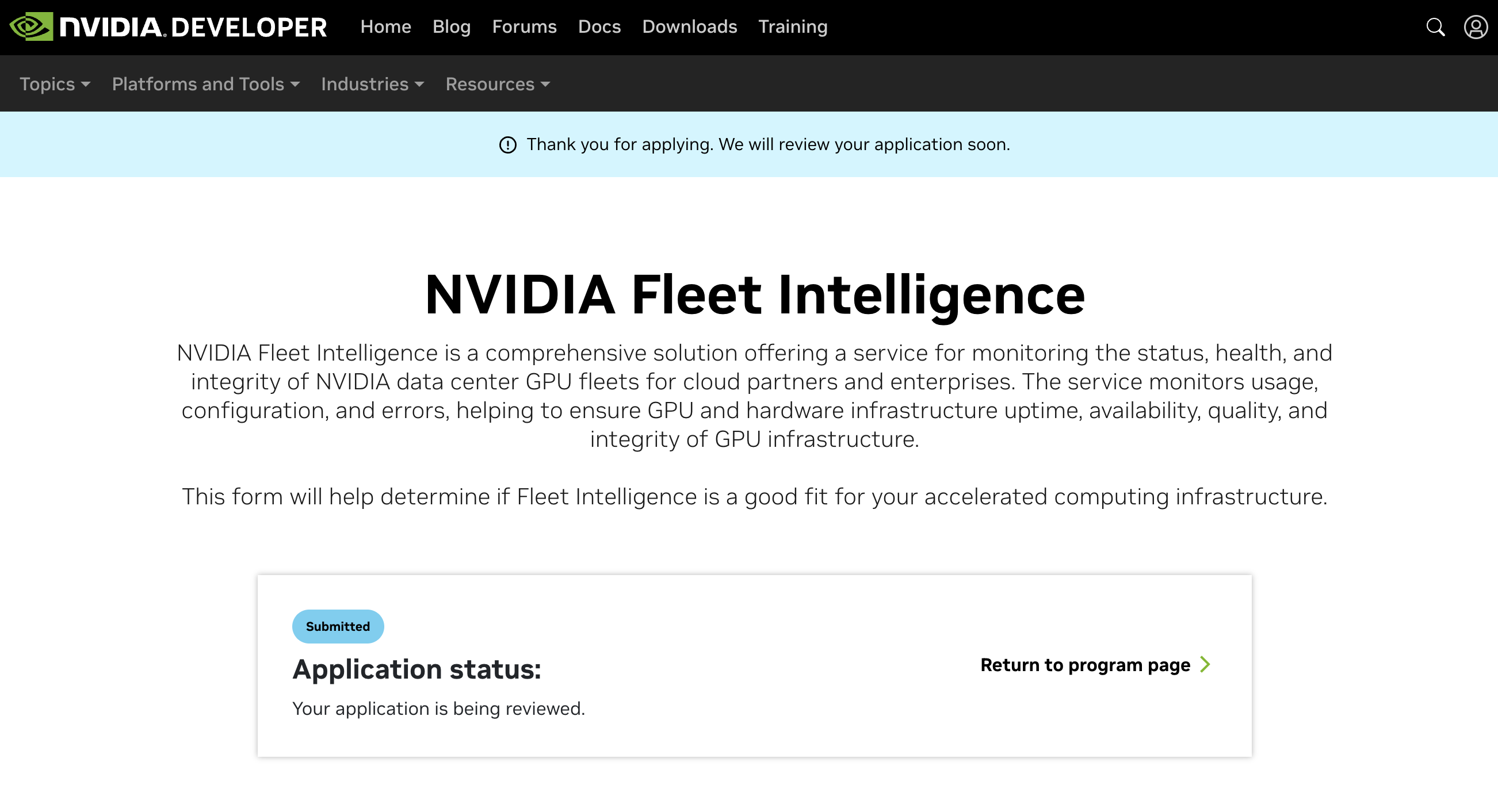
When you finish the survey and enrollment application, you will be redirected to an application status page.
You will receive an email confirming that your application was submitted for review. If your application is approved, you will receive a separate approval email.
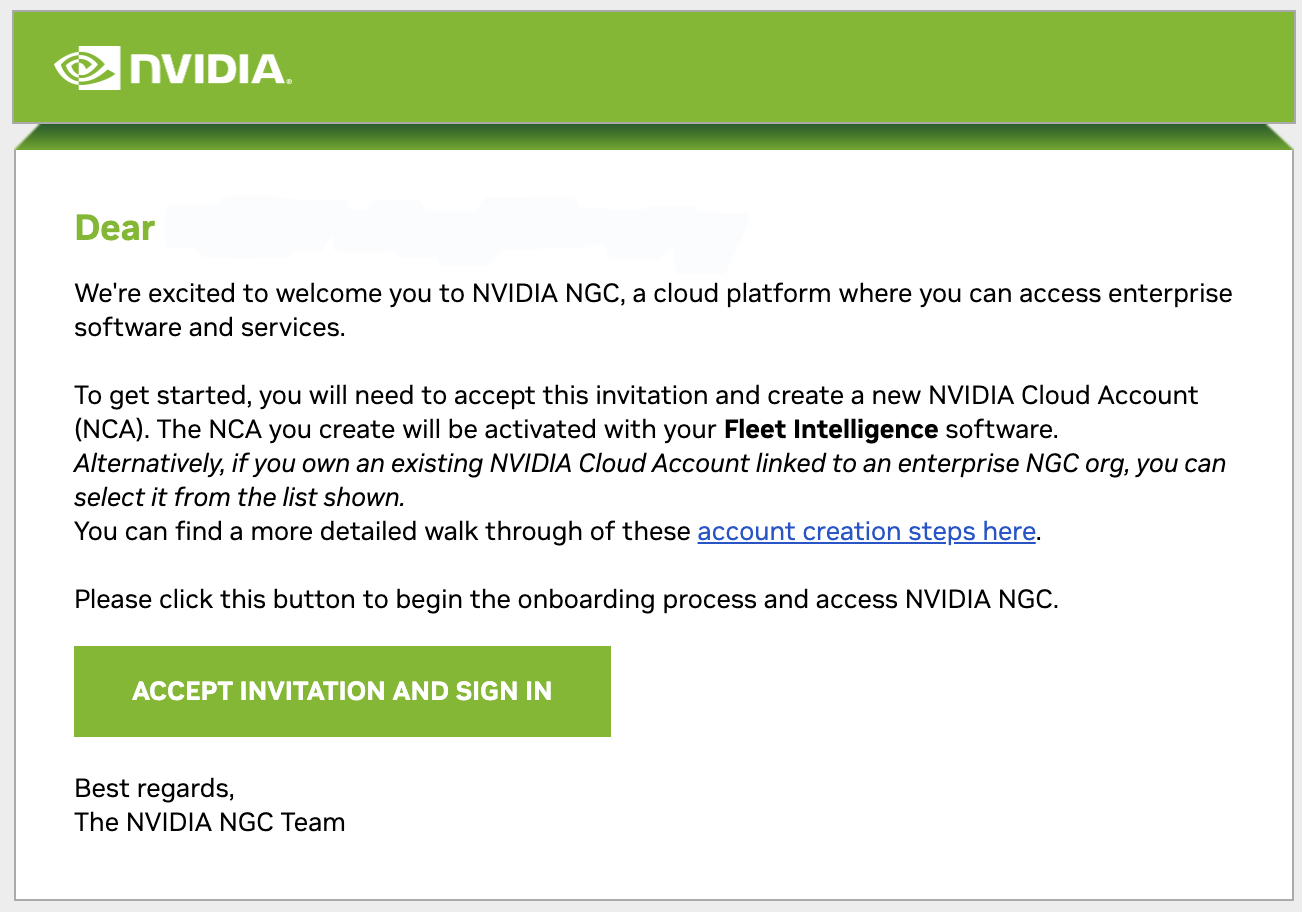
You will also receive an email from NVIDIA GPU Cloud (NGC) titled “Welcome to NVIDIA NGC”. Use this email to finish onboarding for Fleet Intelligence. Click ACCEPT INVITATION AND SIGN IN to complete the process.
Note
You must be the owner of the NGC account to complete onboarding. If you do not have an NGC account that you own, you will be prompted to create one.
Once you are signed in to NGC, you can go to the Fleet Intelligence overview page at https://developer.nvidia.com/fleet-intelligence-service/members for a quick list of resources available (such as Documentation, Agent download, Support Forum).
To access NVIDIA Fleet Intelligence, follow the instructions in the User Interface Guide section.