
AI Workbench Alert System#
Overview#
The Alert System provides notifications when there is a bug, service degradation, or problem with a system dependency that will impact usability but not necessarily disable all use of the application.
- The Alert System is used when the team knows of an issue but needs time to evaluate and fix the issue.
It’s not an update or a fix. It’s a notification that there’s something for you to be aware of and potentiall work around or avoid.
- The alert points you to the NVIDIA Developer Forum for a post with further details.
The post will have an explanation plus any known workarounds. As the issue is better understood, the post will keep you updated. In general, you can post issues and find answers on the Developer Forum here.
- Not all alerts will apply to all users.
For example, if there is an issue with Docker Desktop that is degrading service and you are using Podman locally, then the notification may not be relevant. They may also just apply to a single operating system, like Windows, but not the others.
Receiving and Responding to an Alert#
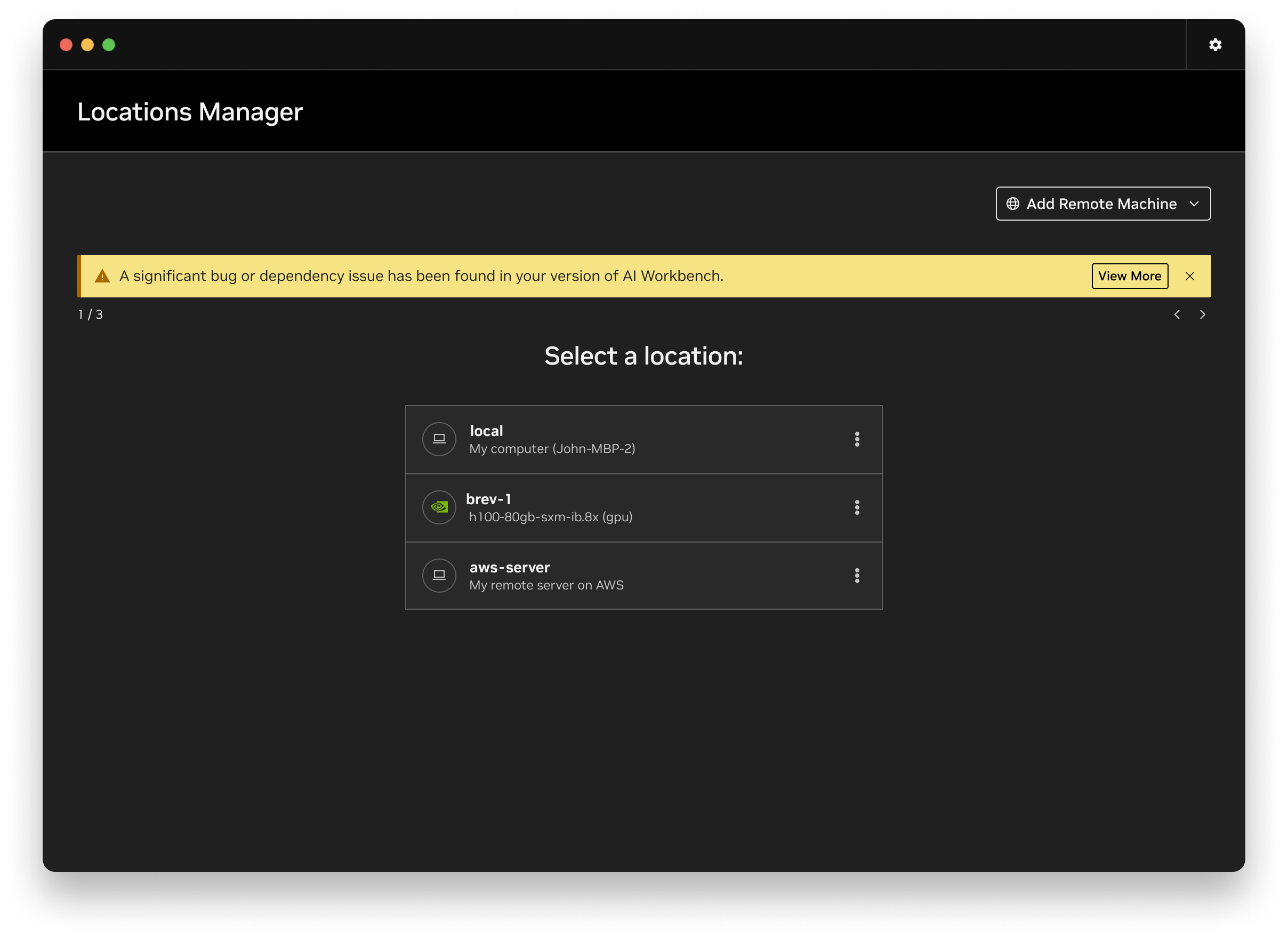
If one is available, an alert banner will show when you start the Desktop App.
Selecting View More in the banner will open a modal that has a high level description of the isse and a link to View Issue Post.
If the issue applies to you, then you should read the post to learn more.