Showroom Demos
The main core interface extension in Isaac Lab isaaclab provides
the main modules for actuators, objects, robots and sensors. We provide
a list of demo scripts and tutorials. These showcase how to use the provided
interfaces within a code in a minimal way.
A few quick showroom scripts to run and checkout:
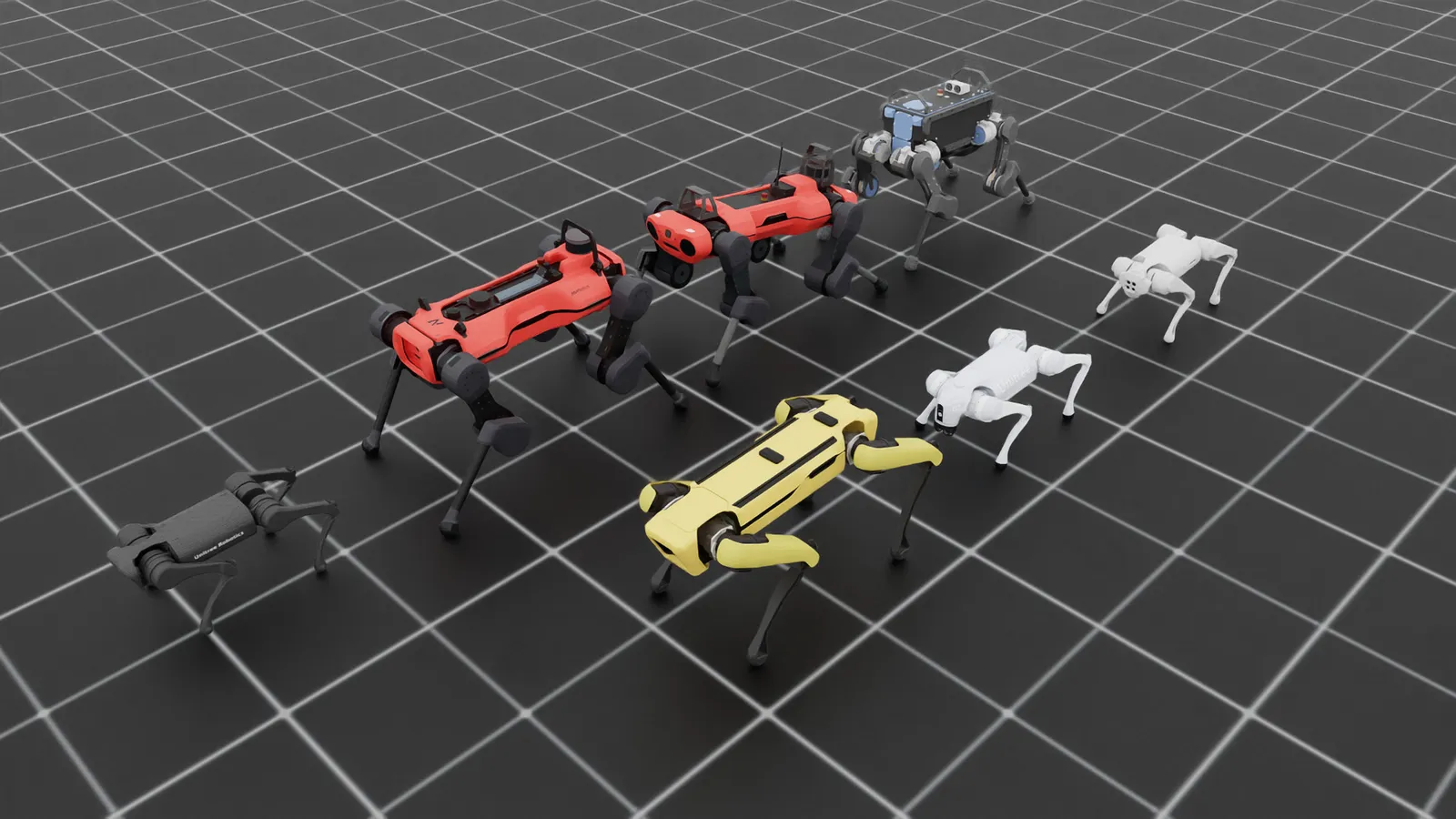
- Spawn different quadrupeds and make robots stand using position commands:
Linux
Windows
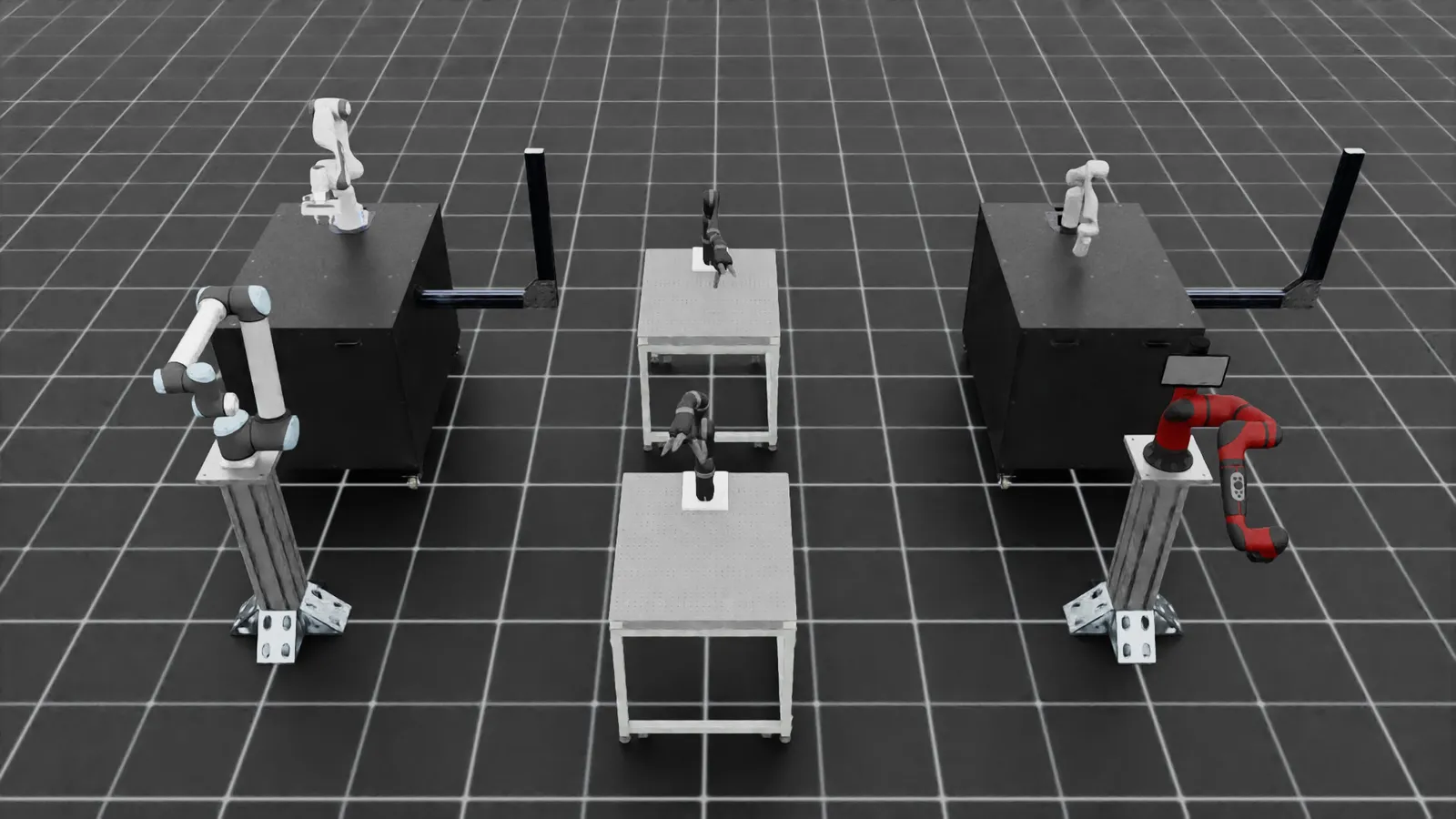
- Spawn different arms and apply random joint position commands:
Linux
Windows
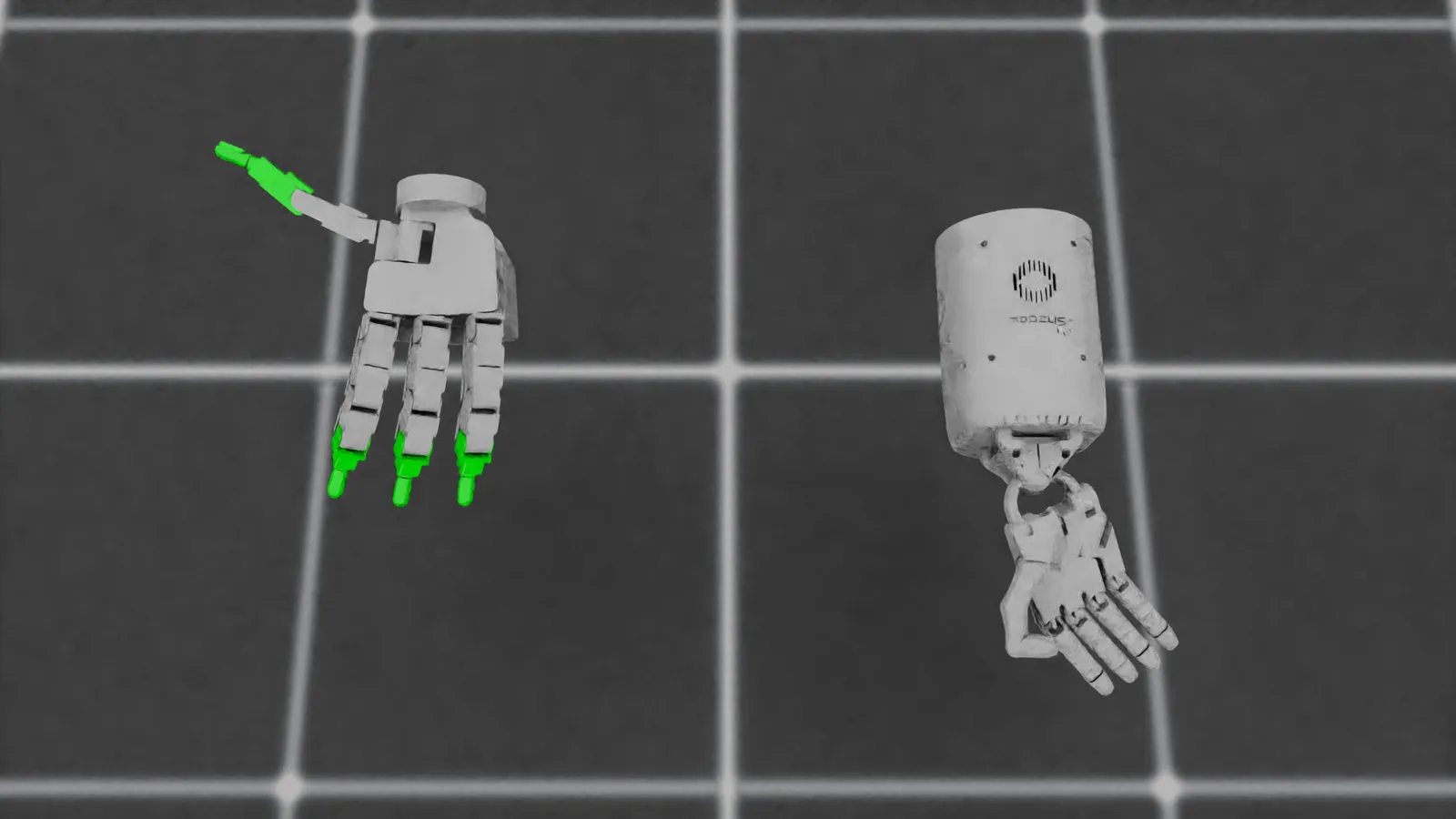
- Spawn different hands and command them to open and close:
Linux
Windows
- Spawn different deformable (soft) bodies and let them fall from a height:
Linux
Windows
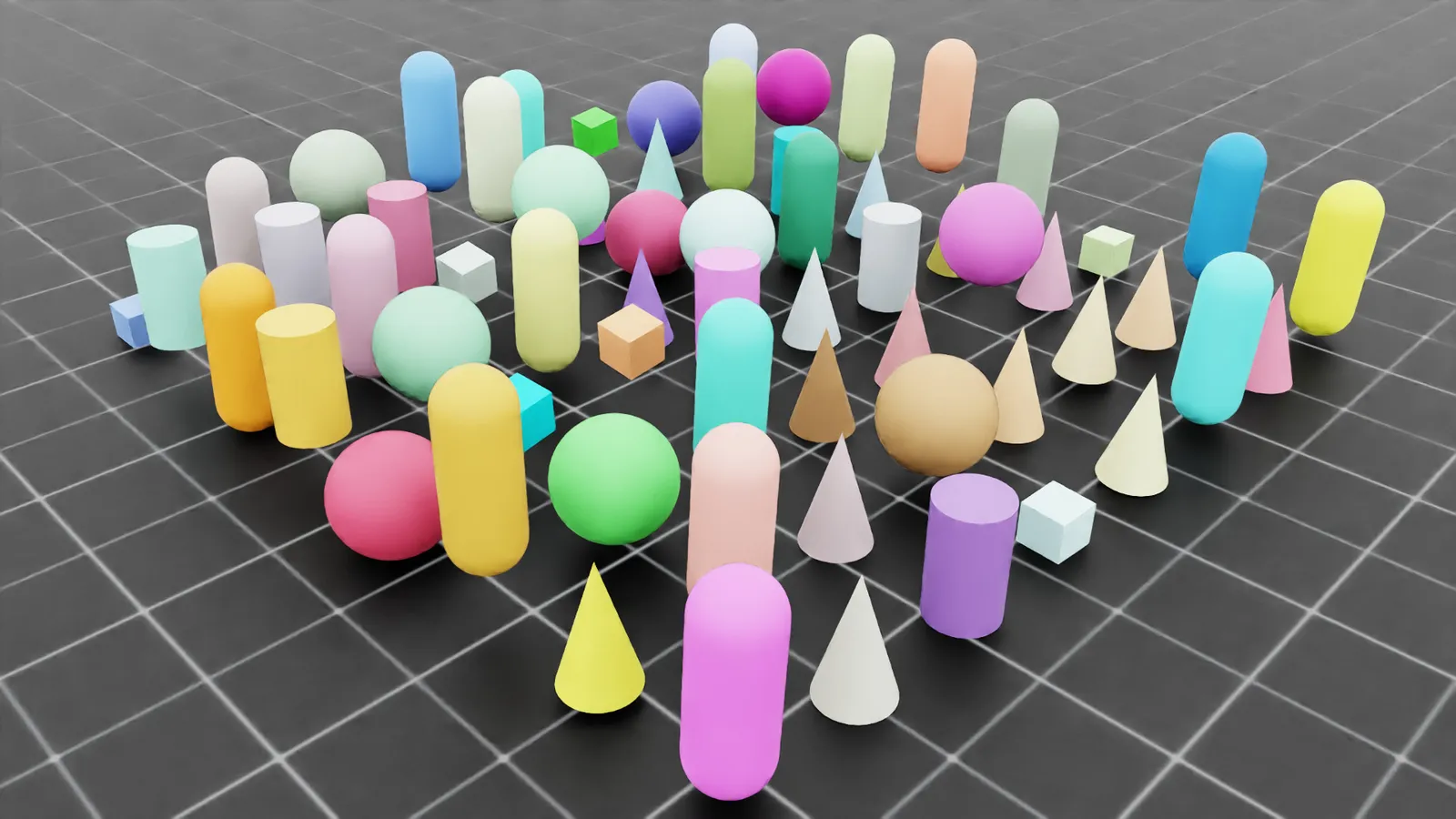
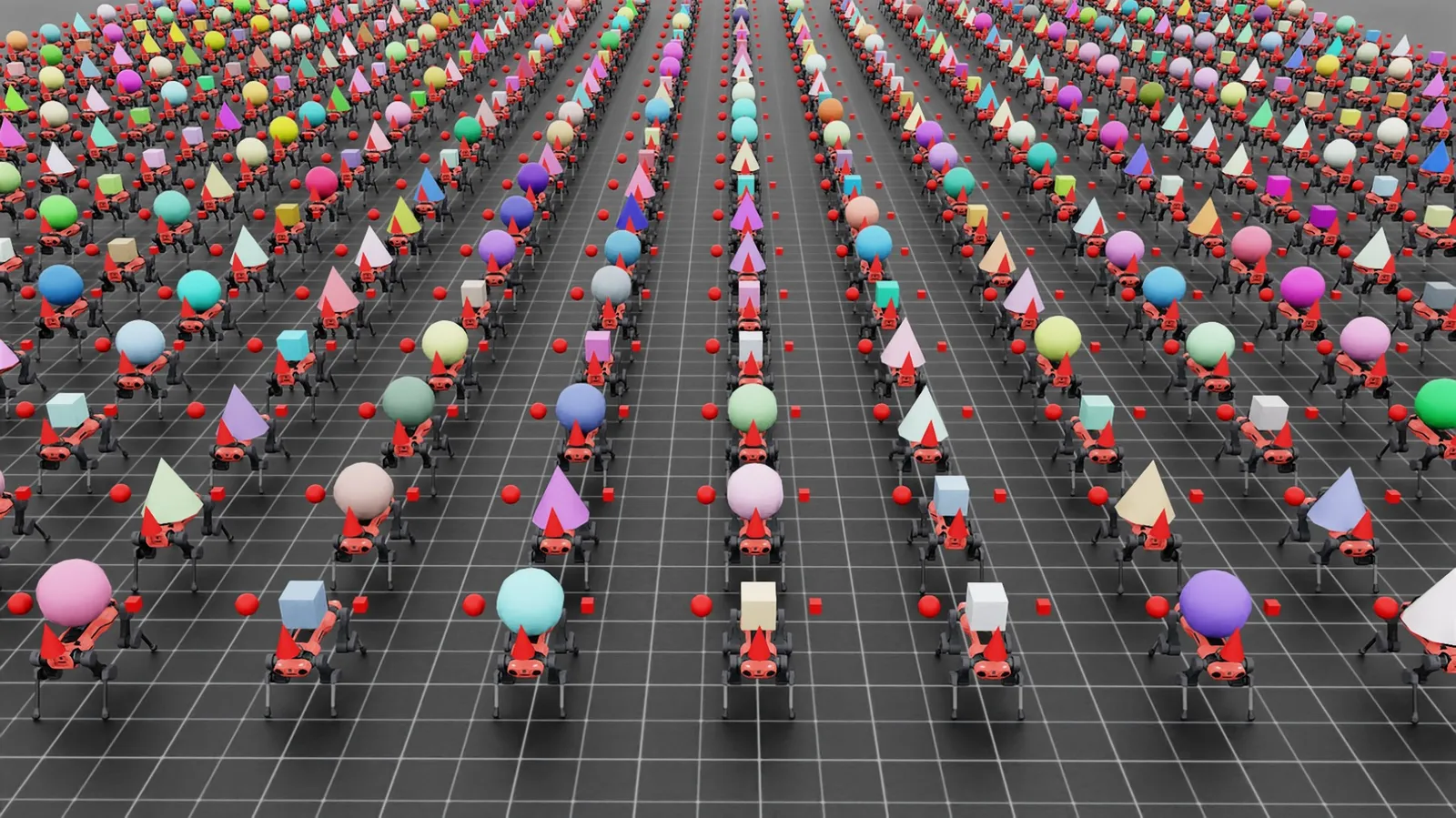
- Use the interactive scene and spawn varying assets in individual environments:
Linux
Windows
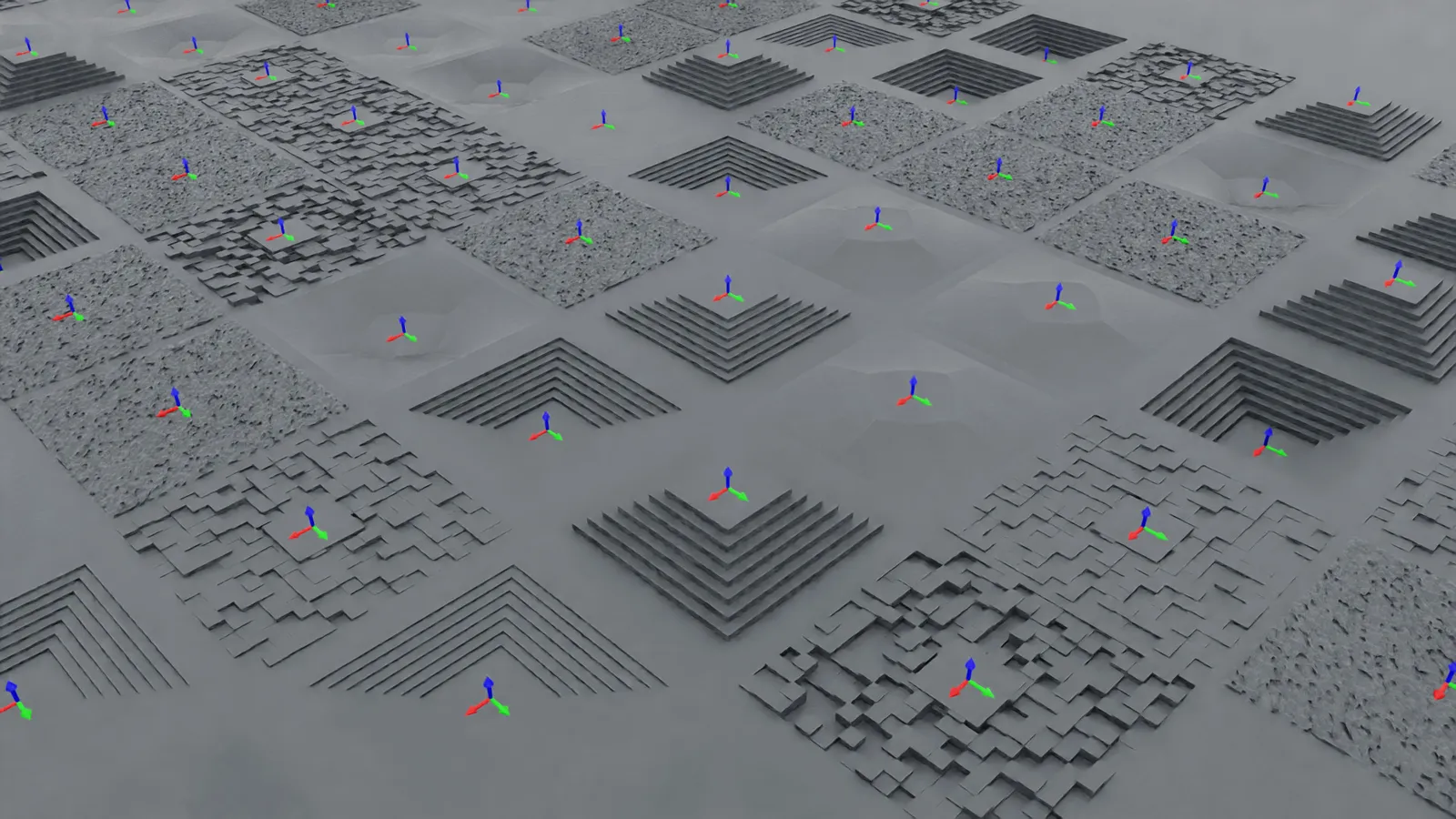
- Create and spawn procedurally generated terrains with different configurations:
Linux
Windows
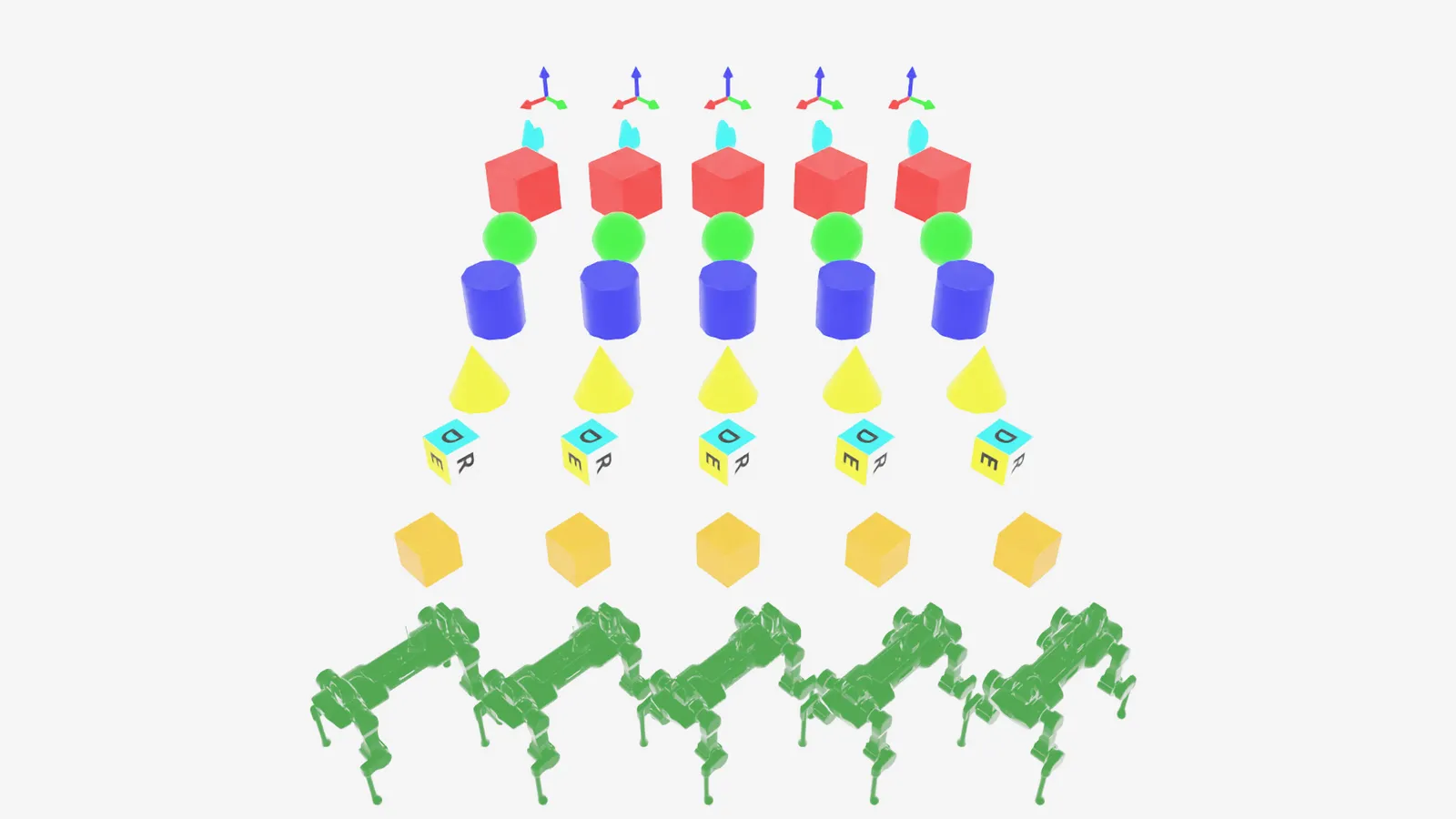
- Define multiple markers that are useful for visualizations:
Linux
Windows
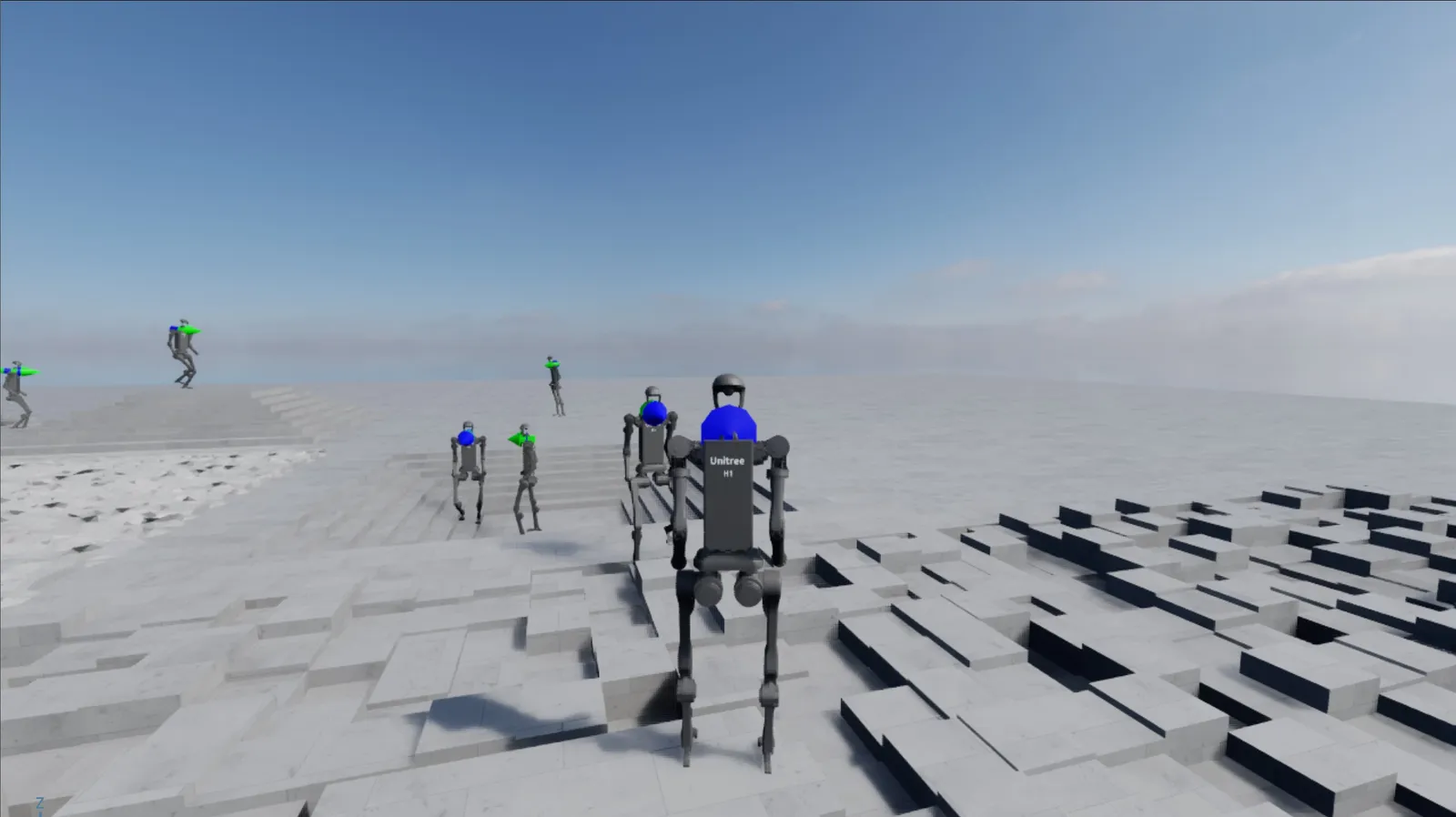
- Interactive inference of trained H1 rough terrain locomotion policy:
Linux
Windows