Showroom Demos
The main core interface extension in Isaac Lab isaaclab provides
the main modules for actuators, objects, robots and sensors. We provide
a list of demo scripts and tutorials. These showcase how to use the provided
interfaces within a code in a minimal way.
A few quick showroom scripts to run and checkout:
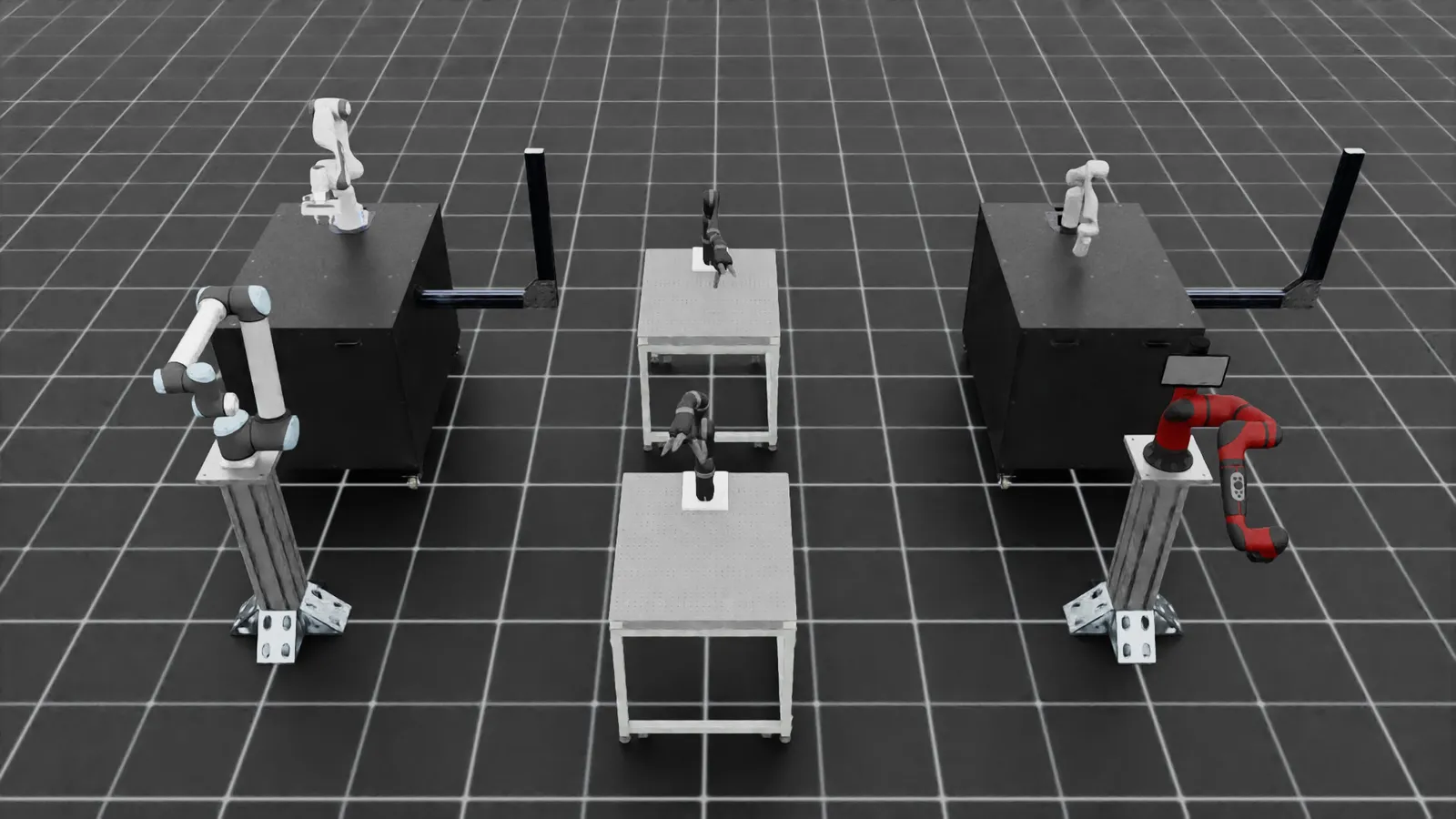
- Spawn different arms and apply random joint position commands:
Linux
Windows
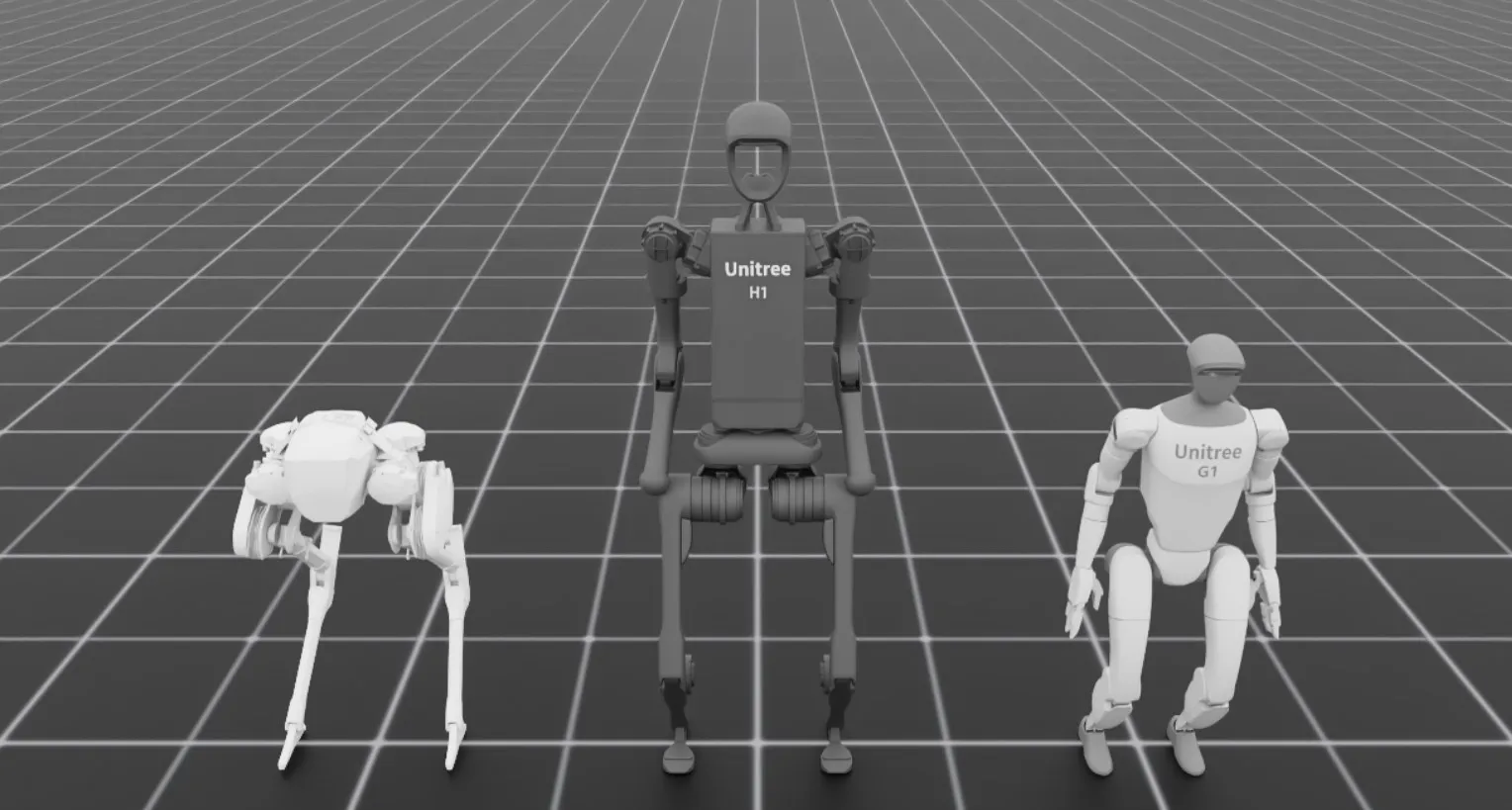
- Spawn different biped robots:
Linux
Windows
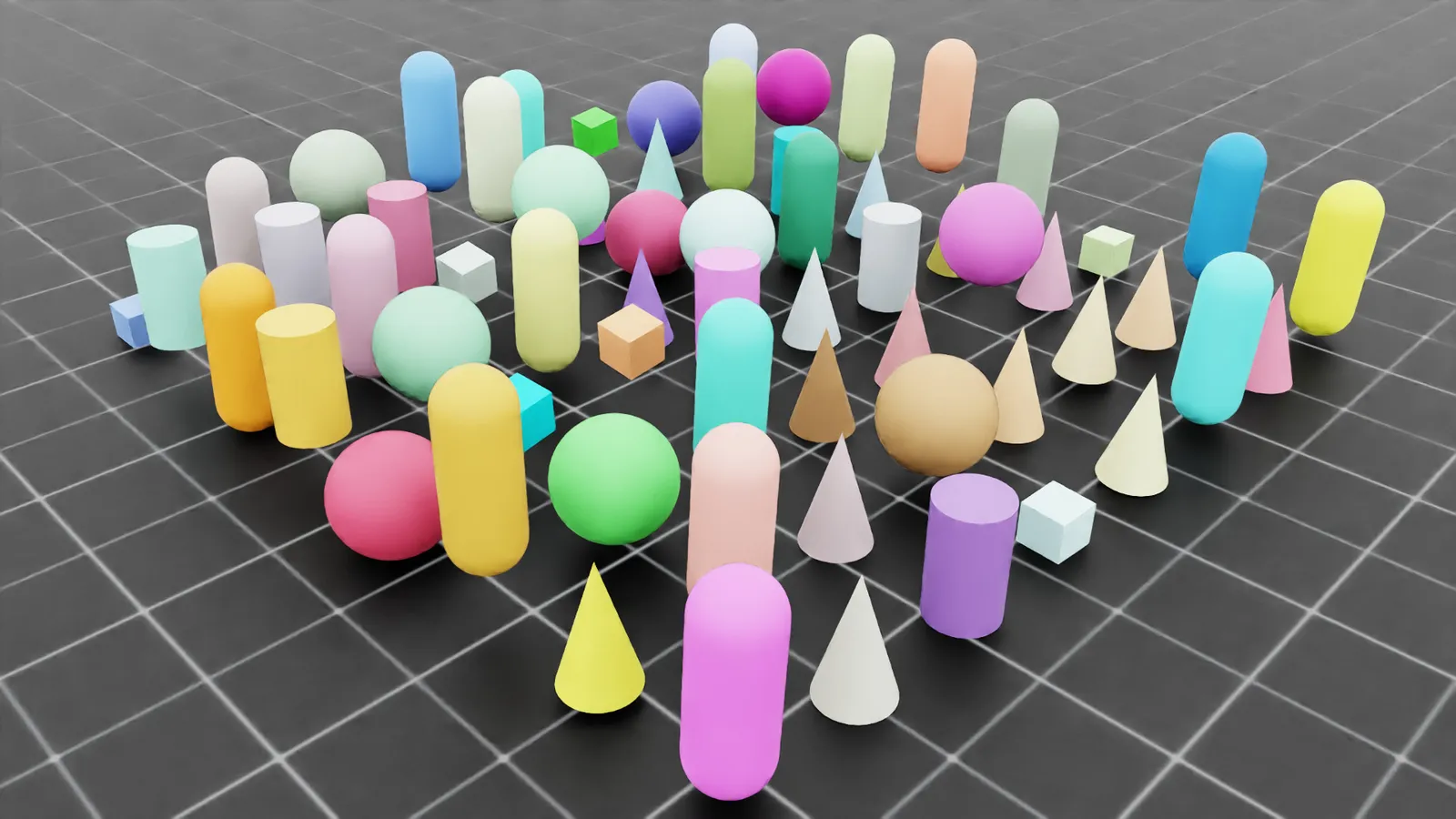
- Spawn different deformable (soft) bodies and let them fall from a height:
Linux
Windows
- Interactive inference of trained H1 rough terrain locomotion policy:
Linux
Windows
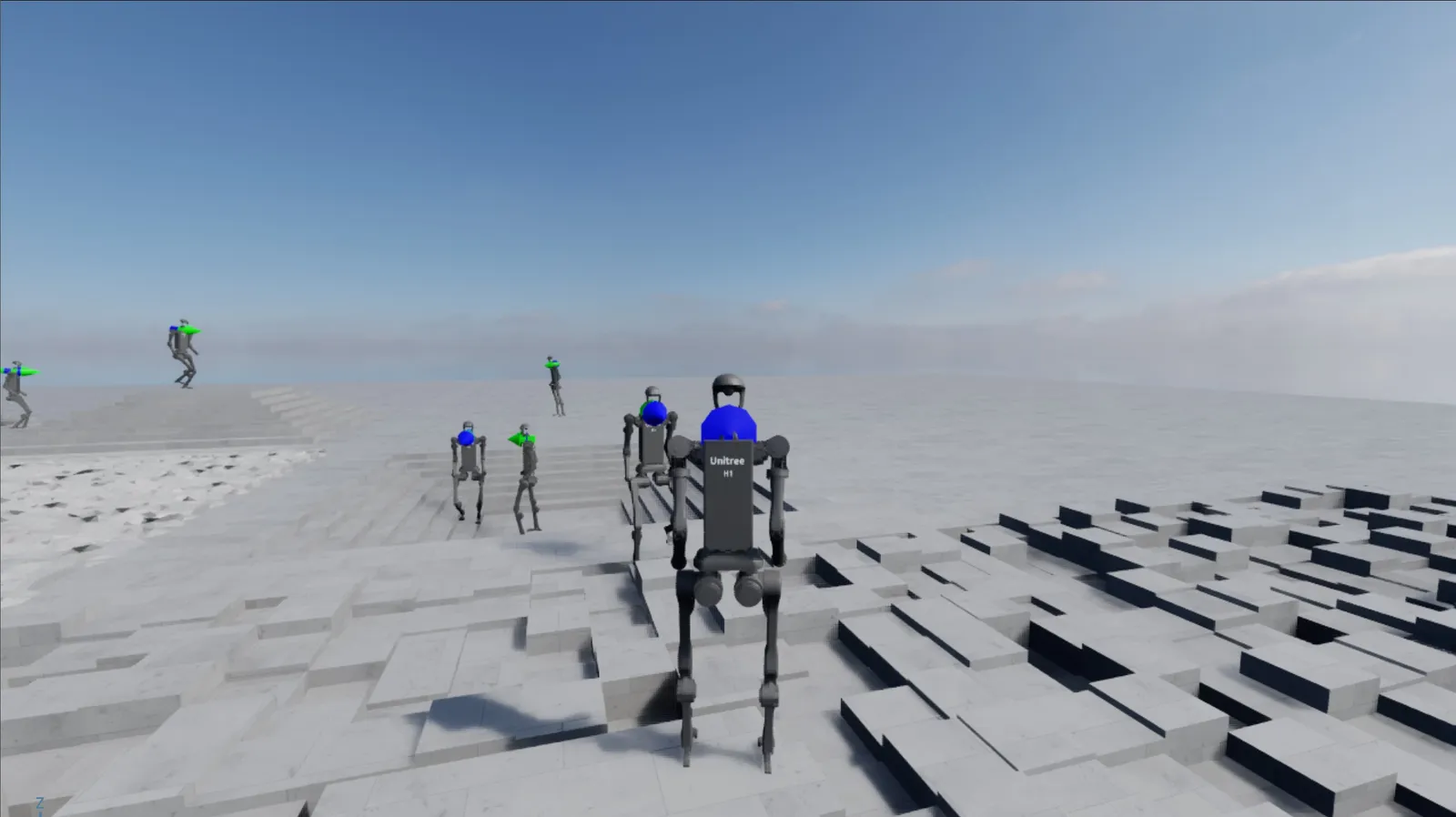
This is an interactive demo that can be run using the mouse and keyboard. To enter third-person perspective, click on a humanoid character in the scene. Once entered into third-person view, the humanoid can be controlled by keyboard using:
UP: go forwardLEFT: turn leftRIGHT: turn rightDOWN: stopC: switch between third-person and perspective viewsESC: exit current third-person view
If a misclick happens outside of the humanoid bodies when selecting a humanoid,
a message is printed to console indicating the error, such as
The selected prim was not a H1 robot or
Multiple prims are selected. Please only select one!.
- Spawn different hands and command them to open and close:
Linux
Windows
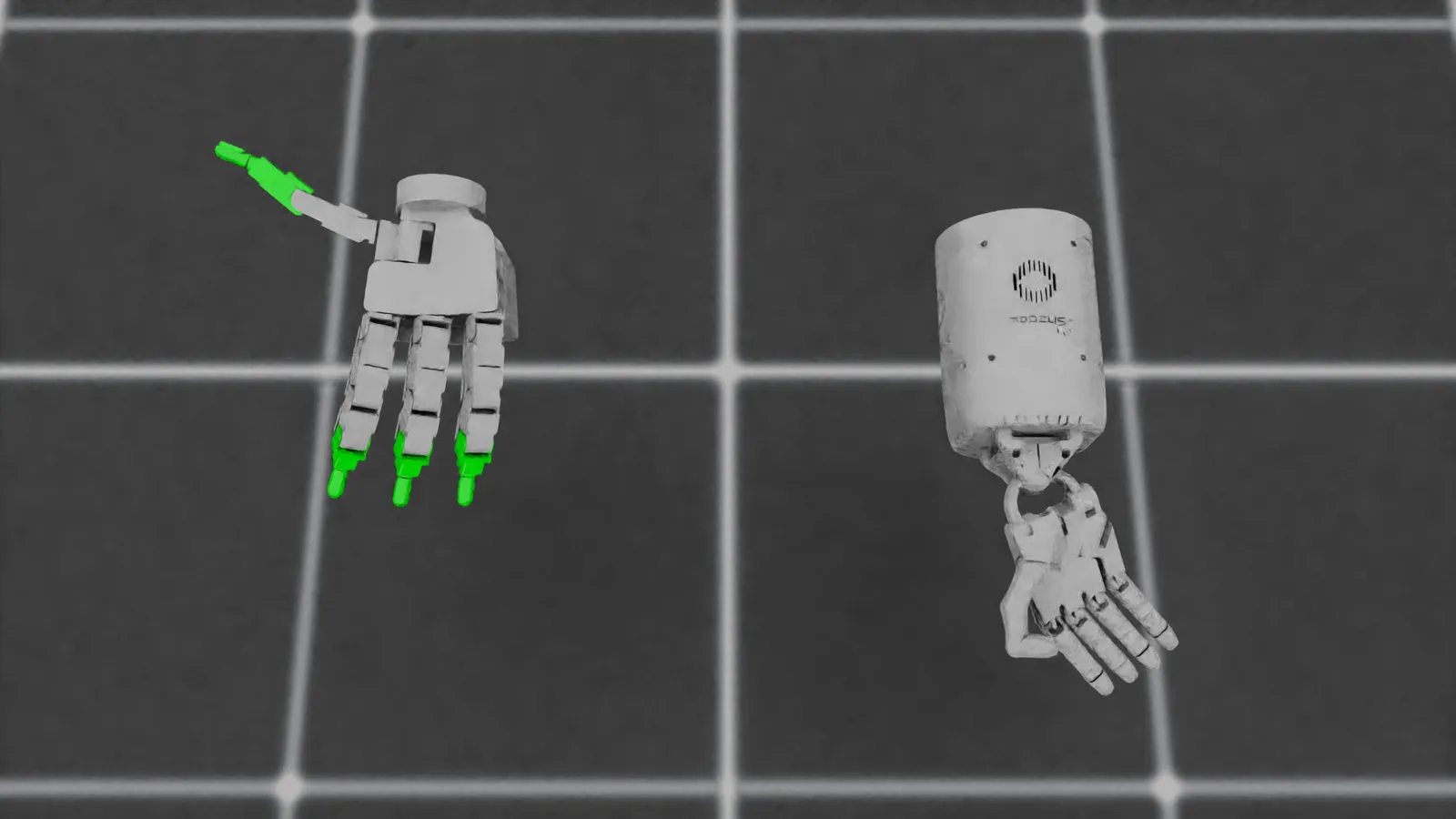
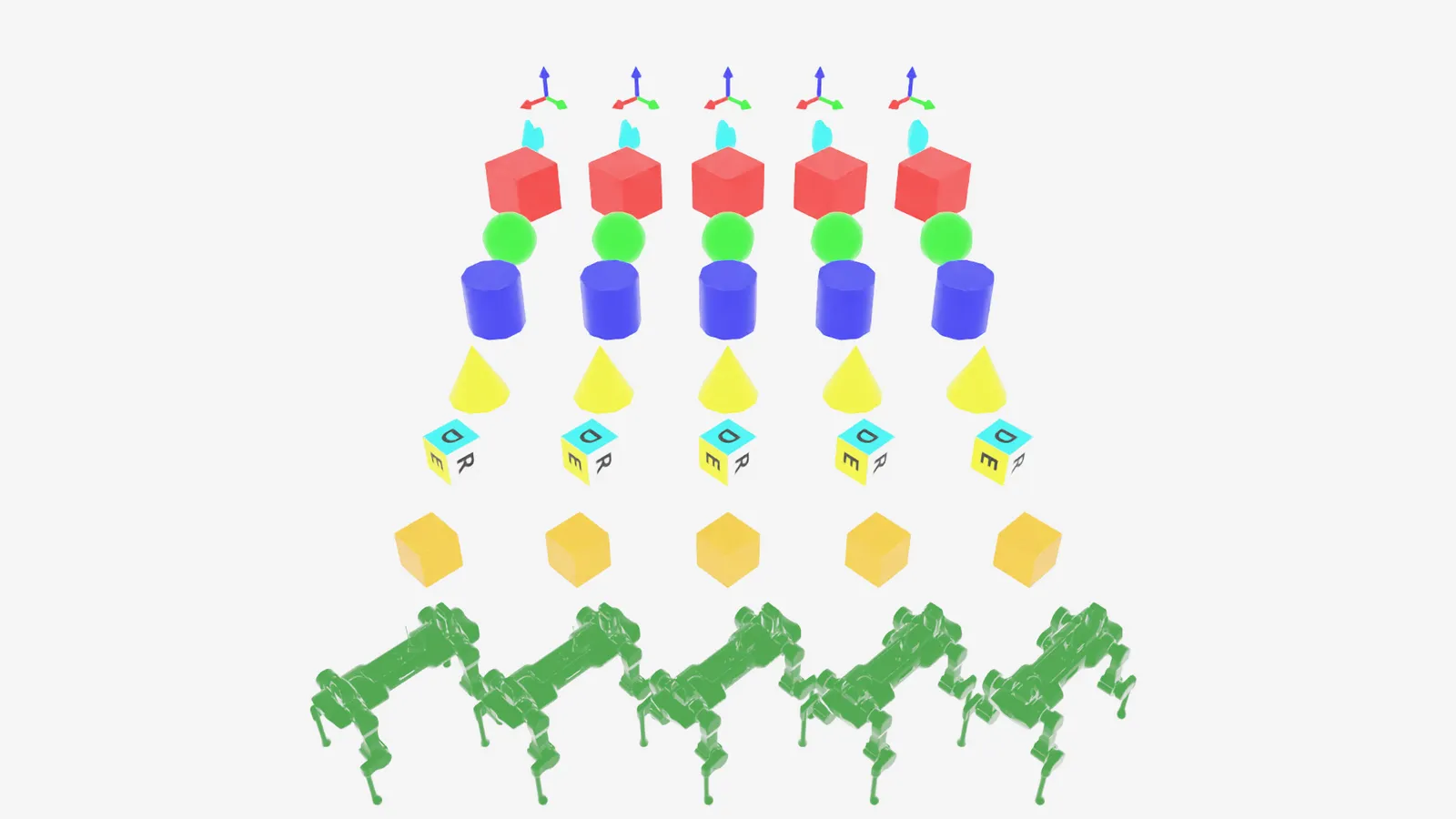
- Define multiple markers that are useful for visualizations:
Linux
Windows
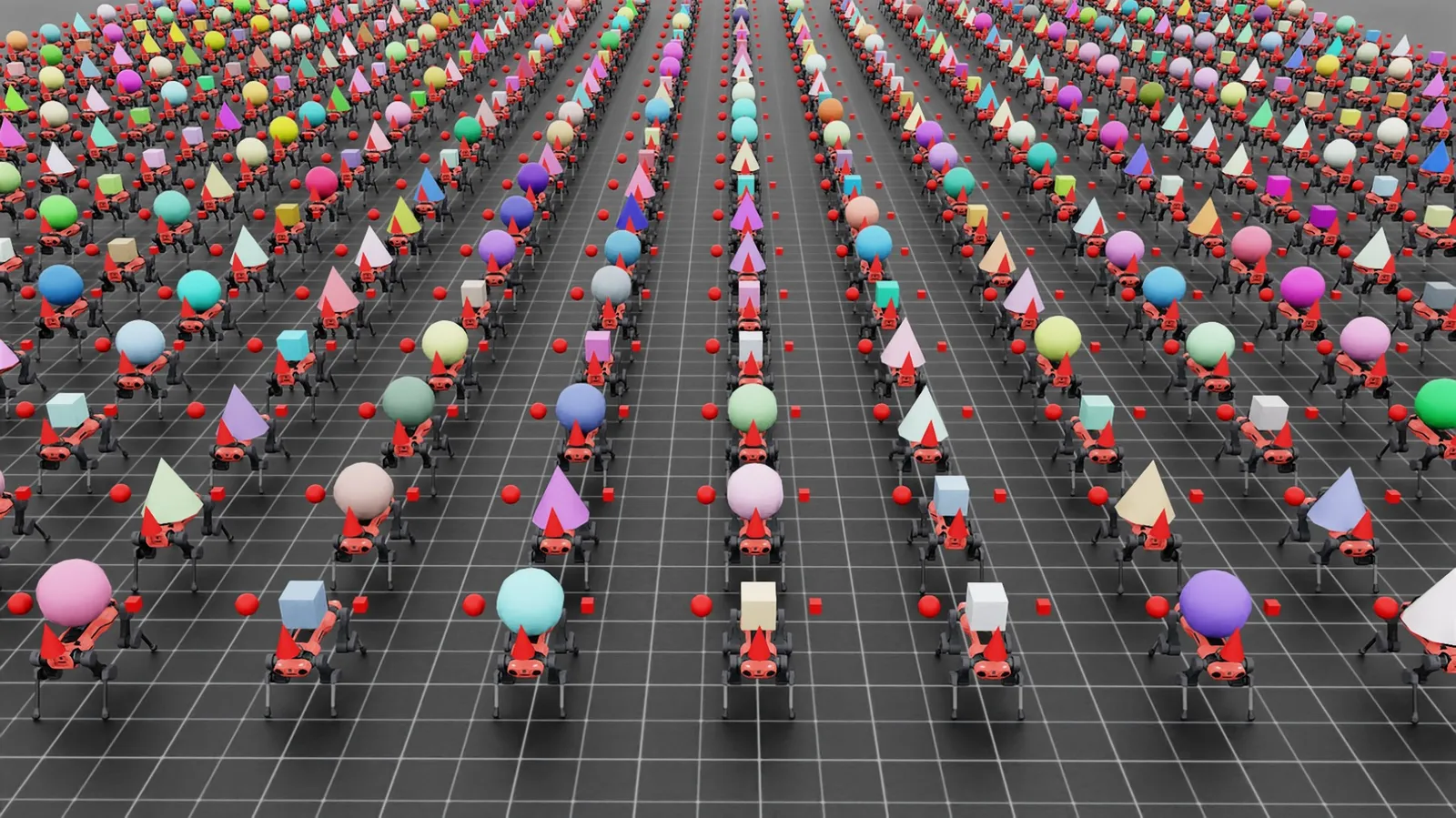
- Use the interactive scene and spawn varying assets in individual environments:
Linux
Windows
- Use the interactive scene and spawn a simple parallel robot for pick and place:
Linux
Windows
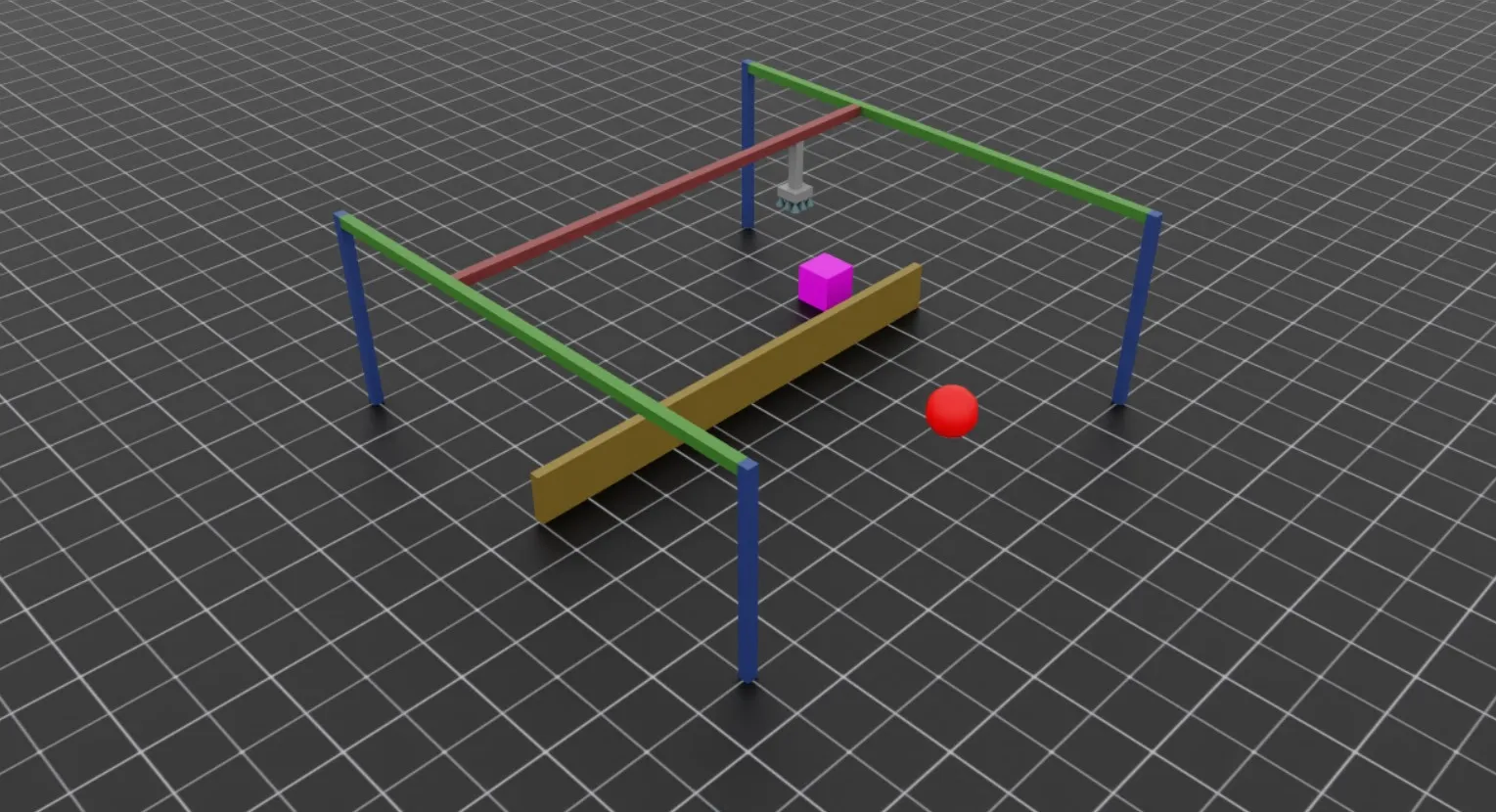
This is an interactive demo that can be run using the mouse and keyboard. Your goal is pick up the purple cube and to drop it on the red sphere! Use the following controls to interact with the simulation:
- Hold the
Akey to have the gripper track the cube position. - Hold the
Dkey to have the gripper track the target position - Press the
WorSkeys to move the gantry UP or DOWN respectively - Press
QorEto OPEN or CLOSE the gripper respectively
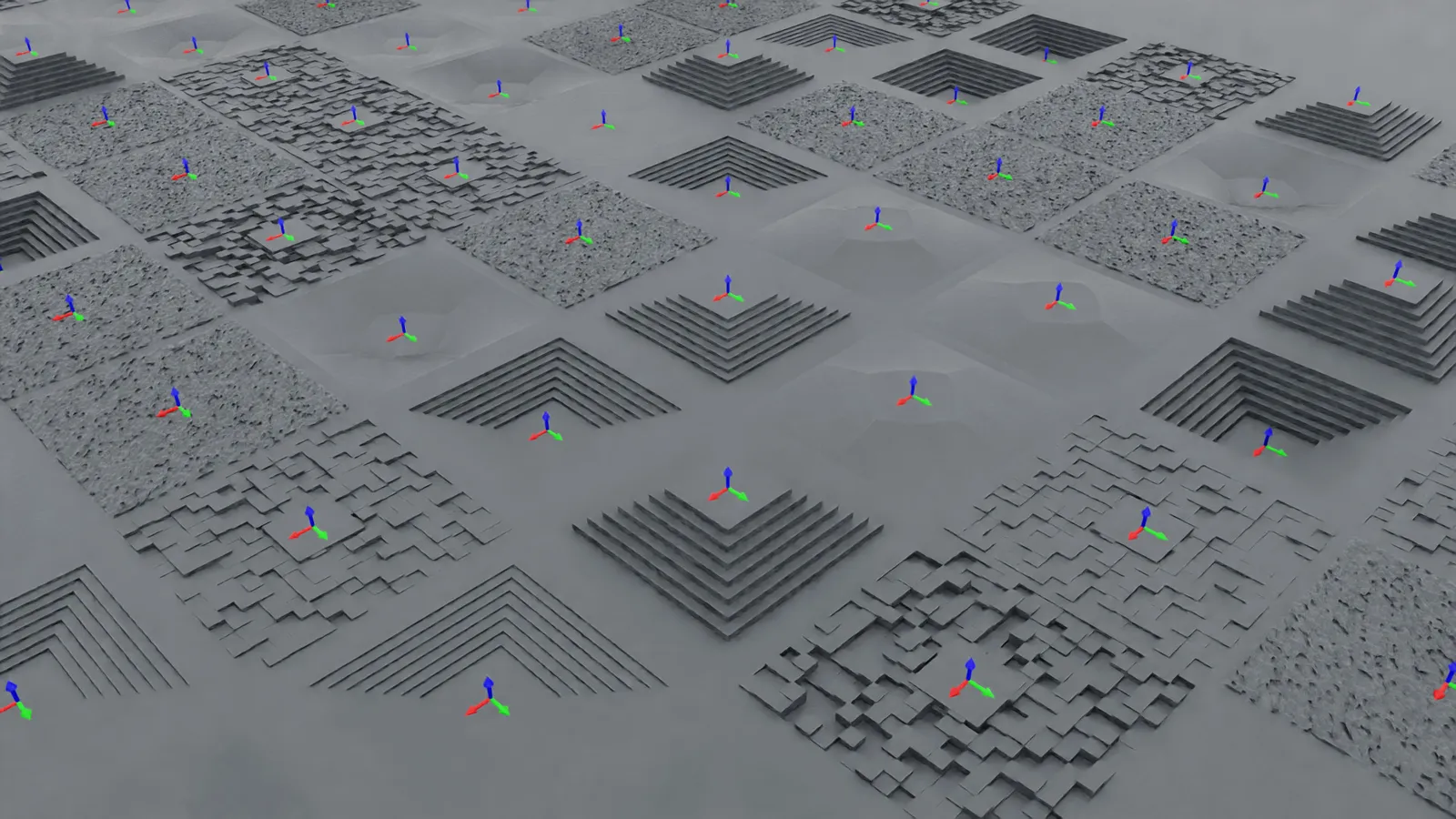
- Create and spawn procedurally generated terrains with different configurations:
Linux
Windows
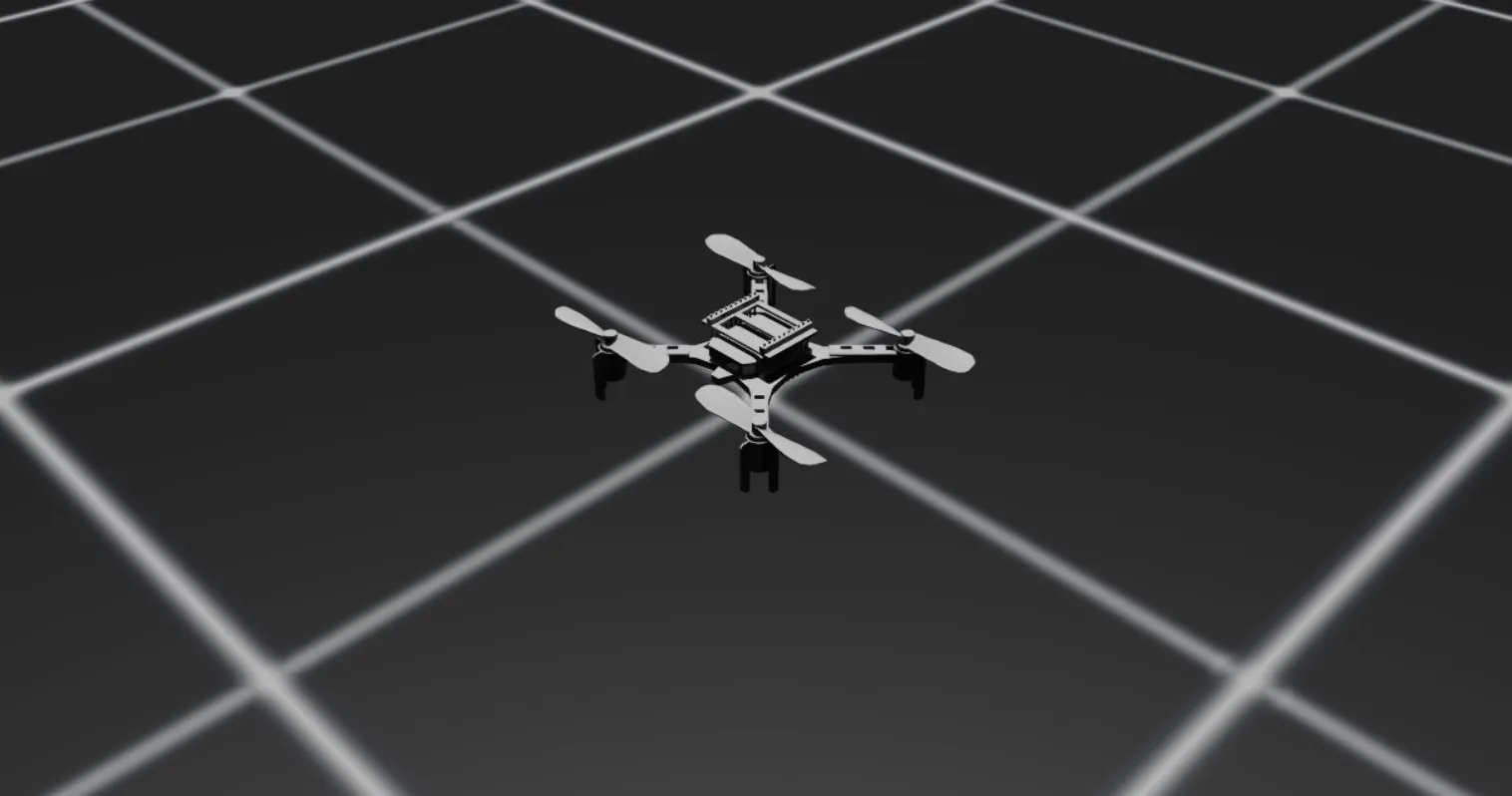
- Spawn a quadcopter in the default environment:
Linux
Windows
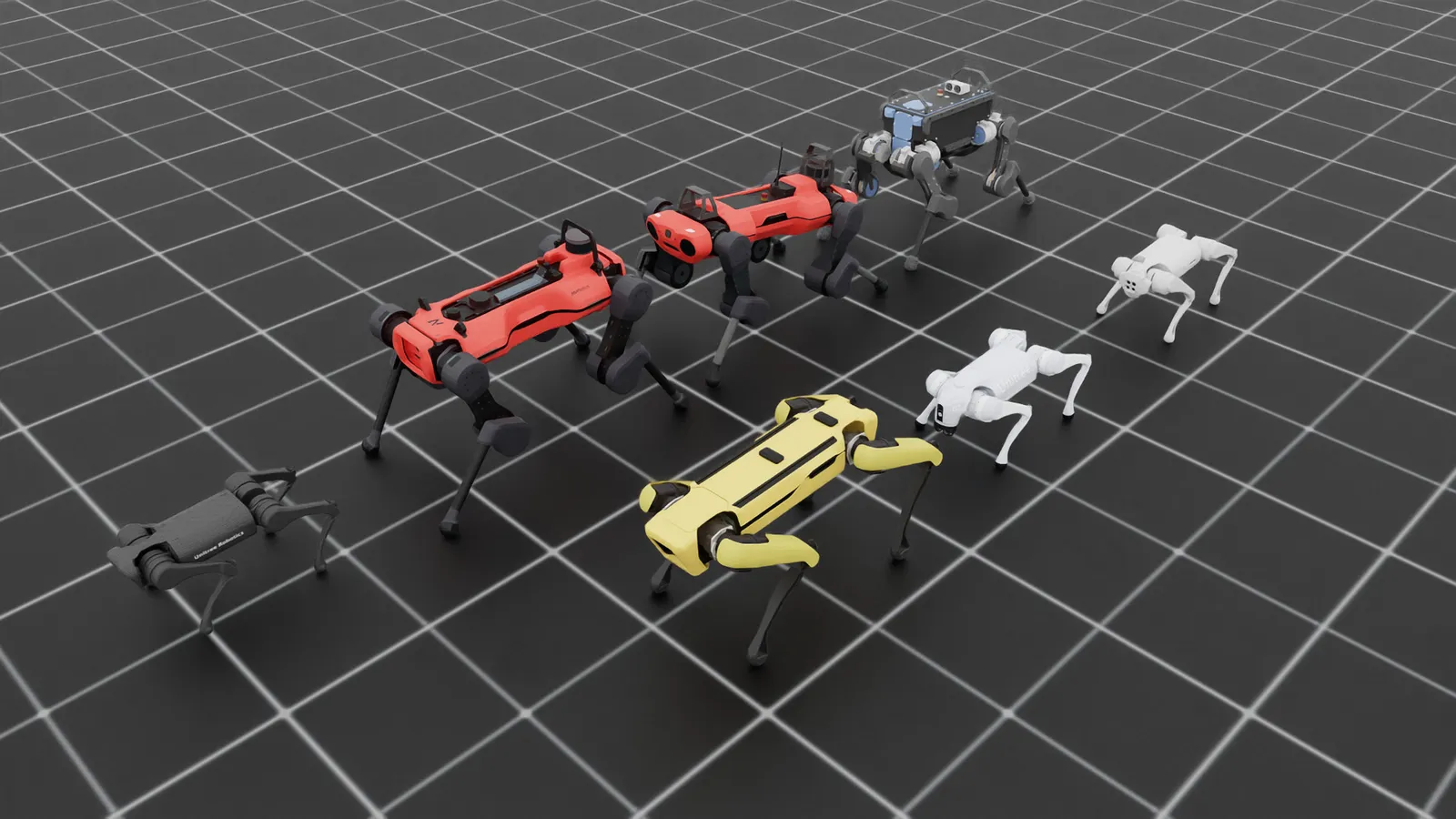
- Spawn different quadrupeds and make robots stand using position commands:
Linux
Windows