

Training & Deploying HOVER Policy
This tutorial shows you an example of how to train and deploy HOVER which is a whole-body control (WBC) policy for humanoid robots in the Isaac Lab simulation environment. It uses the HOVER repository, which provides an Isaac Lab extension for training neural whole-body control policy for humanoids, as described in the HOVER Paper and OMNIH2O Paper papers. For video demonstrations and more details about the project, please visit the HOVER Project Website and the OMNIH2O Project Website.
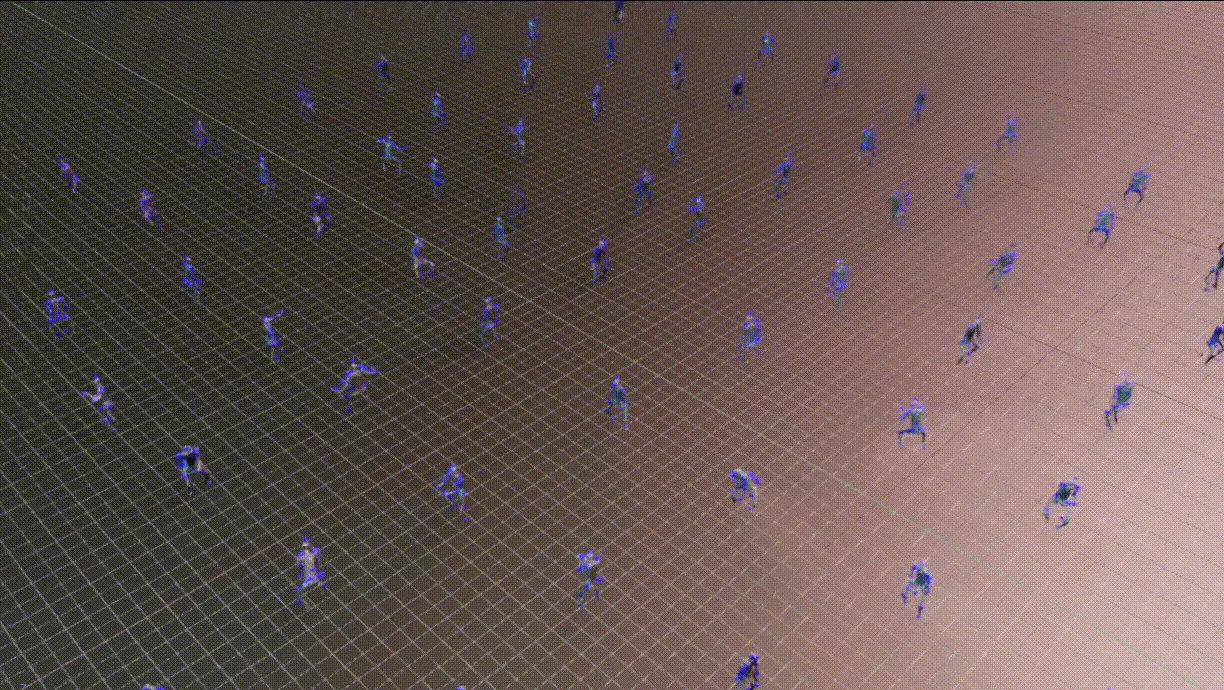
Installation
This tutorial is for linux only.
HOVER supports Isaac Lab 2.0 and Isaac Sim 4.5. Please ensure you have the correct version of Isaac Lab and Isaac Sim installed to run the HOVER workflow.
-
Install Isaac Lab following the instructions in the Isaac Lab Installation Guide.
-
Define the following environment variable to specify the path to your Isaac Lab installation:
- Clone the HOVER repository and its submodules in your workspace.
- Install the dependencies.
Training the Policy
Dataset
Refer to the HOVER Dataset repository for the steps to obtain and process data for training the policy.
Training the teacher policy
Execute the following command from the HOVER directory to train the teacher policy.
The teacher policy is trained for 10000000 iterations, or until the user interrupts the training.
The resulting checkpoint is stored in neural_wbc/data/data/policy/h1:teacher/ and the filename is model_<iteration_number>.pt.
Training the student policy
Execute the following command from the HOVER directory to train the student policy using teacher policy checkpoint.
This assumes that you have already trained the teacher policy as there is no provided teacher policy in the repo.
Please refer to these sections on the HOVER repository for more details about training configurations:
Testing the trained policy
Play teacher policy
Execute the following command from the HOVER directory to play the trained teacher policy checkpoint.
Play student policy
Execute the following command from the HOVER directory to play the trained student policy checkpoint.
Evaluate the trained policy
Evaluate the trained policy checkpoint in the Isaac Lab environment.
The evaluation iterates through all the reference motions included in the dataset specified by the --reference_motion_path option and exits when all motions are evaluated. Randomization is turned off during evaluation.
Refer to the HOVER Evaluation repository for more details about the evaluation pipeline and the metrics used.
The evaluation script, scripts/rsl_rl/eval.py, uses the same arguments as the play script, scripts/rsl_rl/play.py. You can use it for both teacher and student policies.
Validation of the policy
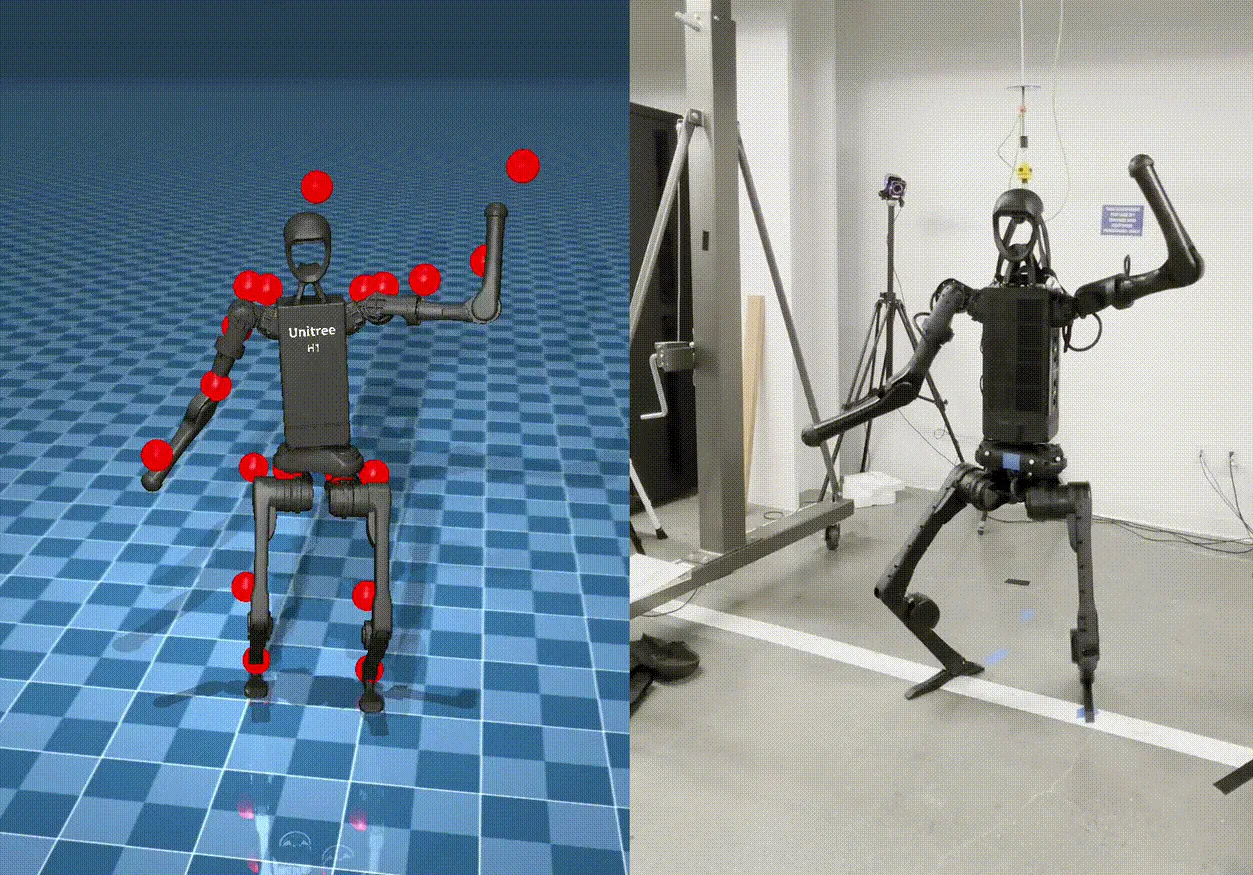
The trained policy in Isaac Lab can be validated in another simulation environment or on the real robot.
Sim-to-Sim Validation
Use the provided Mujoco Environment for conducting sim-to-sim validation of the trained policy. To run the evaluation of Sim2Sim,
Please be aware that the mujoco_wrapper only supports one environment at a time. For reference, it will take up to 5h to evaluate 8k reference motions. The inference_env is designed for maximum versatility.
Sim-to-Real Deployment
For sim-to-real deployment, we provide a Hardware Environment for Unitree H1 Robot. Detailed steps of setting up a Sim-to-Real deployment workflow is explained at README of Sim2Real deployment.
To deploy the trained policy on the H1 robot,
The sim-to-real deployment wrapper currently only supports the Unitree H1 robot. It can be extended to other robots by implementing the corresponding hardware wrapper interface.