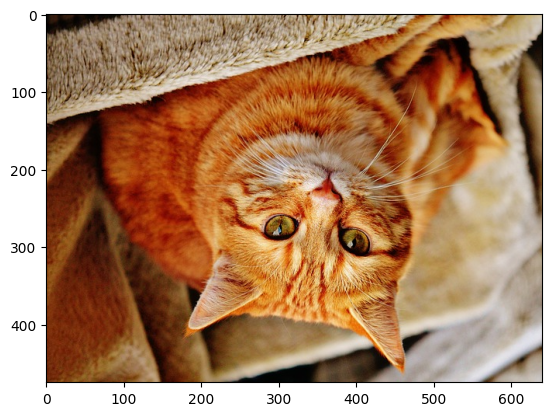

nvImageCodec with Torch#
[1]:
import os
import cv2
import matplotlib.pyplot as plt
import cupy as cp
Import Torch
[2]:
import torch
Import nvImageCodec
[3]:
from nvidia import nvimgcodec
Setting resource folder
[4]:
resources_dir = os.getenv("PYNVIMGCODEC_EXAMPLES_RESOURCES_DIR", "../assets/images/")
Created nvImageCodec Decoder and Encoder
[5]:
decoder = nvimgcodec.Decoder()
encoder = nvimgcodec.Encoder()
Decode JPEG2000 file
[6]:
nv_img = decoder.read(resources_dir + "cat-1046544_640.jp2")
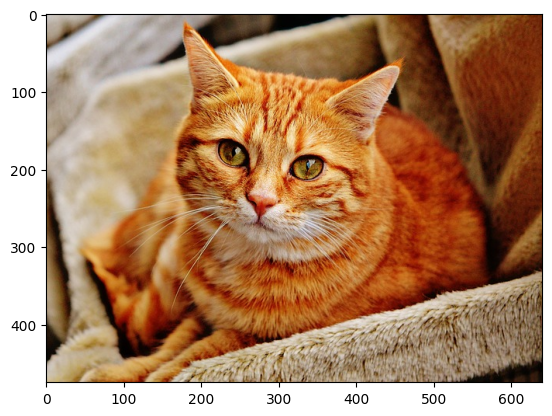
Transfer image to Host memory and display using matplotlib.pyplot
[7]:
plt.imshow(nv_img.cpu())
[7]:
<matplotlib.image.AxesImage at 0x7f3f1442f590>
Interoperability between nvImageCodec and Torch using DLPack#
Zero-copy convertion of Image to tensor using DLPack
[8]:
cap = nv_img.to_dlpack()

torch_img = torch.from_dlpack(cap)
print("device:", torch_img.device)
print("dtype of tensor:", torch_img.dtype)
device: cuda:0
dtype of tensor: torch.uint8
Let’s flip tensor
[9]:
torch_img_flip_v = torch.flip(torch_img, dims=[0])
Pass tensor to cuPy and then to numpy to show flipped image
[10]:
cp_img = cp.from_dlpack(torch.to_dlpack(torch_img_flip_v))
np_img = cp.asnumpy(cp_img)
plt.imshow(np_img)
[10]:
<matplotlib.image.AxesImage at 0x7f3e94ef3d70>
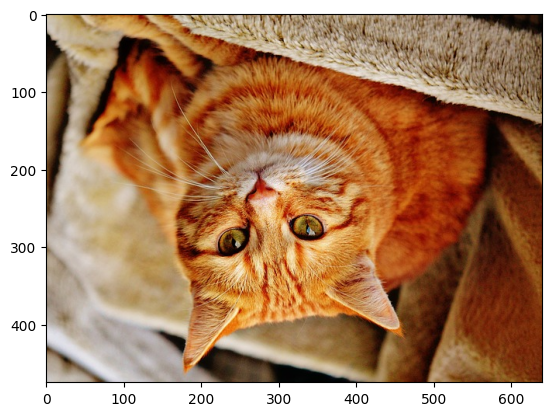
Zero-copy convertion of tensor back to (nvImageCodec) Image
[11]:
cap = torch.to_dlpack(torch_img_flip_v)
nv_flipped_img_v = nvimgcodec.as_image(cap)
Save as Jpeg2000
[12]:
encoder.write("torch_flipped_v.j2k", nv_flipped_img_v)
[12]:
'torch_flipped_v.j2k'
Load with OpenCV to verify
[13]:
image = cv2.imread("torch_flipped_v.j2k")
image = cv2.cvtColor(image, cv2.COLOR_BGR2RGB)
plt.imshow(image)
[13]:
<matplotlib.image.AxesImage at 0x7f3e847cb050>
Interoperability between nvImageCodec and Torch using __cuda_array_interface__#
Pass nvImageCodec Image to torch without copy using __cuda_array_interface__
[14]:
print(nv_img.__cuda_array_interface__)
torch_tensor = torch.as_tensor(nv_img)
print(torch_tensor.__cuda_array_interface__)
{'shape': (475, 640, 3), 'strides': None, 'typestr': '|u1', 'data': (13421772800, False), 'version': 3, 'stream': 1}
{'typestr': '|u1', 'shape': (475, 640, 3), 'strides': None, 'data': (13421772800, False), 'version': 2}
Flip tensor horizontally
[15]:
torch_img_flip_h = torch.flip(torch_img, dims=[1])
Pass tensor to cuPy and then to numpy to show flipped image
[16]:
cp_img = cp.asarray(torch_img_flip_h)
np_img = cp.asnumpy(cp_img)
plt.imshow(np_img)
[16]:
<matplotlib.image.AxesImage at 0x7f3e84822bd0>
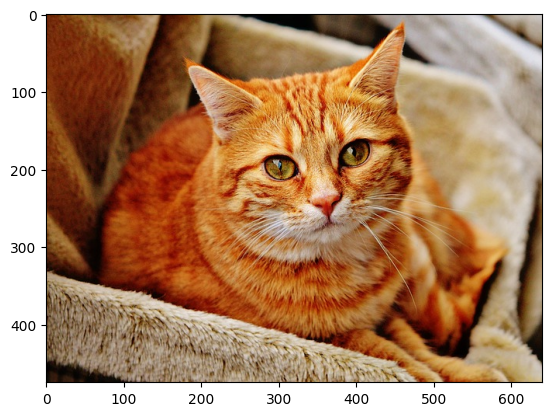
Zero-copy convertion of tensor back to Image
[17]:
nv_flipped_img_h = nvimgcodec.as_image(torch_img_flip_h)
Save as Jpeg2000
[18]:
encoder = nvimgcodec.Encoder()
encoder.write("torch_flipped_h.j2k", nv_flipped_img_h)
[18]:
'torch_flipped_h.j2k'
Load with OpenCV to verify
[19]:
image = cv2.imread("torch_flipped_h.j2k")
image = cv2.cvtColor(image, cv2.COLOR_BGR2RGB)
plt.imshow(image)
[19]:
<matplotlib.image.AxesImage at 0x7f3e846a7920>
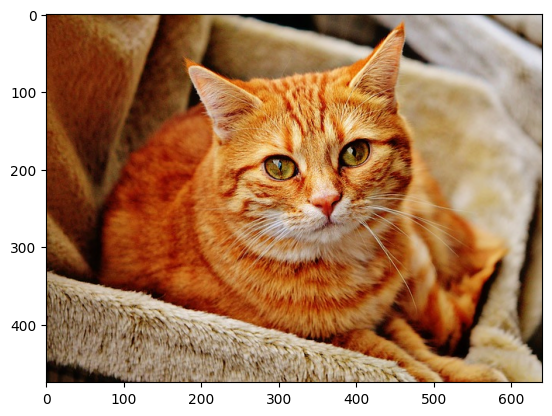
Simplified version by passing troch tensor directly to write function#
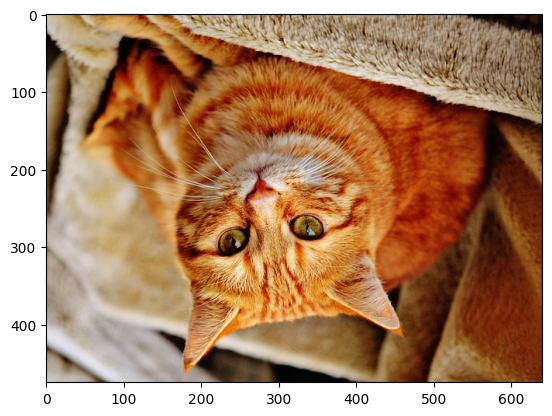
Convert nvImageCodec Image to tensor and flip in both axis using torch
[20]:
torch_img_flip_vh = torch.flip(torch.as_tensor(nv_img), dims=[0,1])
There is possibilty to pass torch tensor directly to write or encode funcion
[21]:
encoder.write("torch_flipped_vh.j2k", torch_img_flip_vh)
[21]:
'torch_flipped_vh.j2k'
Pass it back to nvImageCodec
[22]:
nv_img_vh = nvimgcodec.as_image(torch_img_flip_vh)
Transfer to CPU and display
[23]:
plt.imshow(nv_img_vh.cpu())
[23]:
<matplotlib.image.AxesImage at 0x7f3e84722bd0>