Alerts
Alerts
For a fleet-wide view of alert status, in the upper main menu bar, click Alerts. An Alerts screen is presented. Unlike the machine-specific panel the alerts tab lists alerts for all machines in the fleet. Each alert has multiple levels you can drill into to see individual alerts and each reported instance.
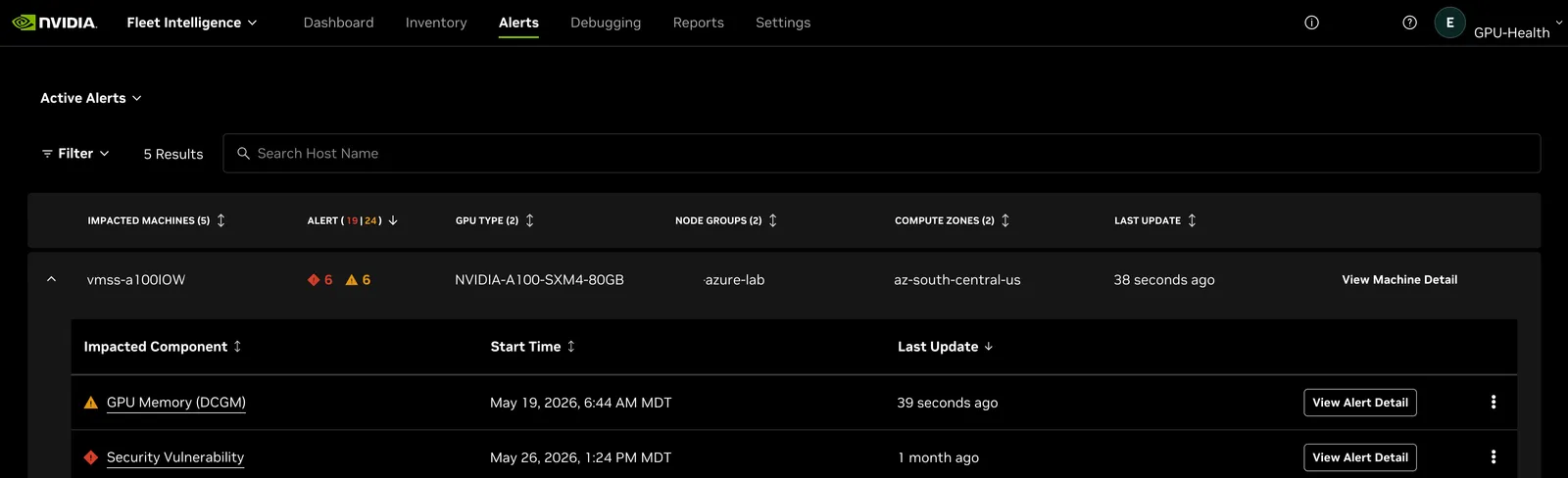
Alerts can have multiple levels of detail. Select the machine and expand
the alerts for that machine with either the down button or
the  button.
On an individual alert select
the
button.
On an individual alert select
the  button
to drill into details on the alert itself. Select
the
button
to drill into details on the alert itself. Select
the  menu
next to an alert to mute that type of alert for the whole fleet or to create
a notification rule for email, a Slack channel, or a webhook.
Refer to the Alert Configuration section for more details.
menu
next to an alert to mute that type of alert for the whole fleet or to create
a notification rule for email, a Slack channel, or a webhook.
Refer to the Alert Configuration section for more details.
button.
On an individual alert select
the button
to drill into details on the alert itself. Select
the menu
next to an alert to mute that type of alert for the whole fleet or to create
a notification rule for email, a Slack channel, or a webhook.
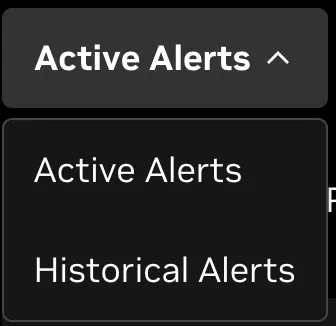
Refer to the Alert Configuration section for more details.The Alerts panel can also use “Historical Alerts” mode, which shows alerts that occurred in the past but have since been resolved.
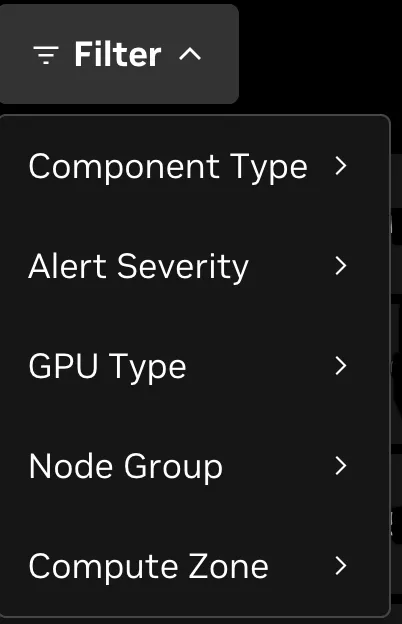
The Alerts page has the ability to search by hostname or filter by various properties in the filter menu.