Cross-Organizational Data Sharing
As of version 1.3.0 of the Fleet Intelligence service, data may be shared with other NGC organizations. This feature lets customers share their data with their cloud provider for accelerated debugging and support.
The ability to share data is highly integrated with the core NVIDIA NGC organization model. It uses External Groups and a new Delegated External Group capability to provide easier management of the groups. Users who wish to share their data can configure a Delegated External Group with an admin of another organization, and that admin can manage the group and its users from their own organization. Complete NGC documentation on External Groups can be found here.
You must be an organizational administrator to take the following actions and share data with another organization.
Sharing Your Data
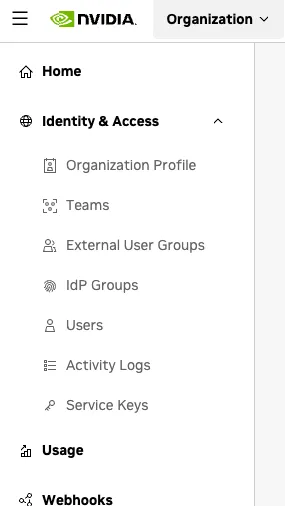
To start sharing data with another organization, use the user account menu in the upper right corner to navigate to the Organization page. Select External User Groups from the left navigation of the organization page, as shown below.
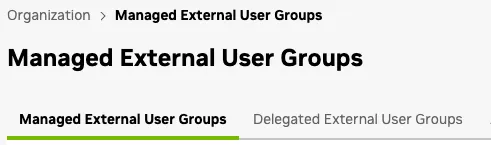
This will take you to the Managed External User Groups page, where you can select Managed or Delegated External Groups, as shown below. We highly recommend using Delegated groups for sharing between organizations, as this relieves the sharer of the burden of managing each user within the group. Delegated groups are created by the sharer, and then the sharee can manage the group and the users from their organization.
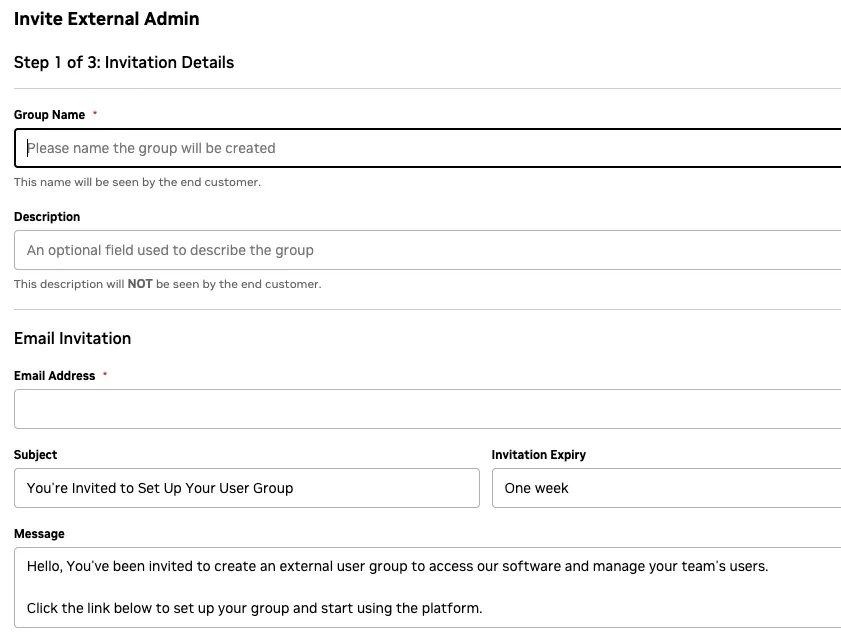
When you click on Invite External Admin, you are creating an invitation for the initial administrator of the external group, who can accept the invitation and add/manage the users in the group. You are given the ability to create the message for the invitation, along with a name for the group and a description.
The second step provides a selection for organization- or team-level assignment. Fleet Intelligence always uses organization-level assignment, so please select Organization for this selection. Assign a Fleet Intelligence role to the group. Select Cloud Provider if you are sharing with your cloud provider, as this will give the cloud provider slightly more hardware details and their own set of notify rules. Select Viewer if this share is with another non-cloud-provider group.
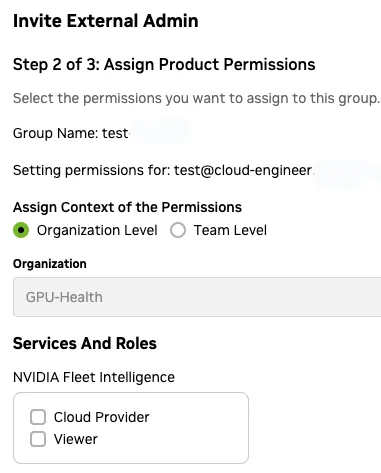
Lastly, step 3 will allow you to review and confirm the details and send the invitation.
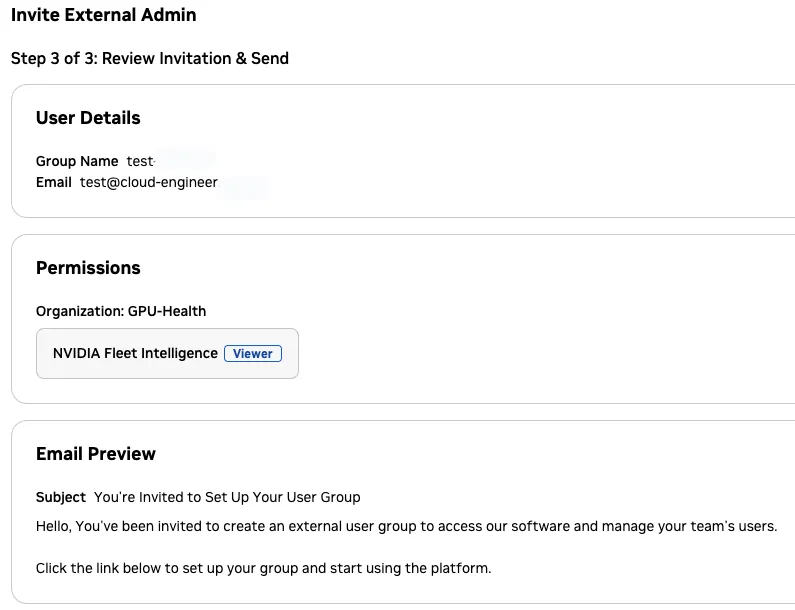
The invitation will remain pending until the user accepts.
Accessing Shared Data
To access shared data, you must first accept the invitation. This will present you with an additional organization to select from in the user account menu in the upper right corner. The currently selected organization is displayed under your username.
When you access Fleet Intelligence as a member of an external group, you will see a warning indicating that you are accessing the data as a member of an external group.

Notify and Mute Rules
All other options on the settings page (including enrollment tokens) are not accessible to external users, except alert configurations as described below.
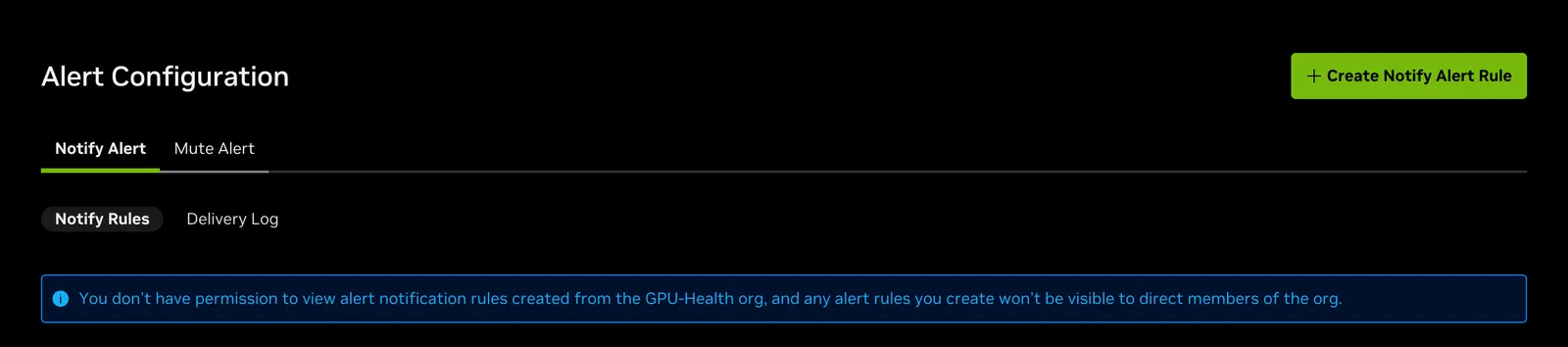
When you access Fleet Intelligence as a member of an external group, and the sharer has selected the Cloud Provider role, you will have your own set of notify rules, but mute rules are seen by both organizations. Notify rules are completely isolated and will be separate from the rules for the organization you are sharing with. A warning is displayed in the Settings page of the external group, but not on the source organization’s view.