

Accessing Fleet Intelligence
Accessing Fleet Intelligence
Open the Fleet Intelligence dashboard. When the page loads, log in with NVIDIA GPU Cloud (NGC).
After you log in, you see the accounts, organizations, and teams you can access. Select the team your administrator enabled for Fleet Intelligence, then click Continue. For more information about NGC accounts, organizations, and teams, refer to the NGC User Guide.
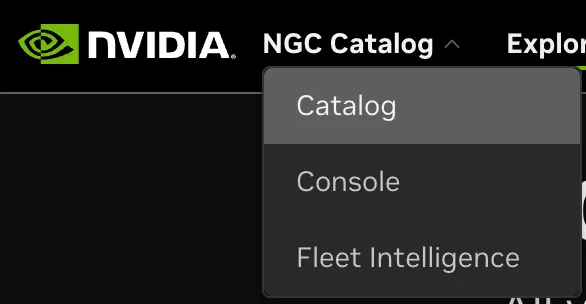
If NGC Catalog opens after you log in, use the upper-left menu: click NGC Catalog, then select Fleet Intelligence.
You are now on the Fleet Intelligence home screen. The following section walks through the dashboard: customizing the view, adding and grouping hosts, inspecting machine details, reviewing events, and generating reports.