Installation using Isaac Sim Pip Package
The following steps first installs Isaac Sim from pip, then Isaac Lab from source code.
Installing Isaac Sim with pip requires GLIBC 2.35+ version compatibility.
To check the GLIBC version on your system, use command ldd --version.
This may pose compatibility issues with some Linux distributions. For instance, Ubuntu 20.04 LTS has GLIBC 2.31 by default. If you encounter compatibility issues, we recommend following the Isaac Sim Binaries Installation approach.
If you plan to Set up Visual Studio Code later, we recommend following the Isaac Sim Binaries Installation approach.
Installing Isaac Sim
From Isaac Sim 4.0 onwards, it is possible to install Isaac Sim using pip. This approach makes it easier to install Isaac Sim without requiring to download the Isaac Sim binaries. If you encounter any issues, please report them to the Isaac Sim Forums.
On Windows, it may be necessary to enable long path support to avoid installation errors due to OS limitations.
Preparing a Python Environment
Creating a dedicated Python environment is strongly recommended. It helps:
- Avoid conflicts with system Python or other projects installed on your machine.
- Keep dependencies isolated, so that package upgrades or experiments in other projects do not break Isaac Sim.
- Easily manage multiple environments for setups with different versions of dependencies.
- Simplify reproducibility — the environment contains only the packages needed for the current project, making it easier to share setups with colleagues or run on different machines.
You can choose different package managers to create a virtual environment.
- UV: A modern, fast, and secure package manager for Python.
- Conda: A cross-platform, language-agnostic package manager for Python.
- venv: The standard library for creating virtual environments in Python.
The Python version of the virtual environment must match the Python version of Isaac Sim.
- For Isaac Sim 5.X, the required Python version is 3.11.
- For Isaac Sim 4.X, the required Python version is 3.10.
Using a different Python version will result in errors when running Isaac Lab.
The following instructions are for Isaac Sim 5.X, which requires Python 3.11. If you wish to install Isaac Sim 4.5, please use modify the instructions accordingly to use Python 3.10.
- Create a virtual environment using one of the package managers:
UV Environment
Conda Environment
venv Environment
To install uv, please follow the instructions here.
You can create the Isaac Lab environment using the following commands:
fa-brands fa-linux Linux
fa-brands fa-windows Windows
- Ensure the latest pip version is installed. To update pip, run the following command from inside the virtual environment:
Linux
Windows
Installing dependencies
In case you used UV to create your virtual environment, please replace pip with uv pip
in the following commands.
- Install Isaac Sim pip packages:
- Install a CUDA-enabled PyTorch build that matches your system architecture:
Linux (x86_64)
Windows (x86_64)
Linux (aarch64)
Verifying the Isaac Sim installation
-
Make sure that your virtual environment is activated (if applicable)
-
Check that the simulator runs as expected:
- It’s also possible to run with a specific experience file, run:
When running Isaac Sim for the first time, all dependent extensions will be pulled from the registry. This process can take upwards of 10 minutes and is required on the first run of each experience file. Once the extensions are pulled, consecutive runs using the same experience file will use the cached extensions.
The first run will prompt users to accept the Nvidia Omniverse License Agreement.
To accept the EULA, reply Yes when prompted with the below message:
If the simulator does not run or crashes while following the above instructions, it means that something is incorrectly configured. To debug and troubleshoot, please check Isaac Sim documentation and the Isaac Sim Forums.
Installing Isaac Lab
Cloning Isaac Lab
We recommend making a fork of the Isaac Lab repository to contribute
to the project but this is not mandatory to use the framework. If you
make a fork, please replace isaac-sim with your username
in the following instructions.
Clone the Isaac Lab repository into your project’s workspace:
SSH
HTTPS
We provide a helper executable isaaclab.sh and isaaclab.bat for Linux and Windows respectively that provides utilities to manage extensions.
Linux
Windows
Installation
- Install dependencies using
apt(on Linux only):
- Run the install command that iterates over all the extensions in
sourcedirectory and installs them using pip (with--editableflag):
Linux
Windows
By default, the above will install all the learning frameworks. These include
rl_games, rsl_rl, sb3, skrl, robomimic.
If you want to install only a specific framework, you can pass the name of the framework
as an argument. For example, to install only the rl_games framework, you can run:
Linux
Windows
The valid options are all, rl_games, rsl_rl, sb3, skrl, robomimic,
and none. If none is passed, then no learning frameworks will be installed.
Verifying the Isaac Lab installation
To verify that the installation was successful, run the following command from the top of the repository:
Linux
Windows
The above command should launch the simulator and display a window with a black
viewport. You can exit the script by pressing Ctrl+C on your terminal.
On Windows machines, please terminate the process from Command Prompt using
Ctrl+Break or Ctrl+fn+B.
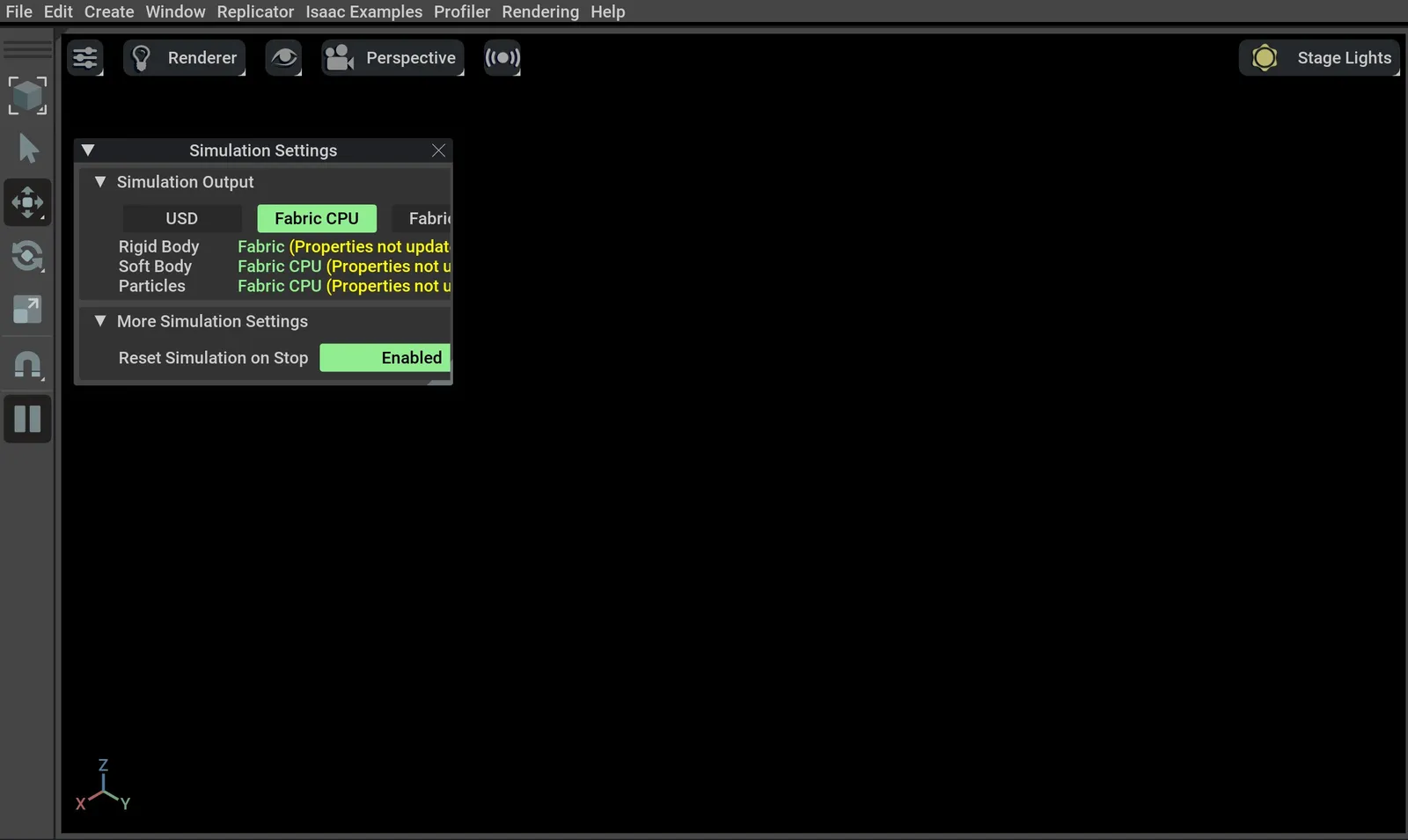
If you see this, then the installation was successful! |🎉|
If you see an error ModuleNotFoundError: No module named 'isaacsim', please ensure that the virtual
environment is activated and source _isaac_sim/setup_conda_env.sh has been executed (for uv as well).
Train a robot!
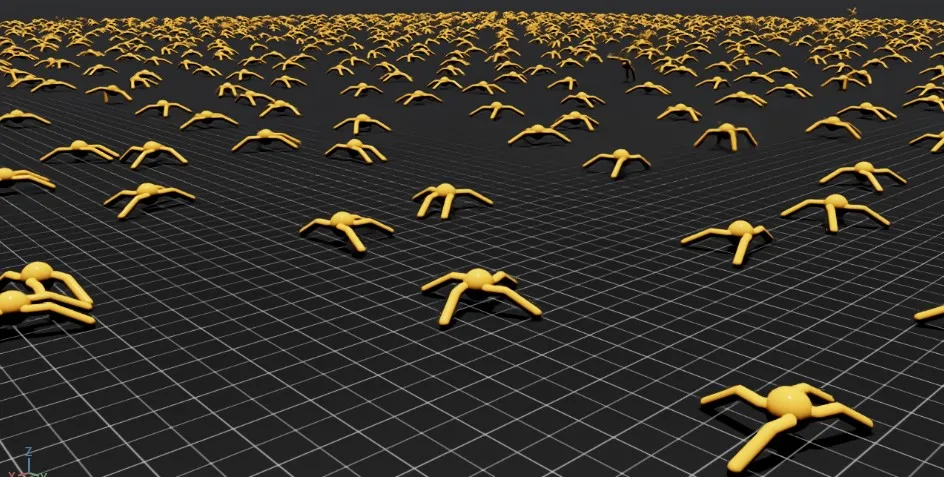
You can now use Isaac Lab to train a robot through Reinforcement Learning! The quickest way to use Isaac Lab is through the predefined workflows using one of our Batteries-included robot tasks. Execute the following command to quickly train an ant to walk!
We recommend adding --headless for faster training.
Linux
Windows
… Or a robot dog!
Linux
Windows
Isaac Lab provides the tools you’ll need to create your own Tasks and Workflows for whatever your project needs may be. Take a look at our How-to Guides guides like Adding your own learning Library or Wrapping Environments for details.