


Remove the BlueField-3 Card#
Remove the power cable from the BlueField-3 card side only:
Do not unplug the power cable from the motherboard side.
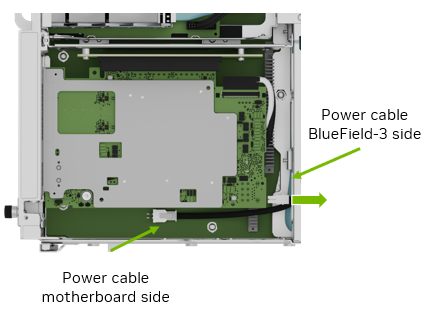
Before pulling the card too far, ensure to unplug the white and black IPEX cables from the card following the instructions in Remove an IPEX Cable.
The white cable connects to the top of the card and the black cable connects to the bottom (heatsink) of the card:
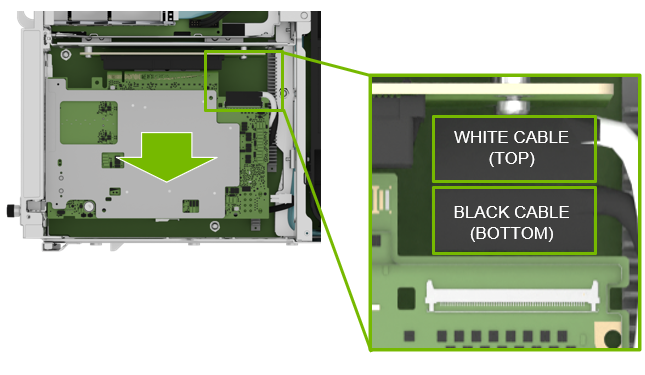
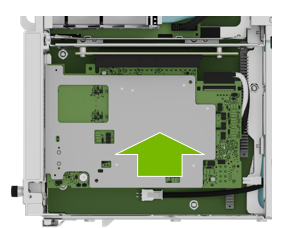
Pull the card out of the slot and remove it from the system:
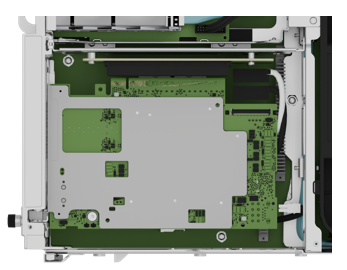
Remove an IPEX Cable#
Repeat this procedure for both the white and black cables.
The following image shows the IPEX cable attached to the connector:
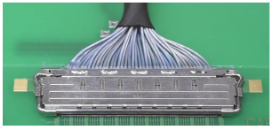
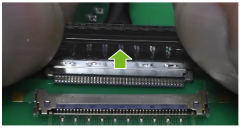
Lift the locking door:
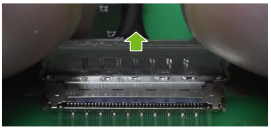
Push the cable away from the connector:
Install the BlueField-3 Card#
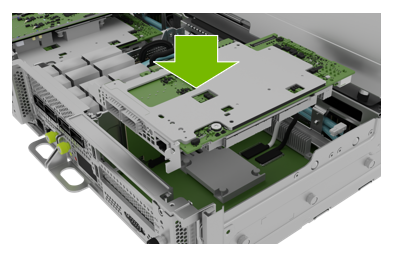
After you connect the IPEX cables, install the new BlueField-3 card in the bottom slot in the PCI riser:
Attach the IPEX and power cables as shown in Insert an IPEX Cable.
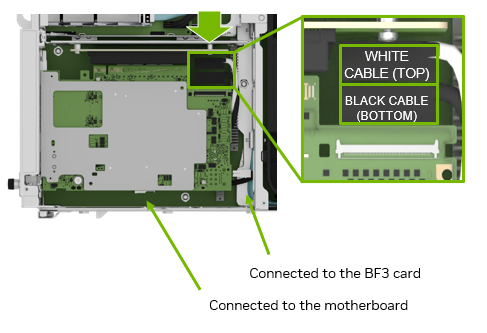
Connect one end of the power cable to the BlueField-3 card and the other end of the power cable to the motherboard.
Insert the BlueField-3 card in the bottom PCI slot:
Insert an IPEX Cable#
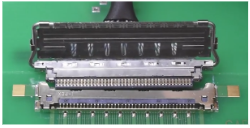
Align the IPEX cable to the connector:
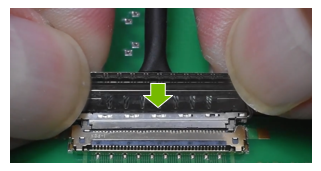
Press the cable into the connector:
Confirm the cable is in the connector:
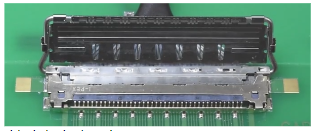
Close the latching mechanism:
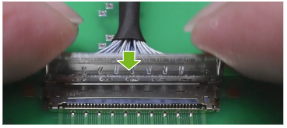
Ensure the cable is locked to the connector on the board: