For AI agents: a documentation index is available at the root level at /llms.txt. Append /llms.txt to any URL for a page-level index, or .md for the markdown version of any page.
LogoLogo
  • Welcome
    • Overview
    • Release Notes
  • Installation and Configuration
    • System Requirements
    • Installation
    • Services and Utilities
    • Executor Resource Manager
    • Configuration Parameters
    • Security
  • Loading and Exporting Data
    • Supported Data Sources
    • Command Line
  • SQL
    • Data Definition (DDL)
    • Data Manipulation (DML)
  • HeavyImmerse
    • Introduction to HeavyImmerse
    • Admin Portal
    • Control Panel
    • Working with Dashboards
    • Measures and Dimensions
    • Using Parameters
    • Using Filters
    • Using Cross-link
    • Color Consistency
    • Chart Animation
    • Multilayer Charts
    • SQL Editor
    • Customization
    • Joins (Beta)
    • Chart Types
  • HeavyRF
    • Introduction to HeavyRF
    • Getting Started
    • HeavyRF Table Functions
  • HeavyConnect
    • HeavyConnect Release Overview
    • Getting Started
    • Best Practices
    • Examples
    • Command Reference
    • Parquet Data Wrapper Reference
    • ODBC Data Wrapper Reference
    • Raster Data Wrapper Reference
  • HeavyML
    • HeavyML Overview
    • Clustering Algorithms
    • Regression Algorithms
    • Principal Components Analysis
  • Python / Data Science
    • Data Science Foundation
    • JupyterLab Installation and Configuration
    • Using HEAVY.AI with JupyterLab
    • Python User-Defined Functions (UDFs) with RBC
    • Ibis
    • Interactive Data Exploration with Altair
    • Additional Examples
  • APIs and Interfaces
    • heavysql
    • Thrift
    • JDBC
    • ODBC
    • Vega
    • RJDBC
    • SQuirreL SQL
    • heavyai-connector
  • Troubleshooting
    • Vulkan Renderer
    • Optimizing
    • Logs and Monitoring
  • Tutorials
    • Hello World
    • Creating a Kafka Streaming Application
    • Getting Started with Open Source
    • Try Vega
  • Welcome
  • Overview
  • Release Notes
  • System Requirements
  • Hardware Reference
  • Software Requirements
  • Licensing
  • Installation
  • Build From Source
  • Migration from Legacy Enterprise Edition
  • Add User
  • Installing on Rocky Linux / RHEL
  • HEAVY.AI Installation on RHEL
  • Install NVIDIA Drivers and Vulkan
  • Upgrading
  • Upgrading HEAVY.AI
  • CUDA Compatibility Drivers
  • Uninstalling
  • Ports
  • Services and Utilities
  • Using Services
  • Using Utilities
  • Executor Resource Manager
  • Configuration Parameters
  • Parameters Overview
  • Configuration Parameters for HeavyDB
  • Configuration Parameters for HEAVY.AI Web Server
  • Security
  • Roles and Privileges
  • Column-Level Security
  • Connecting Using SAML
  • Implementing a Secure Binary Interface
  • Encrypted Credentials in Custom Applications
  • LDAP Integration
  • Supported Data Sources
  • Kafka
  • Using HeavyImmerse Data Manager
  • Importing Geospatial Data
  • Command Line
  • Loading Data with SQL
  • Exporting Data
  • Data Definition (DDL)
  • Datatypes
  • Users and Databases
  • Tables
  • System Tables
  • Views
  • Policies
  • Comment
  • Data Manipulation (DML)
  • SQL Capabilities
  • ALTER SESSION SET
  • ALTER SYSTEM CLEAR
  • DELETE
  • EXPLAIN
  • INSERT
  • KILL QUERY
  • LIKELY/UNLIKELY
  • SELECT
  • SHOW
  • UPDATE
  • Arrays
  • Logical Operators and Expressions
  • Table Expression and Join Support
  • Type Casts
  • Geospatial Capabilities
  • Uber H3 Hexagonal Modeling
  • Functions and Operators
  • System Table Functions
  • generate_random_strings
  • generate_series
  • tf_compute_dwell_times
  • tf_feature_self_similarity
  • tf_feature_similarity
  • tf_geo_rasterize
  • tf_geo_rasterize_slope
  • tf_graph_shortest_path
  • tf_graph_shortest_paths_distances
  • tf_load_point_cloud
  • tf_mandelbrot
  • tf_point_cloud_metadata
  • tf_raster_contour
  • tf_raster_graph_shortest_slope_weighted_path
  • Window Functions
  • Reserved Words
  • SQL Extensions
  • HeavyIQ LLM_TRANSFORM
  • Introduction to HeavyImmerse
  • Admin Portal
  • Control Panel
  • Working with Dashboards
  • Dashboard List
  • Creating a Dashboard
  • Configuring a Dashboard
  • Duplicating and Sharing Dashboards
  • Measures and Dimensions
  • Using Parameters
  • Using Filters
  • Using Cross-link
  • Color Consistency
  • Chart Animation
  • Multilayer Charts
  • SQL Editor
  • Customization
  • Joins (Beta)
  • Chart Types
  • Box/Whisker and Violin Plots
  • Bubble
  • Choropleth
  • Combo
  • Contour
  • Cross-Section
  • Gauge
  • Geo Heatmap
  • Heatmap
  • Linemap
  • Number
  • Pie
  • Pointmap
  • Scatter Plot
  • Skew-T
  • Table
  • Text Widget
  • Wind Barb
  • Introduction to HeavyRF
  • Getting Started
  • HeavyRF Table Functions
  • HeavyConnect Release Overview
  • Getting Started
  • Best Practices
  • Examples
  • Command Reference
  • Parquet Data Wrapper Reference
  • ODBC Data Wrapper Reference
  • Raster Data Wrapper Reference
  • HeavyML Overview
  • Clustering Algorithms
  • Regression Algorithms
  • Linear Regression
  • Random Forest Regression
  • Decision Tree Regression
  • Gradient Boosting Tree Regression
  • Principal Components Analysis
  • Data Science Foundation
  • JupyterLab Installation and Configuration
  • Using HEAVY.AI with JupyterLab
  • Python User-Defined Functions (UDFs) with RBC
  • Installation
  • Registering and Using a Function
  • User-Defined Table Functions
  • RBC API Reference
  • Ibis
  • Interactive Data Exploration with Altair
  • Additional Examples
  • Forecasting with HEAVY.AI and Prophet
  • APIs and Interfaces
  • heavysql
  • Thrift
  • JDBC
  • ODBC
  • Vega
  • Vega Tutorials
  • Vega at a Glance
  • Getting Started with Vega
  • Getting More from Your Data
  • Creating More Advanced Charts
  • Using Polys Marks Type
  • Vega Accumulator
  • Using Transform Aggregation
  • Improving Rendering with SQL Extensions
  • Vega Reference Overview
  • data Property
  • projections Property
  • scales Property
  • marks Property
  • Migration
  • Migrating Vega Code to Dynamic Poly Rendering
  • Try Vega
  • RJDBC
  • SQuirreL SQL
  • heavyai-connector
  • Vulkan Renderer
  • Optimizing
  • Logs and Monitoring
  • Hello World
  • Creating a Kafka Streaming Application
  • Getting Started with Open Source
  • Try Vega
On this page
  • Try It: Vega Editor
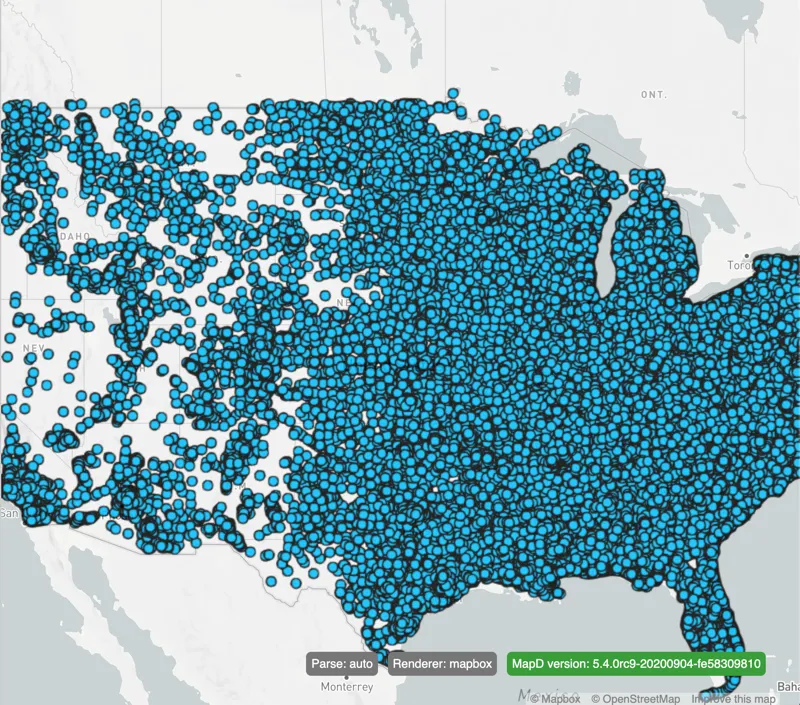
  • Simple Pointmap
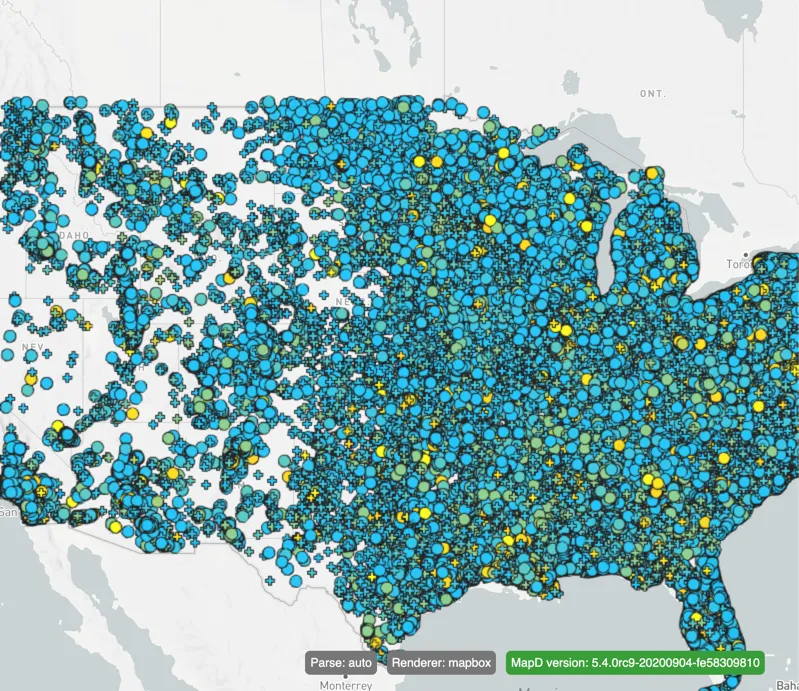
  • Pointmap With Scales
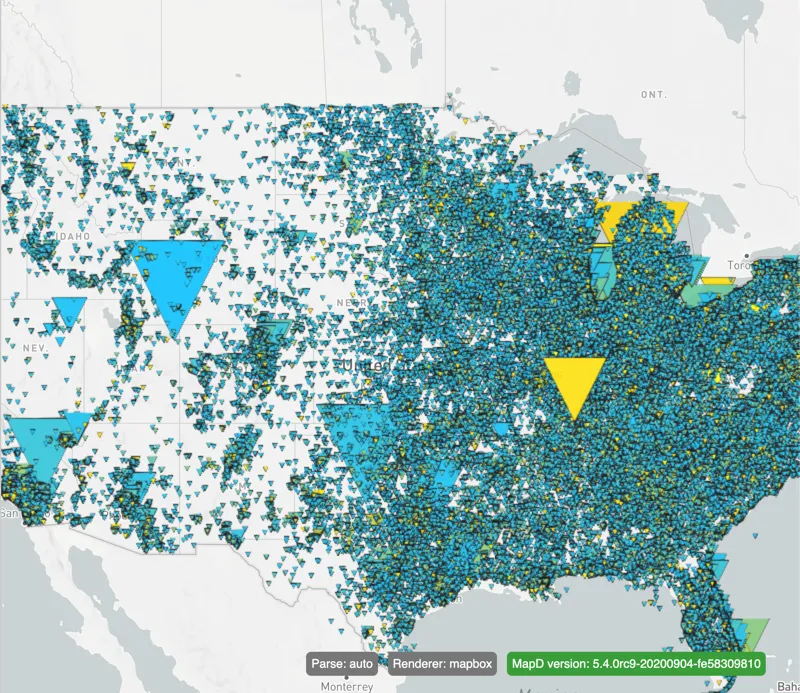
  • Grouped Pointmap
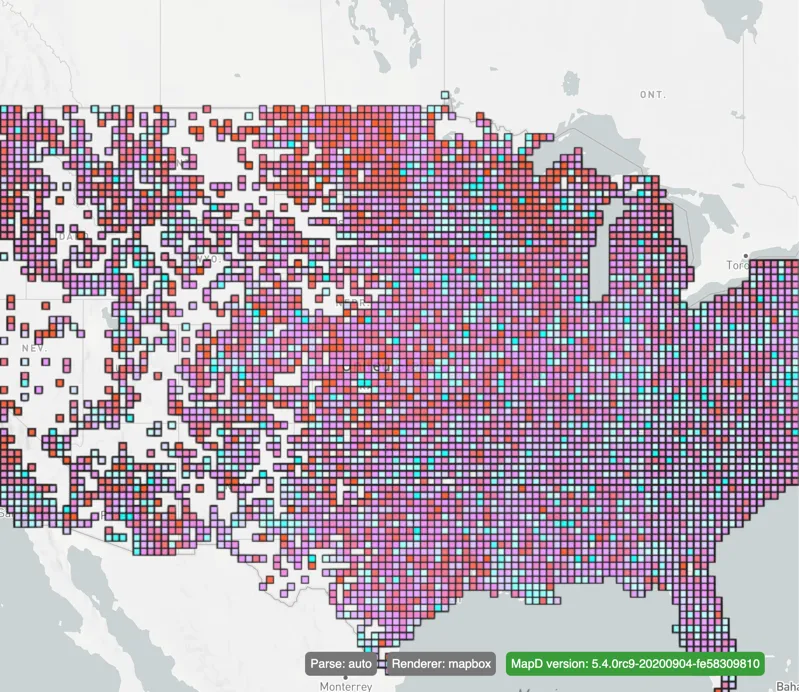
  • Square Heatmap
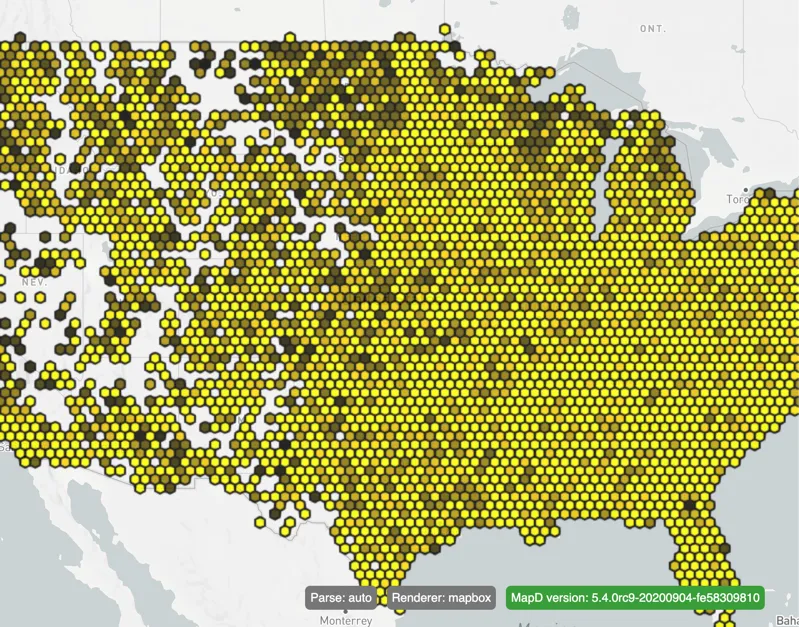
  • Hexagon Heatmap
Tutorials

Try Vega

||View as Markdown|

You can try the HEAVY.AI Vega engine and work with various examples. The database used for the examples includes over 100,000,000 rows. The data is based on the political donations dataset. Some columns have been stripped so that the data can fit on one NVIDIA Tesla P100 GPU.

Try It: Vega Editor

The following examples are available.

Simple Pointmap
Pointmap With Scales
Grouped Pointmap
Square Heatmap
Hexagon Heatmap
Previous
Getting Started with Open Source
NVIDIANVIDIA
Developer-friendly docs for your API
Privacy Policy | Your Privacy Choices | Terms of Service | Accessibility | Corporate Policies | Product Security | Contact

Copyright © 2026, NVIDIA Corporation.