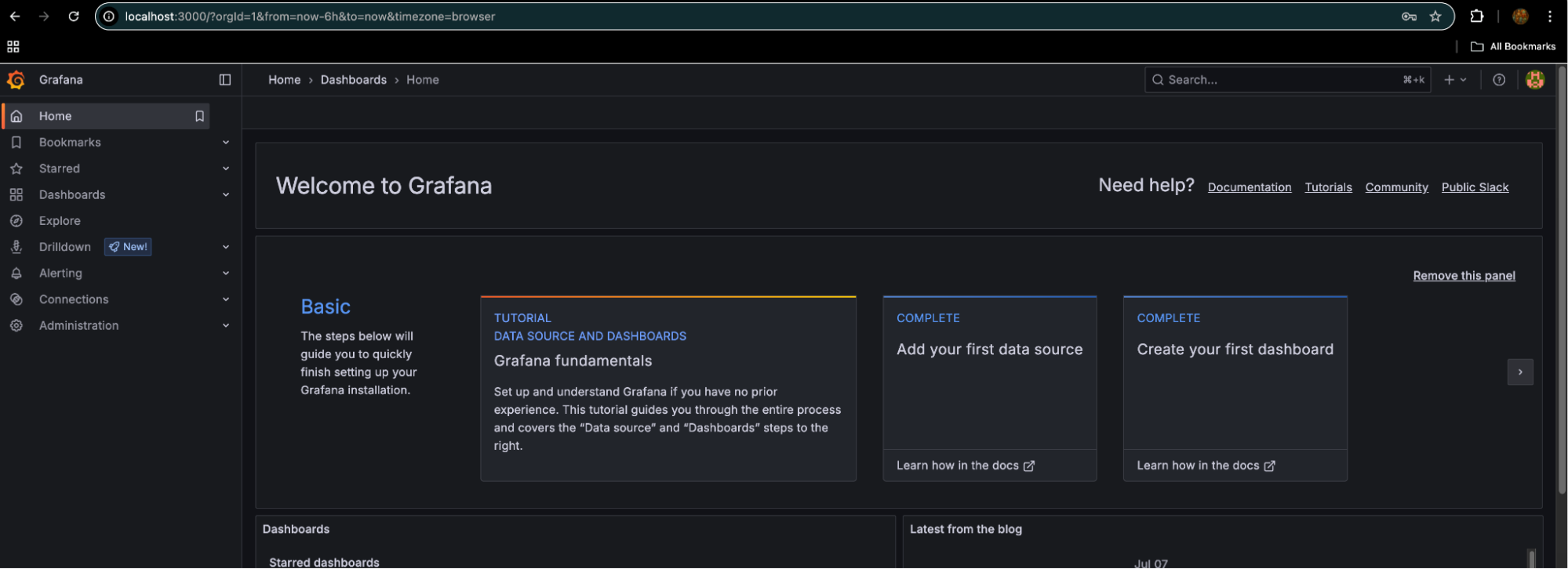

Accessing Dashboards#
There are multiple methods available for accessing the various dashboards, depending on your network configuration and security requirements. Understanding these different access patterns will help you choose the most appropriate method for your environment. For accessing ARE dashboards, the following access methods are available:
FQDN Method: If the installation is done with the proper FQDN, dashboards can be accessed using bcm.example.com/heimdall.
SSH and Port Forwarding: If the FQDN is not set up, access the head node/login node via SSH and use port forwarding to access Grafana and other dashboards.
If you are using Panoptes or Grafana Cloud, dashboards can also be available there.
kubectl get svc heimdall-grafana -n heimdall
NAME             TYPE        CLUSTER-IP      EXTERNAL-IP   PORT(S)   AGE
heimdall-grafana   ClusterIP   10.22.148.105   <none>        80/TCP    31d

ssh -L 3000:<grafana k8s service>:80 <unix username>@<login node>