

Reference Agentic UI#
This blueprint supports the following modes of the VSS Reference User Interface:
Use the links above to navigate to the respective tab’s documentation.
Following sections provide example screenshots for each tab where applicable.
Examples#
Chat Tab#
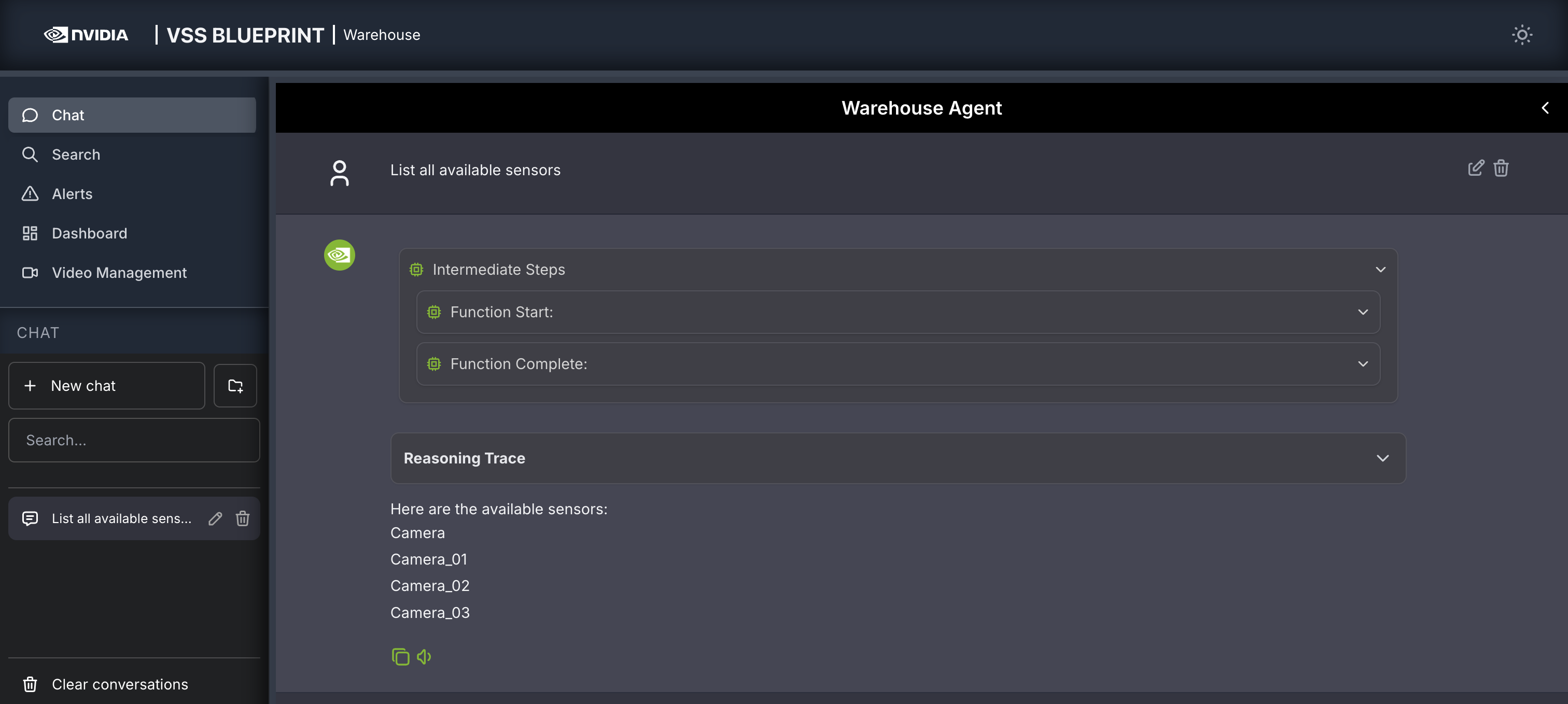
Query: Provide Sensors list.
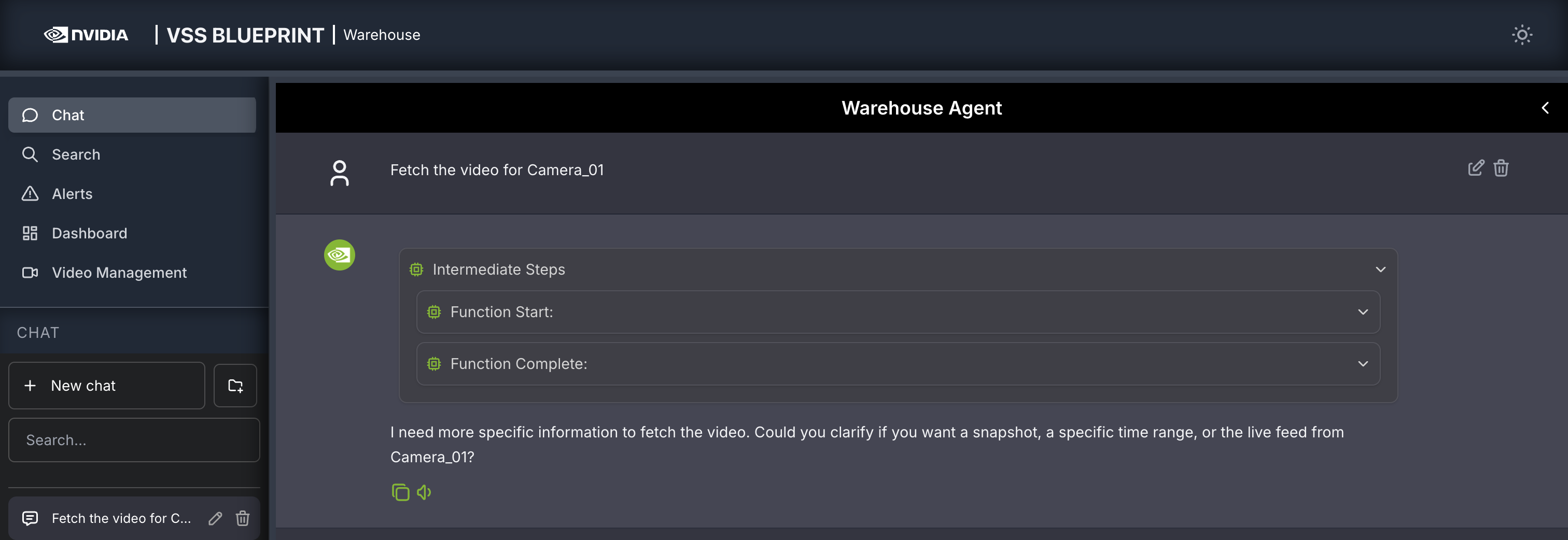
Query: Fetch the video for Camera_01.
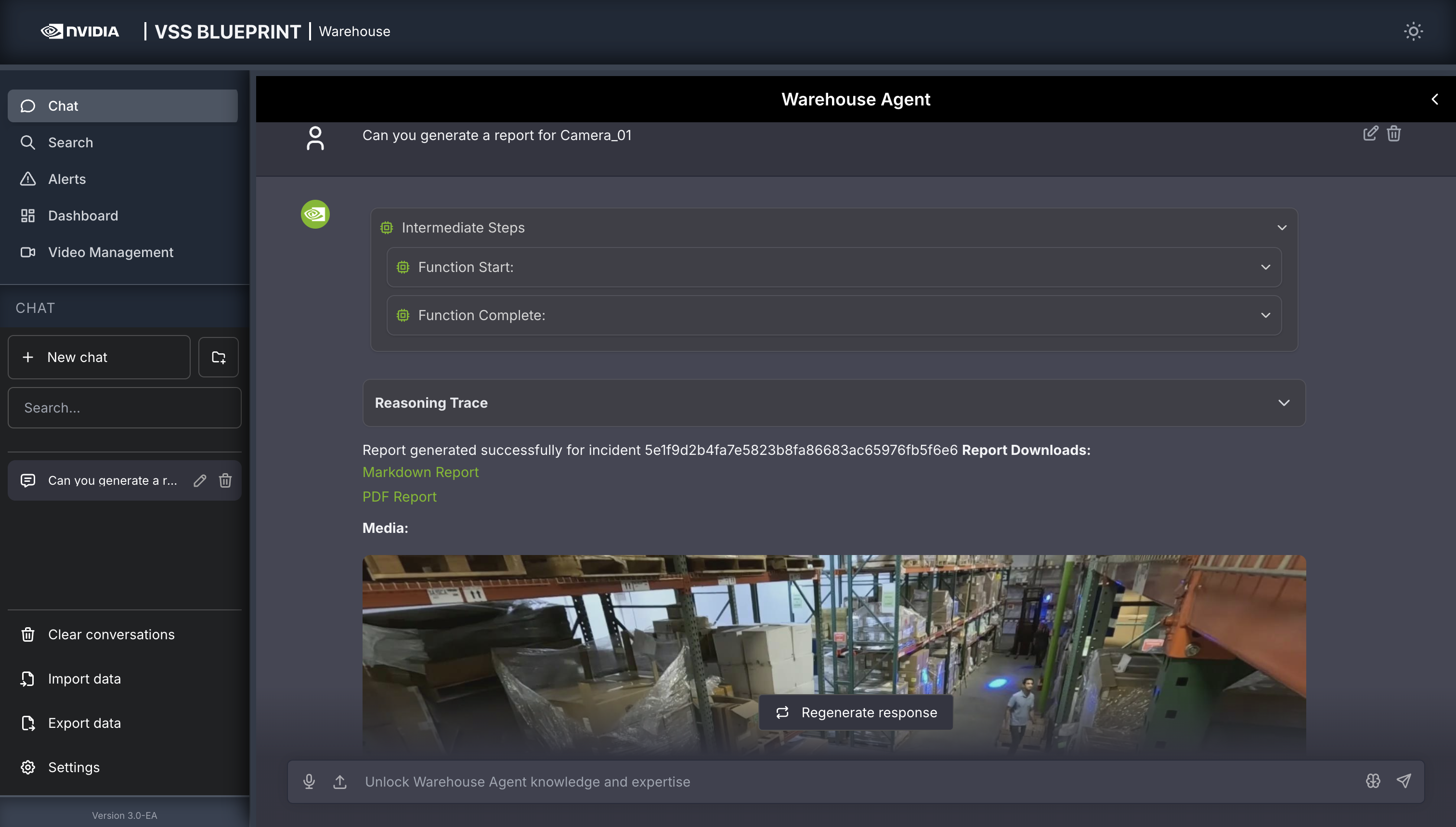
Query: Can you generate a report for Camera_01?
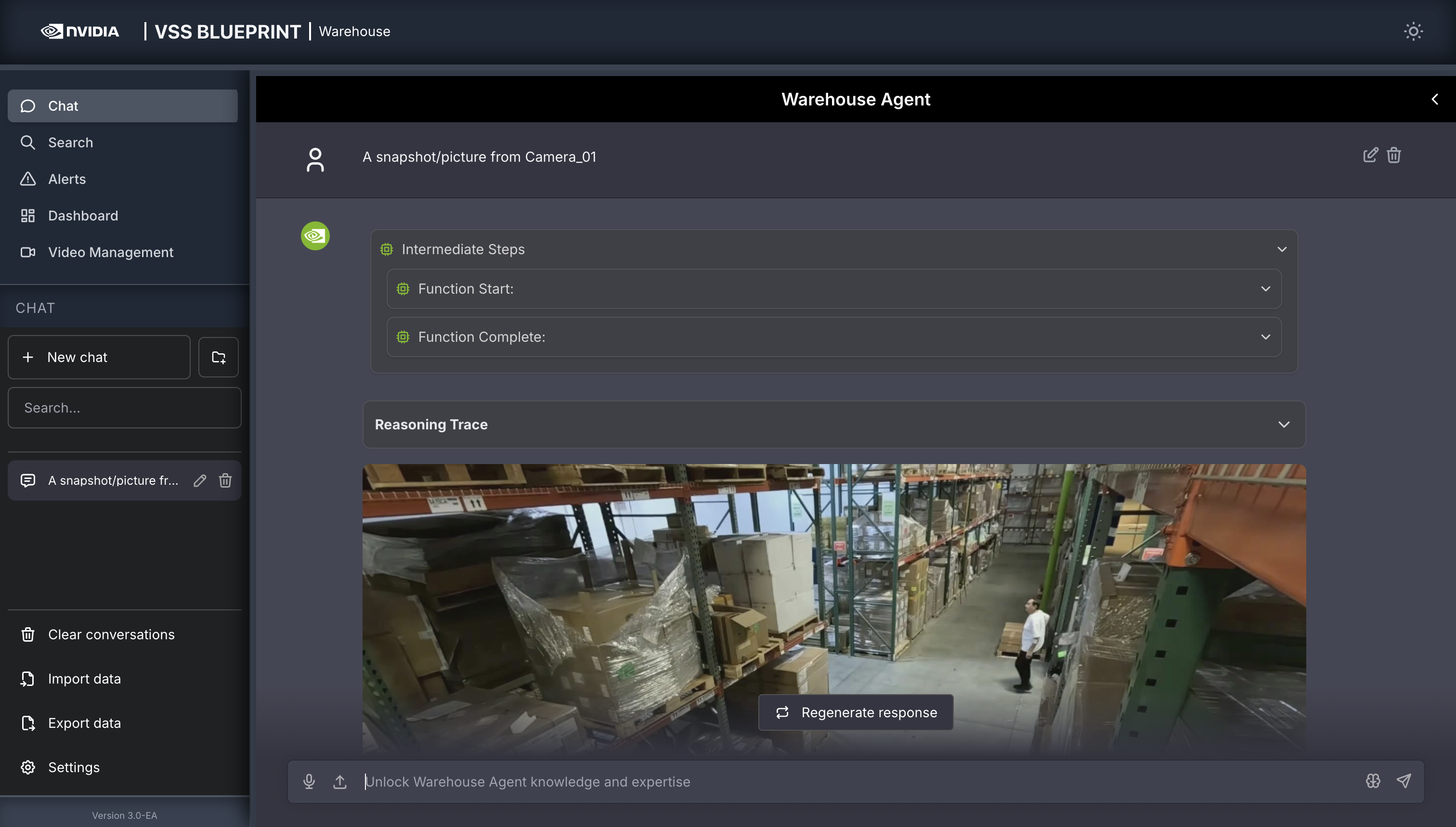
Query: A snapshot/picture from Camera_01.
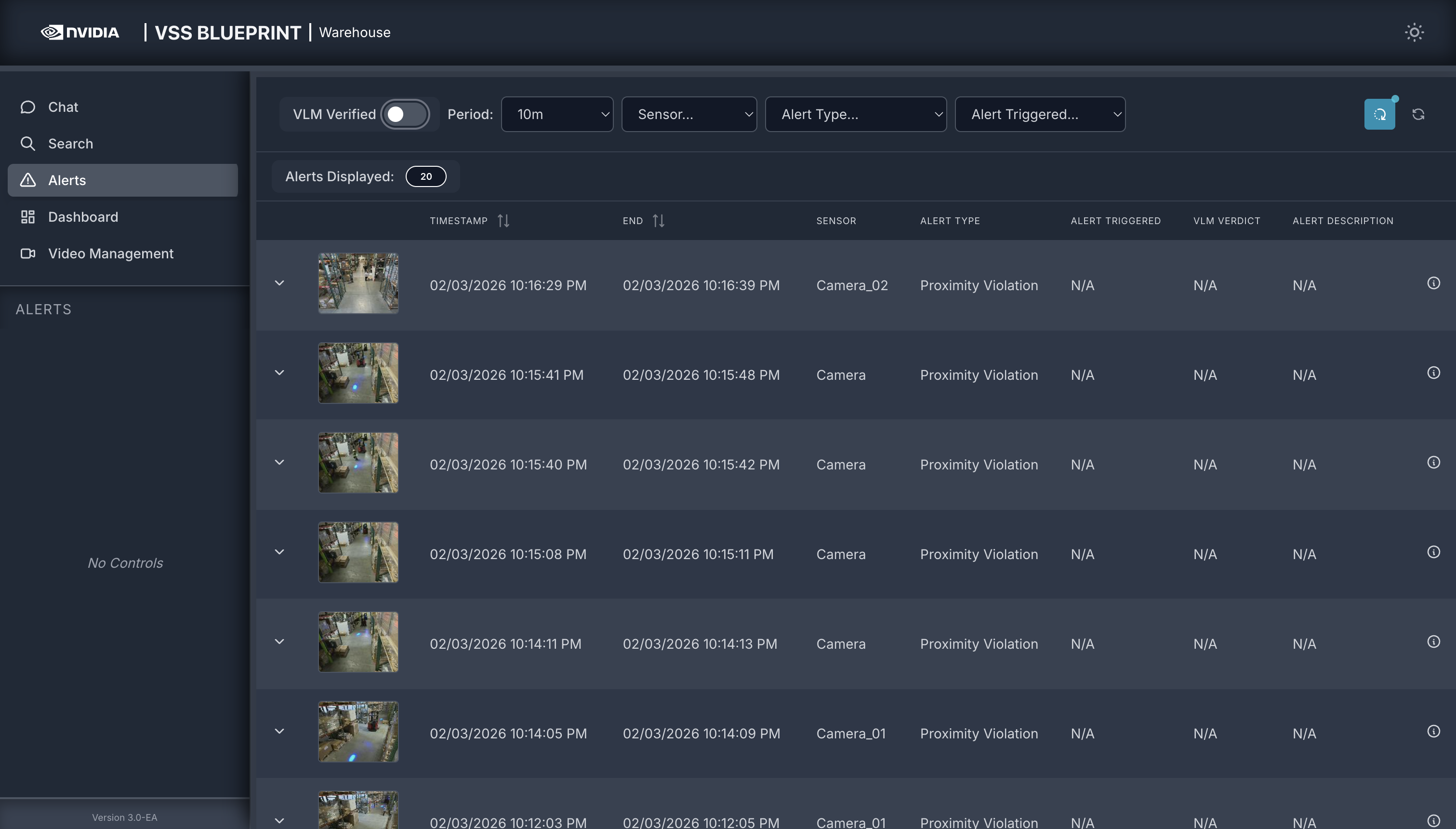
Alerts Tab#
Search Tab#

Dashboard Tab#
This tab is standard across all blueprints and details can be found in its respective section.
Video Management Tab#
This tab is standard across all blueprints and details can be found in its respective section.
References#
For more information on details related to the user interface, refer to the VSS Reference User Interface documentation.