


Requirements for the Jump Node#
The jump node is the machine from which you run the Ansible playbooks to install and configure the OpenShift cluster. This machine must meet the following requirements.
Note
If you are using the Installer Agent, you only need to meet the operating system and network requirements on this page. The Installer Agent installs the software prerequisites on the jump node automatically.
Operating System#
Install Ubuntu 22.04 or 24.04. NVIDIA recommends that you use a bare-metal instance.
Note
You cannot run the installation process from a Windows Subsystem for Linux (WSL) jump node because Apache Web Server on WSL cannot reliably expose the OpenShift ISO file to the cluster hosts.
Network#
The jump node must:
Have internet access.
Have access to the cluster hosts through their management interface (for example,
eth0, not the Intelligent Platform Management Interface (IPMI) network interface).
Software Prerequisites#
jqCommand-Line JSON ProcessorInstall
jq, a lightweight and flexible command-line JSON processor, using the following commands:sudo apt update sudo apt -y install jq
curlCommand-Line Data Transfer ClientInstall
curl, a command-line tool for transferring data with URLs, using the following command:sudo apt -y install curl
pipPackage Installer for PythonInstall
pip, the package installer for Python:sudo apt install python3-pip
Python Virtual Environment
Install
venv, a tool for creating lightweight Python virtual environments, and create one called.h4m:sudo apt install python3-venv python3 -m venv .h4m
Ansible
Install Ansible and the other required Python packages in the Python virtual environment:
source .h4m/bin/activate
pip3 install setuptools==81.0.0 jmespath==1.1.0 ansible==8.0.0
deactivate
Open the
~/.bashrcfile and add the following lines to suppress some informational Ansible warnings:export ANSIBLE_LOCALHOST_WARNING=False export ANSIBLE_INVENTORY_UNPARSED_WARNING=False
Save the file and return to the shell.
Reload your
.bashrcfile:source ~/.bashrc
SSH Keys
Generate an SSH key on the jump node using the
ssh-keygenutility. For all prompts, press Enter to use the default values. If SSH keys already exist, ensure that they are in the default path,~/.ssh/.ssh-keygen -t rsa
You use this key during cluster installation and for any post-installation debugging.
Apache Web Server
Apache Web Server hosts the ISO file for Red Hat CoreOS. The playbooks upload this ISO file to the server baseboard management controller (BMC) using the Redfish API and boot the servers from it. For installation instructions, refer to Install and configure Apache.
sudo apt install apache2
Confirm the Apache installation as follows:
curl -I http://localhost
HTTP/1.1 200 OK
Date: Thu, 29 Jan 2026 19:16:46 GMT
Server: Apache/2.4.58 (Ubuntu)
...
You can also type the local IP address or
localhostin a web browser. The default Apache welcome page appears.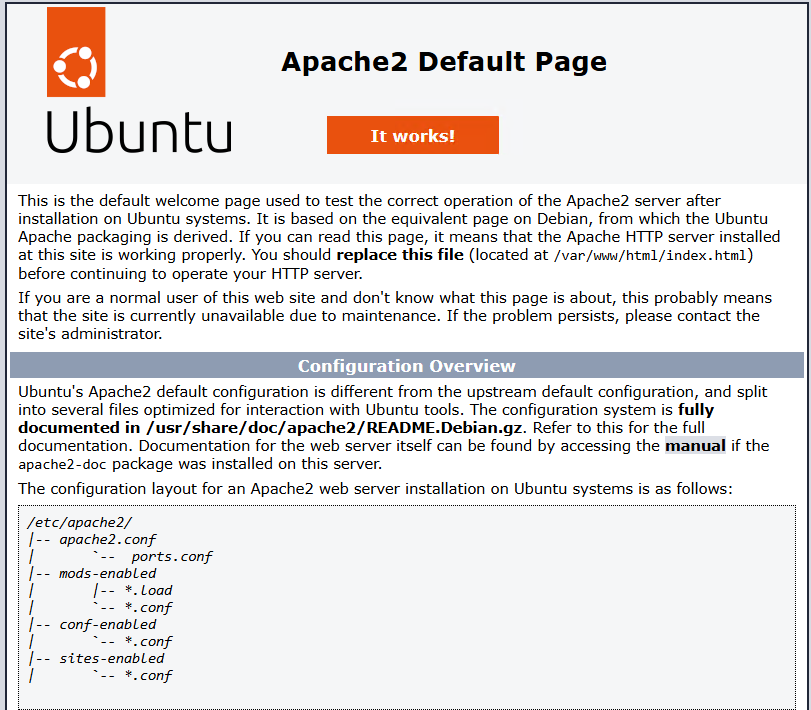
Apache default page confirming successful installation.#