
Dynamic Mode
Data Loading: LMDB Database#
Overview#
This example shows you how to use the data that is stored in LMDB database, in Caffe and Caffe 2 formats, with DALI.
Caffe LMDB Format#
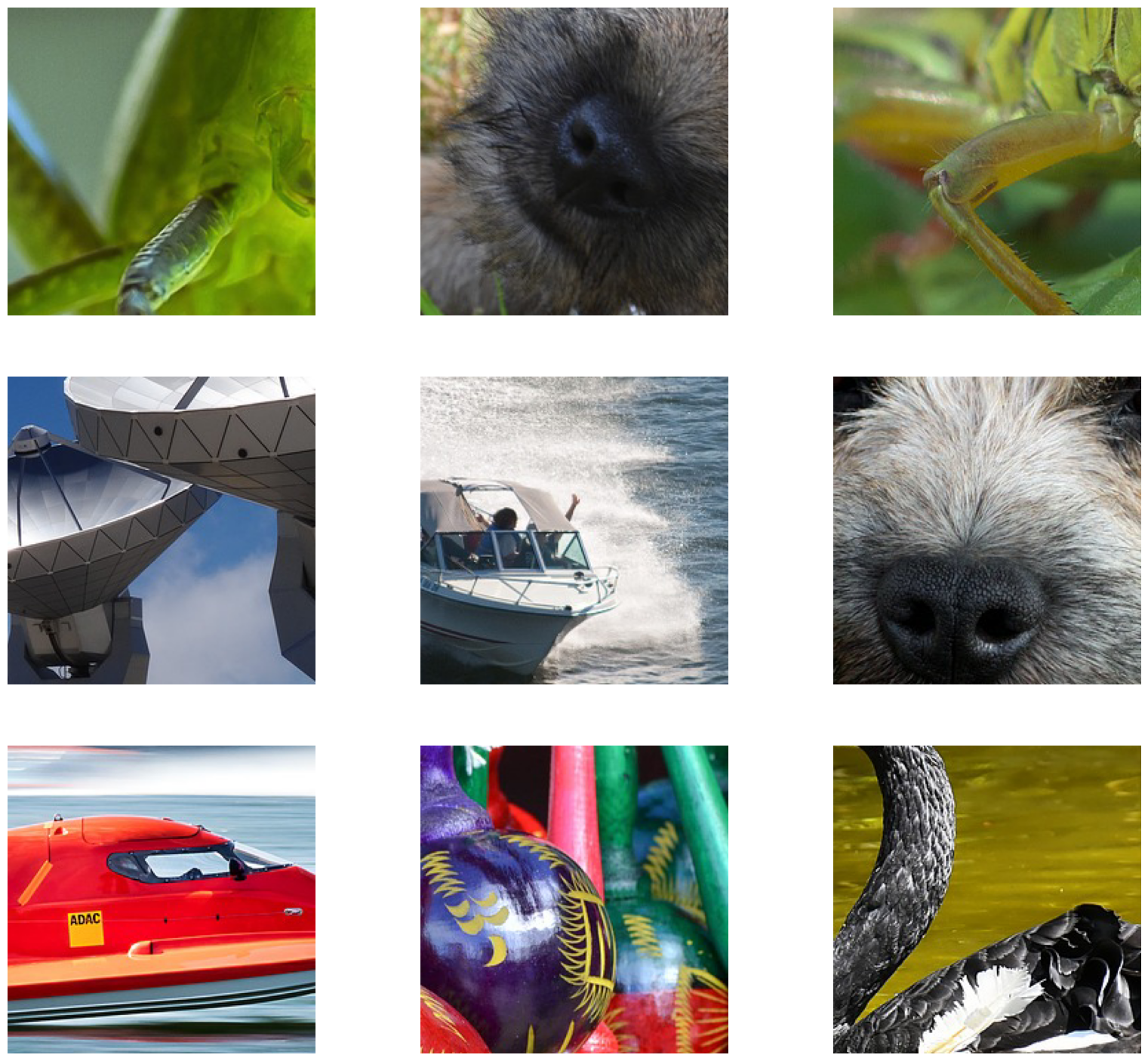
To use data that is stored in LMDB in the Caffe format, we need to use the readers.Caffe operator. In addition to the arguments that are common to all readers, such as random_shuffle, the operator takes path argument, which is the path to the directory where LMDB is stored.
We will read images stored in the Caffe format, decode them, and prepare them for ingestion in a DL framework.
Processing the images involves cropping, normalizing, and completing the HWC -> CHW conversion process.
The DALI_EXTRA_PATH environment variable should point to the location where data from DALI extra repository is downloaded.
Important: Ensure that you check out the correct release tag that corresponds to the installed version of DALI.
[1]:
import os
from pathlib import Path

import matplotlib.gridspec as gridspec
import matplotlib.pyplot as plt
import numpy as np

import nvidia.dali.experimental.dynamic as ndd

dali_extra_dir = Path(os.environ["DALI_EXTRA_PATH"])
db_folder = dali_extra_dir / "db" / "lmdb"
batch_size = 9
[2]:
reader = ndd.readers.Caffe(path=db_folder)

for jpegs, labels in reader.next_epoch(batch_size=batch_size):
    images = ndd.decoders.image(jpegs, device="gpu")
    output = ndd.crop_mirror_normalize(
        images,
        dtype=ndd.float32,
        crop=(224, 224),
        mean=[0.0, 0.0, 0.0],
        std=[1.0, 1.0, 1.0],
        crop_pos_x=ndd.random.uniform(range=(0, 1)),
        crop_pos_y=ndd.random.uniform(range=(0, 1)),
    )
    break  # Run once
To visualize the results, use the
matplotliblibrary, which expects images inHWCformat, but the output is inCHW.Note:
CHWis the preferred format for most Deep Learning frameworks.For the visualization purposes, transpose the images back to the
HWClayout.
[3]:
def show_images(image_batch: ndd.Batch):
    columns = 3
    rows = (batch_size + 1) // columns
    fig = plt.figure(figsize=(20, (20 // columns) * rows))
    gs = gridspec.GridSpec(rows, columns)
    for j, img in enumerate(image_batch):
        plt.subplot(gs[j])
        plt.axis("off")
        img_chw = np.asarray(img.cpu())
        img_hwc = np.transpose(img_chw, (1, 2, 0)) / 255.0
        plt.imshow(img_hwc)
    plt.show()
[4]:
show_images(output)
Caffe 2 LMDB Format#
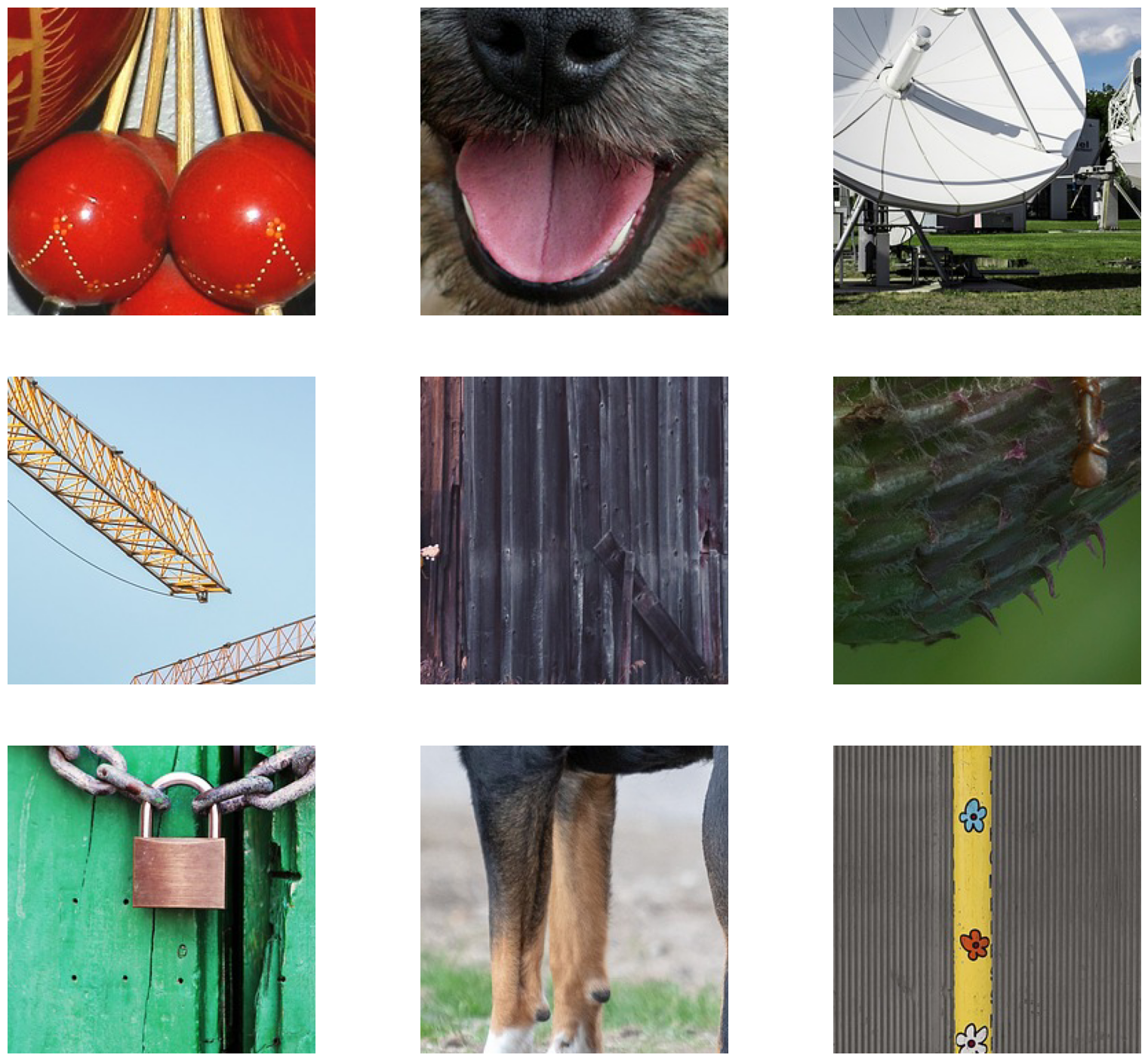
To use the data that is stored in LMDB in the Caffe 2 format, we need to use the readers.Caffe2 operator. Like the readers.Caffe operator, in addition to the arguments that are common to all readers, such as random_shuffle, this operator takes the path argument, which is the path to the directory where LMDB is stored.
Read images stored in the Caffe 2 format, decode them and prepare them for ingestion in a DL framework.
Processing the images involves cropping, normalizing, and completing the
HWC->CHWconversion process.
[5]:
db_folder_c2 = dali_extra_dir / "db" / "c2lmdb"

reader = ndd.readers.Caffe2(path=db_folder_c2)

for jpegs, labels in reader.next_epoch(batch_size=batch_size):
    images = ndd.decoders.image(jpegs, device="gpu")
    output_c2 = ndd.crop_mirror_normalize(
        images,
        dtype=ndd.float32,
        crop=(224, 224),
        mean=[0.0, 0.0, 0.0],
        std=[1.0, 1.0, 1.0],
    )
    break  # Run once
To visualize the results, you can use the
matplotliblibrary, which expects images inHWCformat, but the output is inCHW.Note:
CHWis the preferred format for most Deep Learning frameworks.For the visualization purposes, transpose the images back to the
HWClayout.
[6]:
show_images(output_c2)