

Reference Agentic UI
This blueprint enables the following components of the User Interface:
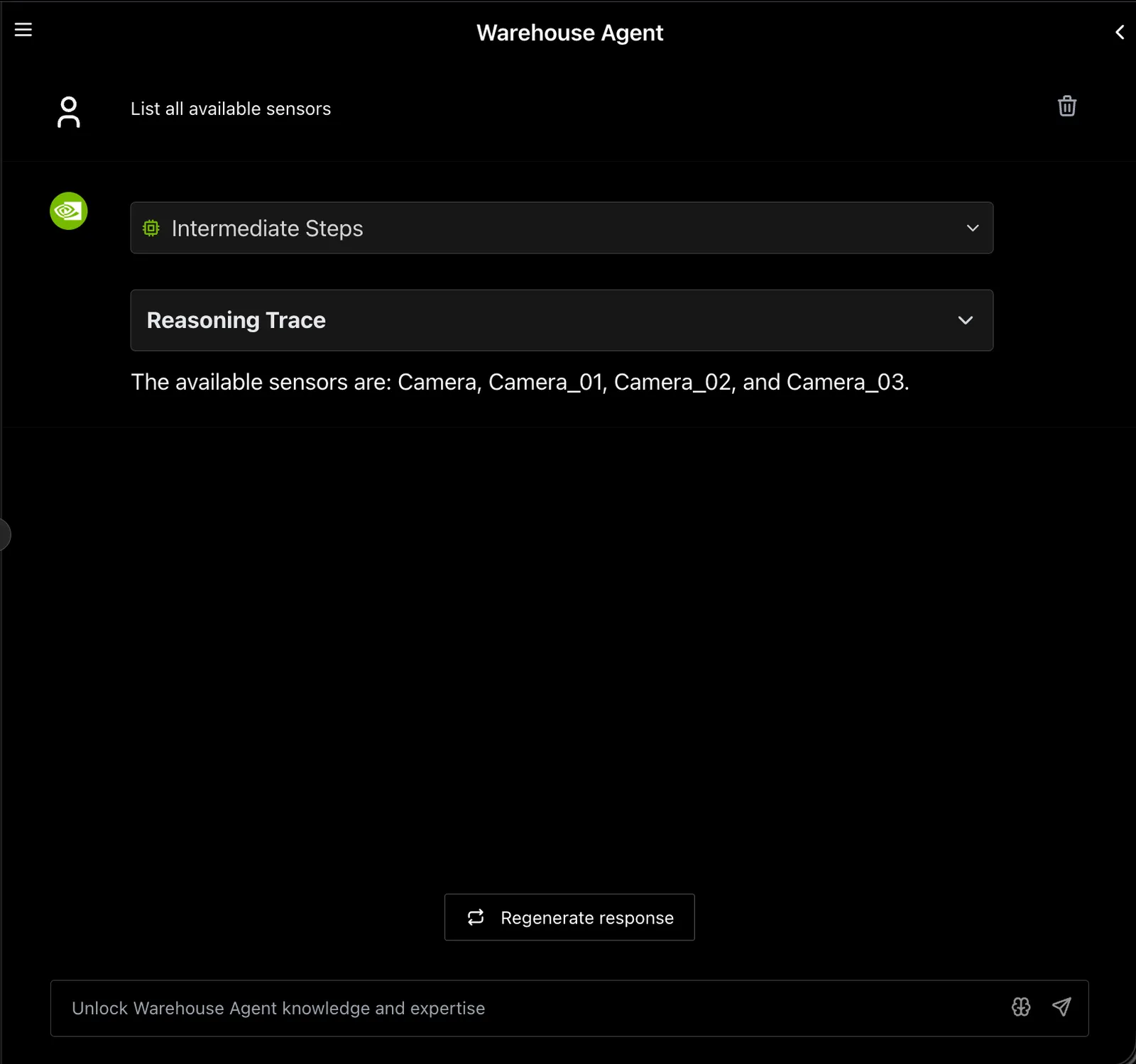
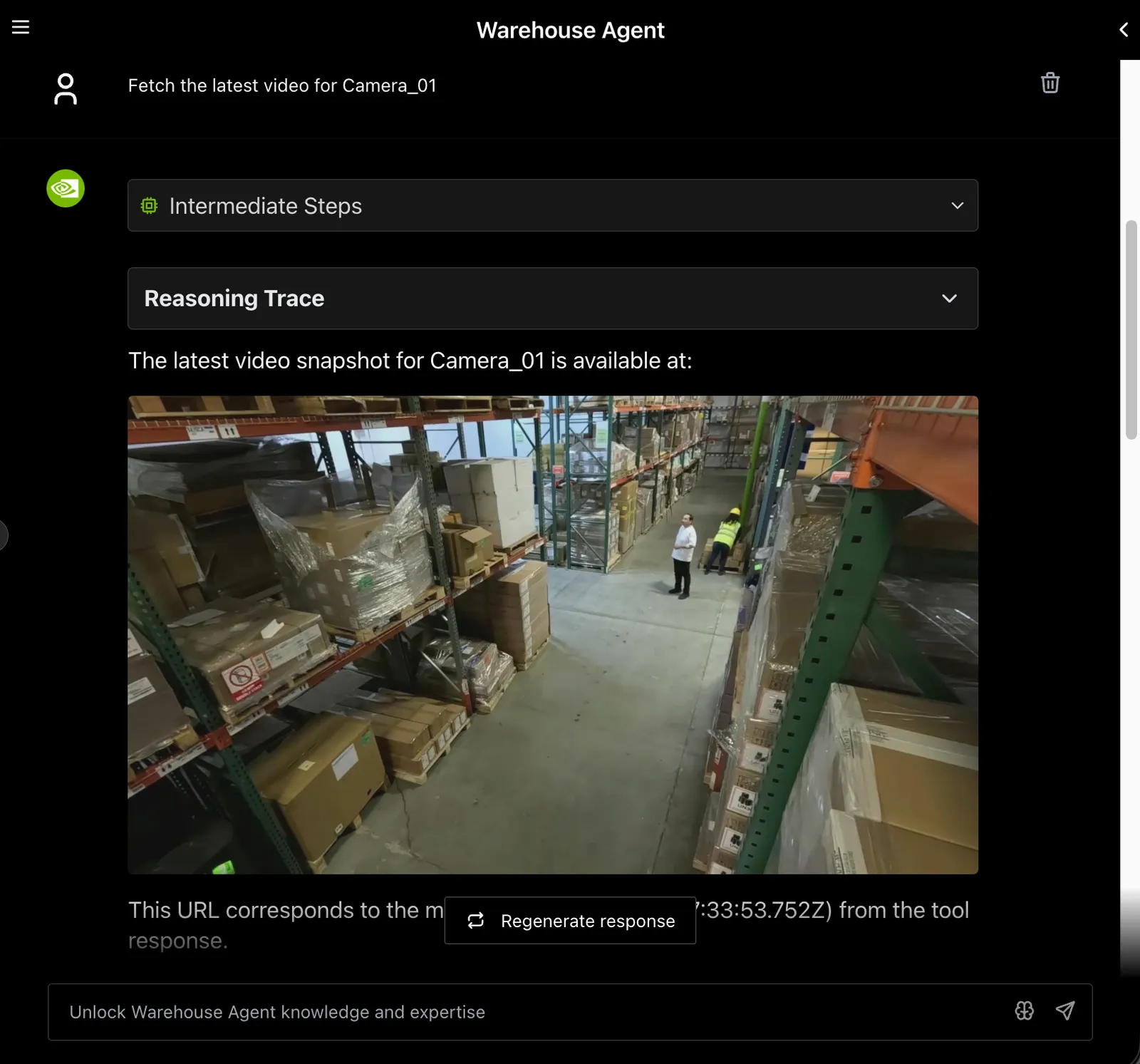
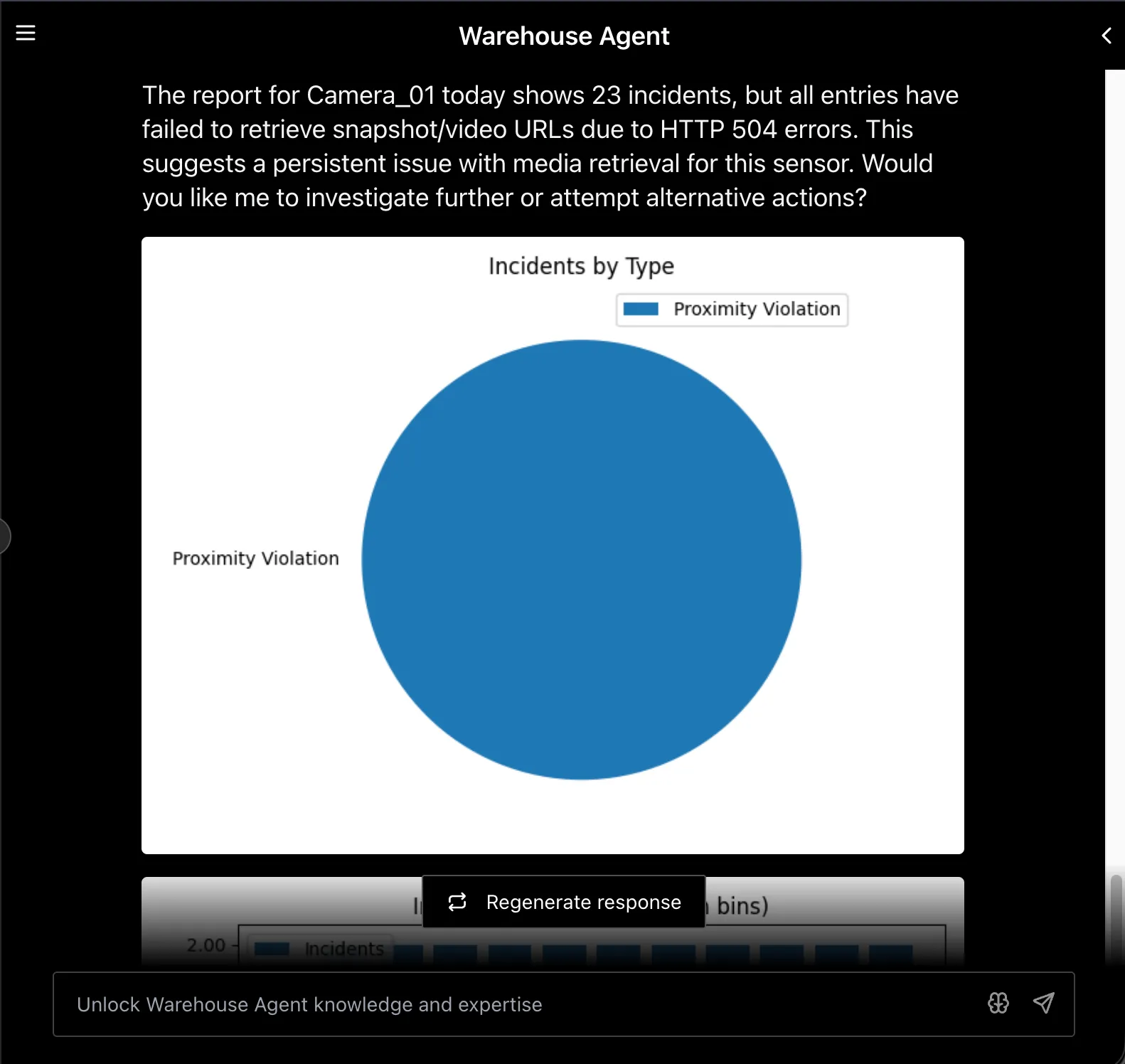
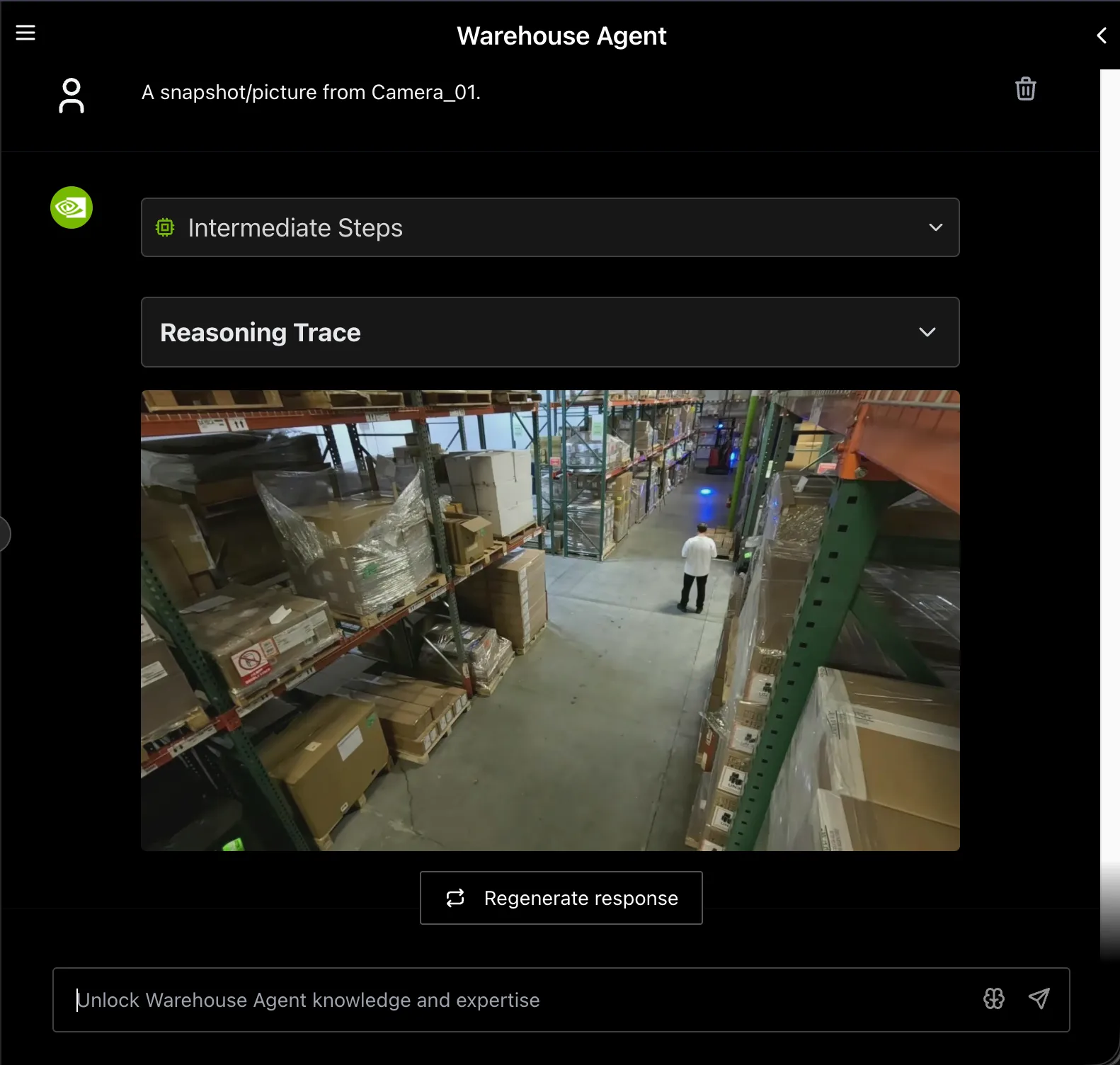
- Global Chat Sidebar — persistent conversational interface for the Warehouse Agent.
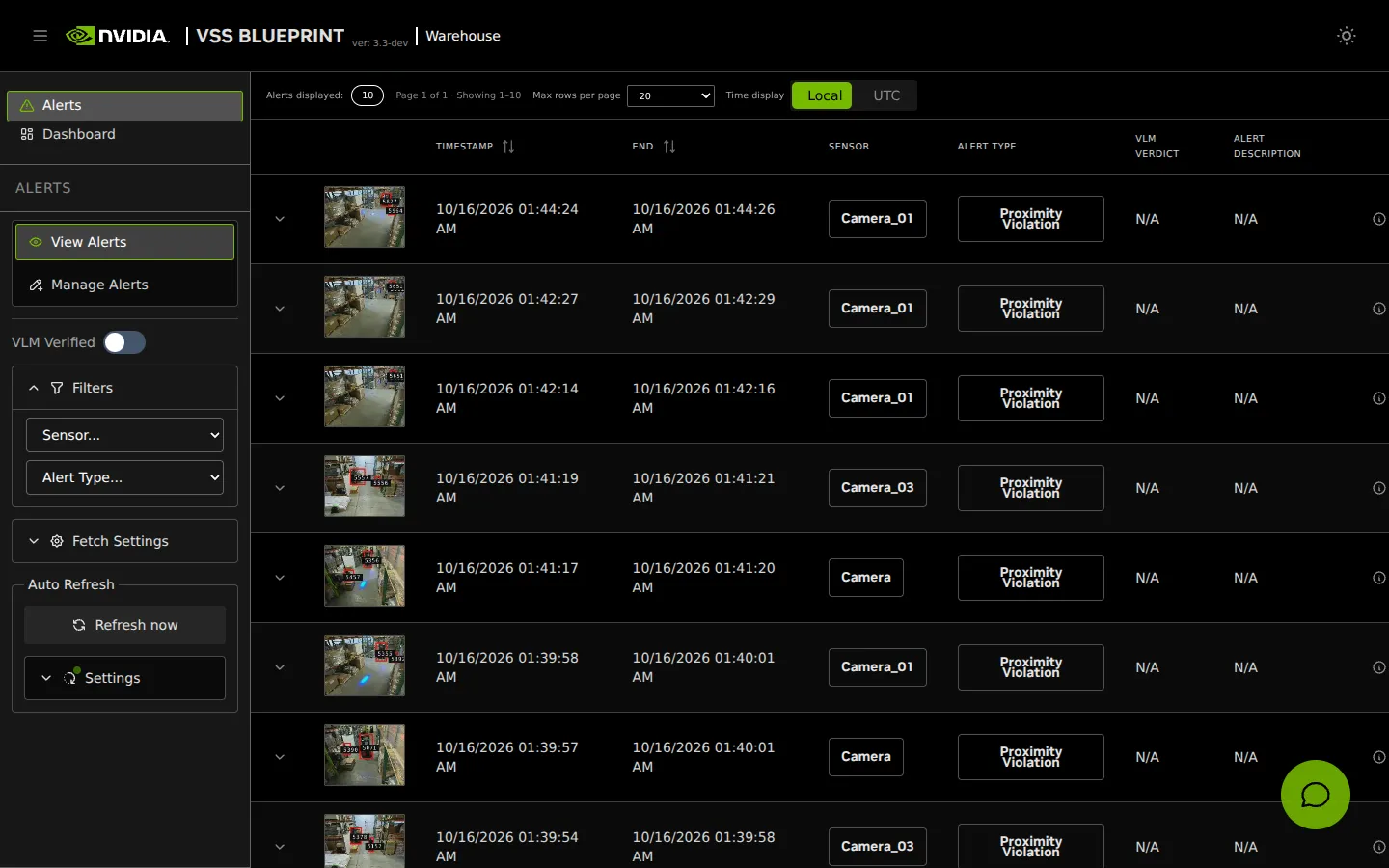
- Alerts Tab — monitor, investigate, and manage AI-detected incidents.
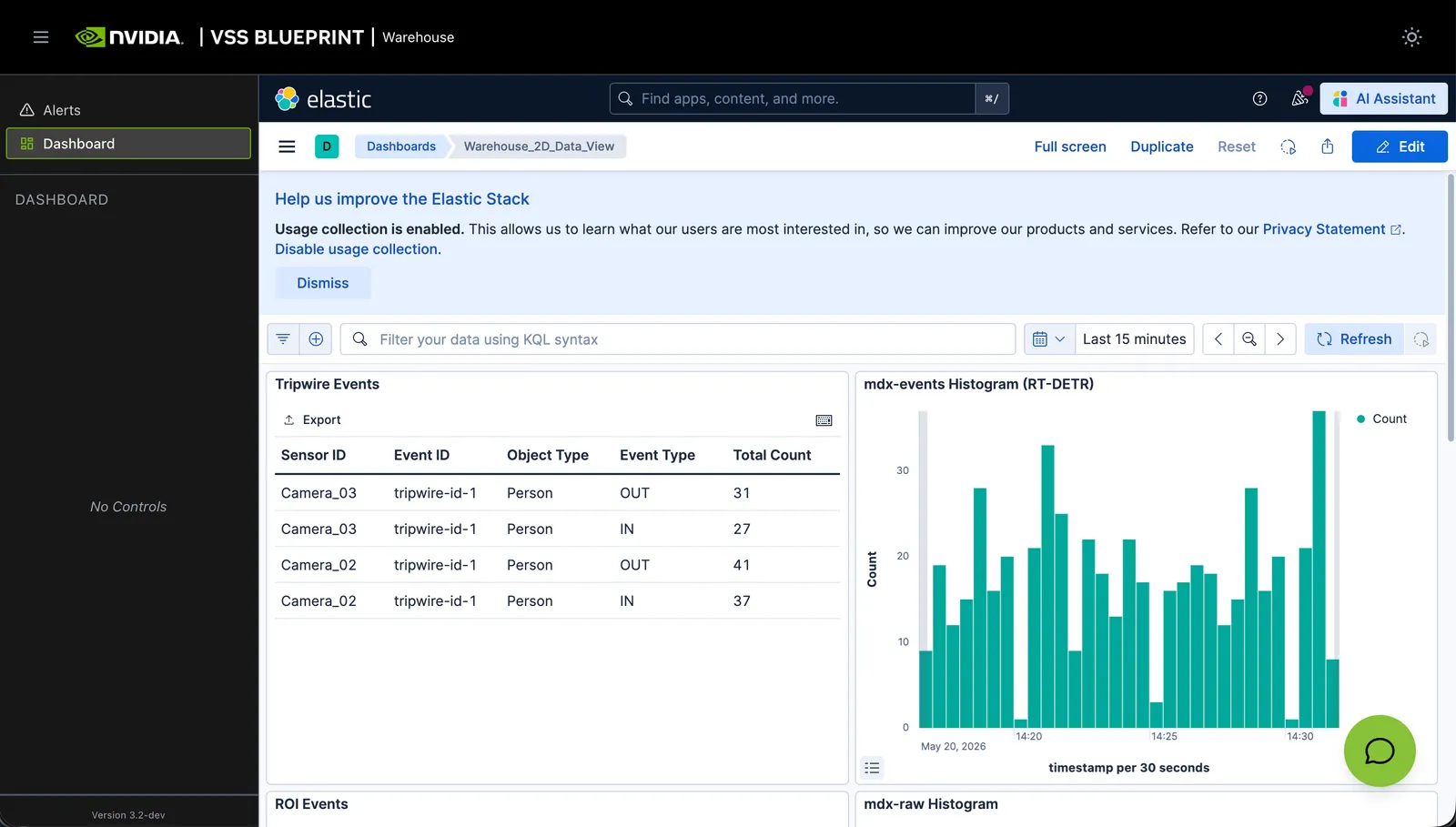
- Dashboard Tab — Kibana dashboard view embedded in the UI.
Use the links above to navigate to the respective documentation.
The Global Chat Sidebar is available across multiple tabs and provides an integrated experience. The Search and Video Management tabs are not enabled in the Warehouse Blueprint deployment.
Following sections provide example screenshots for each tab where applicable.
Examples
-
Query: Provide Sensors list.
Alerts Tab
The Alerts Tab provides a complete interface for monitoring, investigating, and managing AI-detected incidents in the warehouse. It is organized into a View Alerts monitoring dashboard and a Manage Alerts view for creating real-time alert rules. Alert rows expose a Generate Report action that sends alert metadata to the Global Chat Sidebar so the Warehouse Agent can perform AI-powered analysis with the alert context pre-filled.
Dashboard Tab
This tab is standard across all blueprints. For details, see the Dashboard Tab.
References
For more information on details related to the user interface, refer to the User Interface documentation.