

Linux Installation and Setup#
Nsight Graphics™ can be downloaded from the NVIDIA GameWorks Download Center, and is installed as a standalone application.
Host Setup
Run the .run file.
When prompted, accept the license agreement.
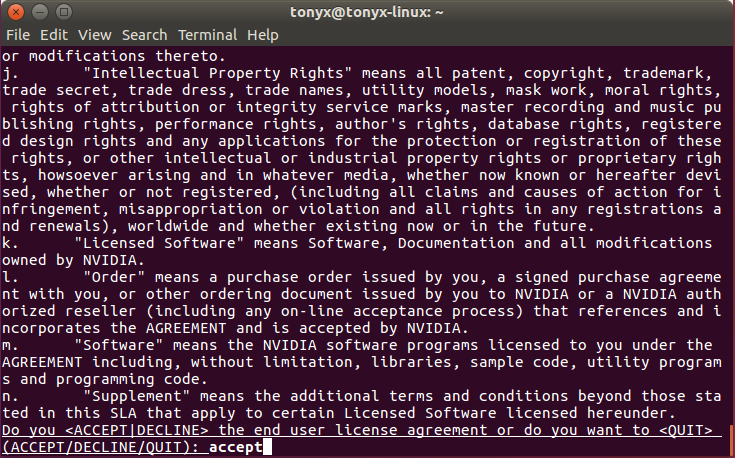
Enter an install path.
Specify whether or not you want to create a symlink.
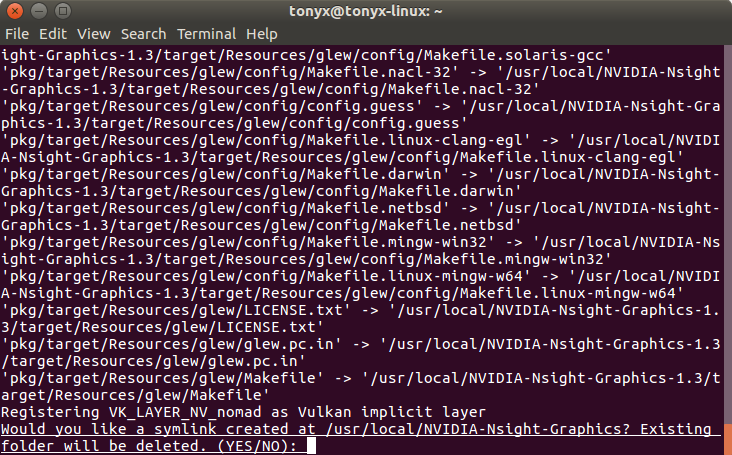
Complete the installation.
After the installation, the Nsight Graphics GUI host can be found in:
<install path>/host/linux-desktop-nomad-x64/ngfx-ui
If installed by the .deb installer, you can use this command to start the GUI host:
ngfx-ui-for-linux
Note
The .deb package will automatically install the required dependencies. If you are using the .run installer, you may need to install additional dependencies manually. For example, on Ubuntu, the following dependencies are required:
libvulkan1
libzstd1
libc6-dev
These libraries are required for the Nsight Graphics GUI host to run. Refer to Qt Linux requirements for more information.
libxcb-cursor0
libxcb-icccm4-dev
libxcb-image0
libxcb-keysyms1
libxcb-render0
libxcb-render-util0
libxcb-shape0
libxcb-sync1
libxcb-util1
libxcb-xfixes0
libxcb-xinerama0
libxcb-xinput0
libxcb-xkb1
libxext6
libxkbcommon-x11-0
libxrender1