
Project Explorer#
The Project Explorer offers a view of all data associated with the current project. It contains data files, sorted by the time of generation. Note that you may also include arbitrary links to other files as a useful aid in correlating data.
Items in the Project Explorer can be adjusted by right-clicking and selecting an option to interact with it. They may also be renamed by selecting the item and pressing F2.
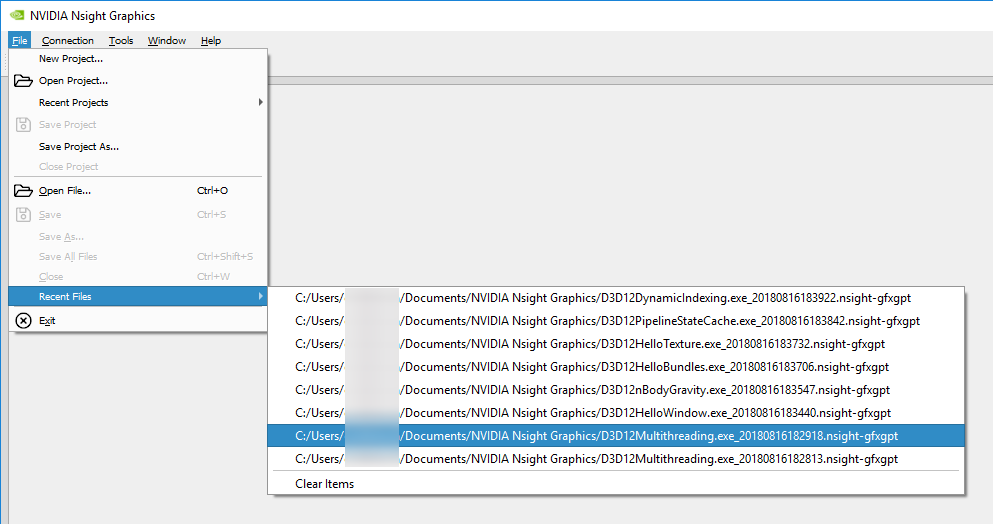
In addition to navigating via the Project Explorer, you may wish to see the files that were recently generated. Load these through File > Recent Files, or File > Open File.