
Window Chooser#
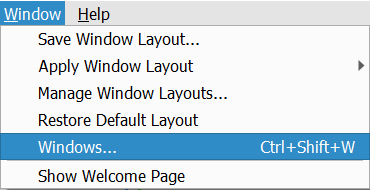
Nsight Graphics has a window chooser for fast enumeration and selection of opened documents and windows. To open this dialog, select Windows > Windows…
Once activated, a window chooser is brought up that contains all of the opened documents and windows.
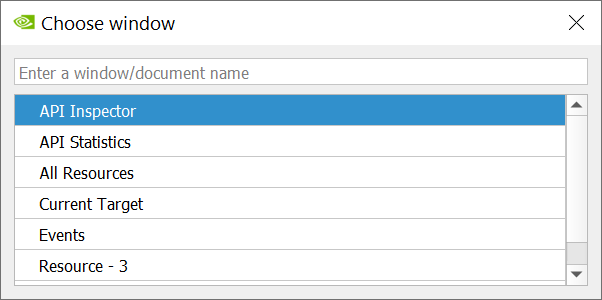
Navigate with the mouse or keyboard to select an entry and press enter to activate the selected window or document. Alternatively you may double click an entry to activate it.
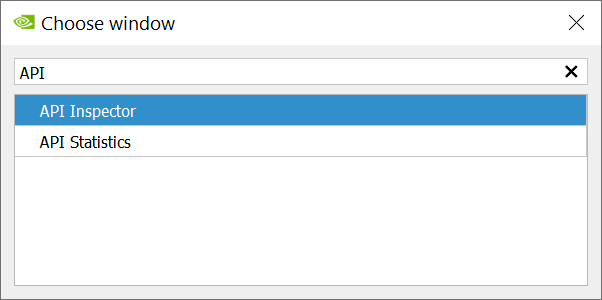
You may also enter filter expressions to filter to the window of interest.