

Databricks
Configuring Your Databricks Connector
-
Navigate to Connectors in the side menu and click Add Connector.
-
Select Databricks and enter the required details.
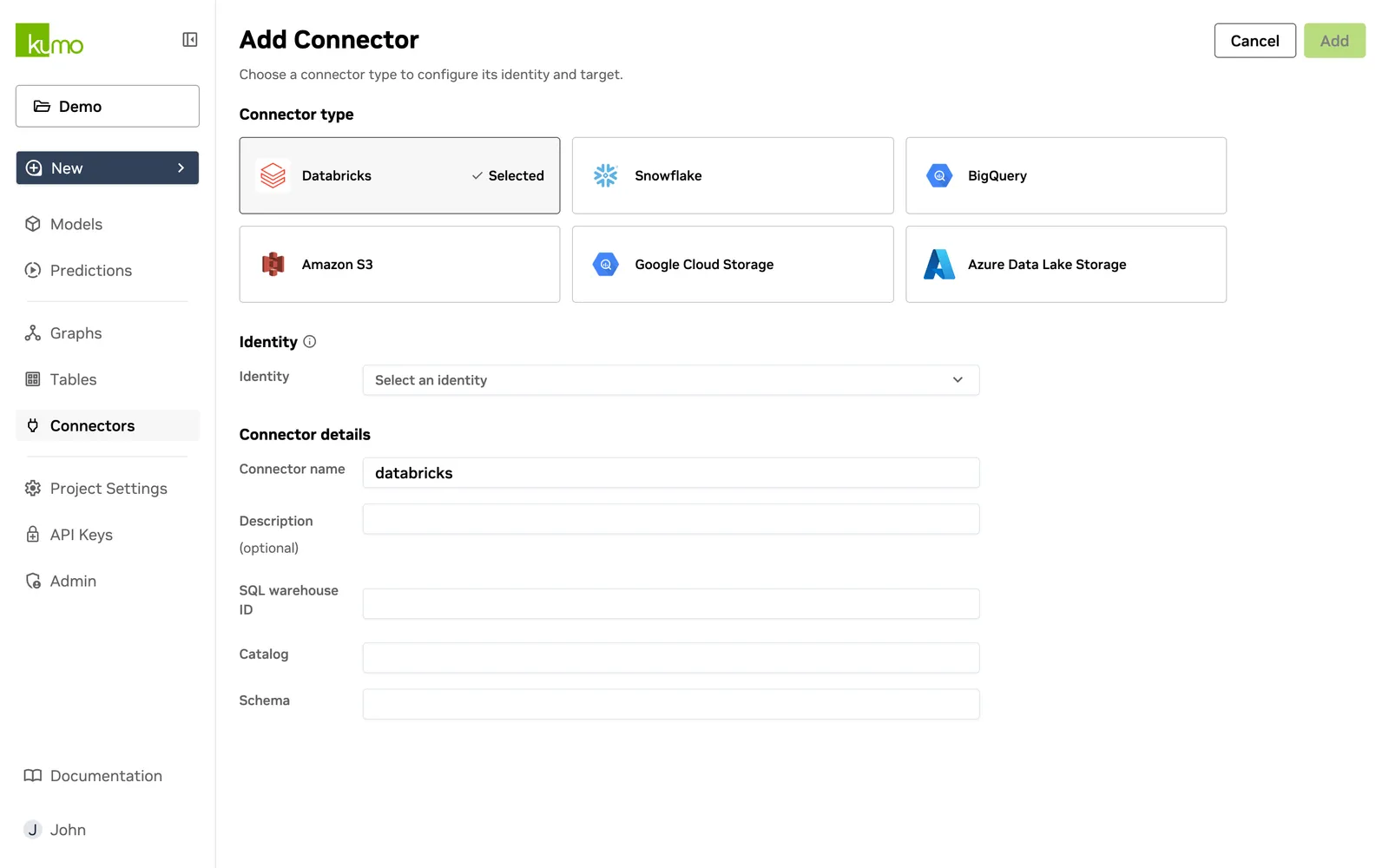
Databricks Connection Details
Warehouse Details
-
Host – The server hostname of your Databricks instance.
-
Cluster ID – The unique identifier for your Databricks cluster.
-
Warehouse – The ID of the SQL warehouse used to read and process data.
-
Catalog – The name of your Databricks catalog.
Credentials
To authenticate, provide one of the following:
-
Client ID and Client Secret of a Service Principal account.
-
Personal Access Token from a regular account in your workspace.
Click Add Connector to save your new Databricks connector.