

Creating visualization markers
This guide shows how to draw visualization markers: debug geometry (frames, arrows, spheres,
custom meshes) rendered over the scene through markers.VisualizationMarkers. Markers are
display-only: they carry no physics and do not affect the simulation.
For plain points, lines, and splines, Isaac Sim’s own isaacsim.util.debug_draw extension
is lighter-weight. Use VisualizationMarkers when you need more complex shapes.
Markers are supported on Kit, Newton GL, Rerun, and Viser, but not yet on Newton RTX. See https://isaac-sim.github.io/IsaacLab/release/3.0.0/source/concepts/visualization.html for how to enable them on a given visualizer.
Quick Start
Run the packaged markers example:
uv (Recommended)
isaaclab.sh / isaaclab.bat
Pass --visualizer newton_gl (or another supported backend) to switch visualizers; defaults
to kit.
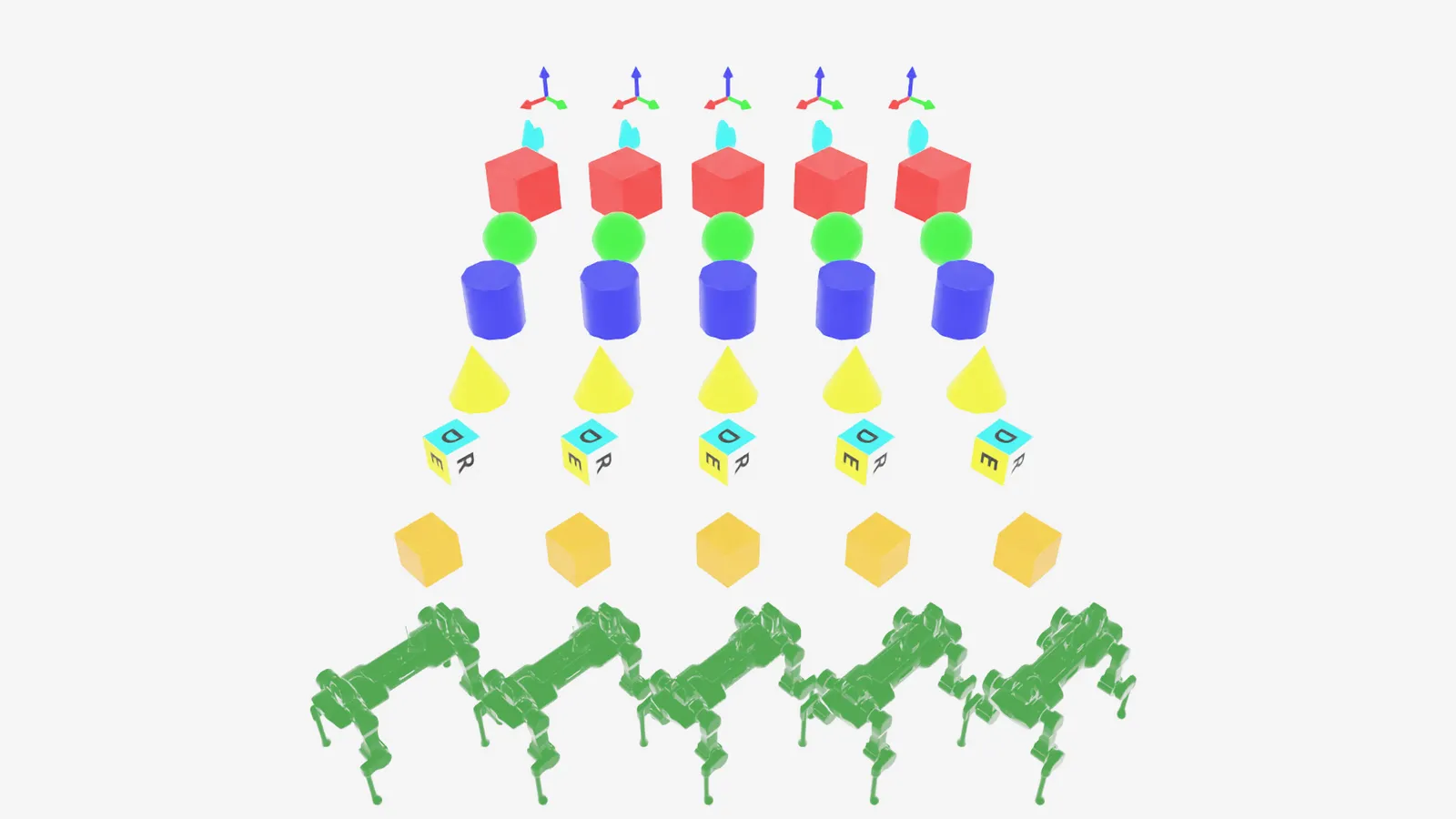
To stop, close the window or press Ctrl+C.
Configuring markers
~markers.VisualizationMarkersCfg takes:
markers.VisualizationMarkersCfg.prim_path: prim path where the markerUsdGeom.PointInstanceris created.markers.VisualizationMarkersCfg.markers: a dict of marker prototypes. The key names the prototype; the value is its spawn config (any~isaaclab.sim.spawners.SpawnerCfg, including USD file references).
Physics properties on a marker prototype’s spawn config are stripped on creation, since markers are not simulated.
Drawing markers
~markers.VisualizationMarkers.visualize sets marker poses and, optionally, which
prototype each marker instance uses via marker_indices.
Arguments left as None keep their previous value. Passing a different number of rows than
the last call resizes the marker instance count. See
~markers.VisualizationMarkers.visualize’s docstring for the full argument list
(translations, orientations, scales, marker_indices, environment_ids).
Markers in practice
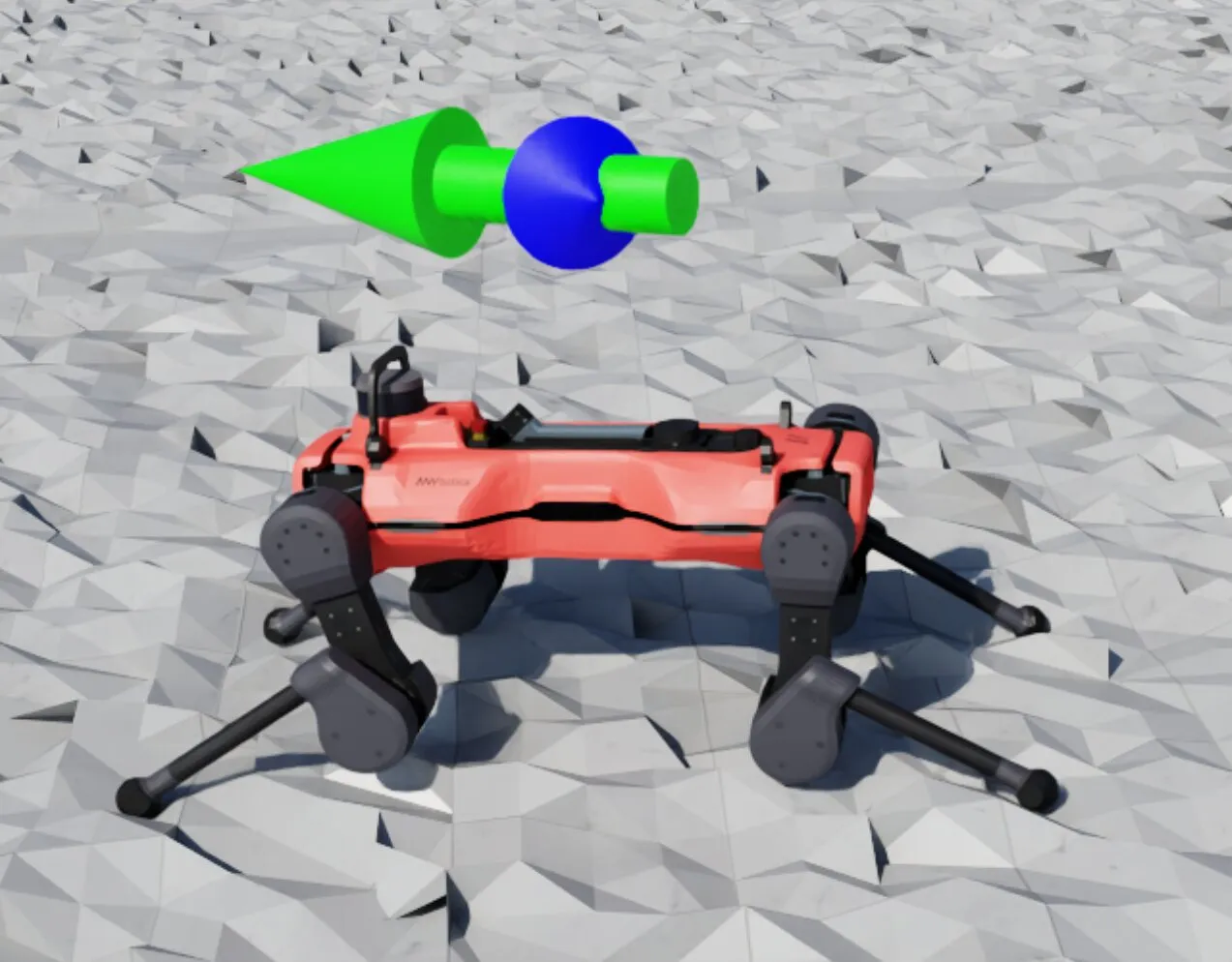
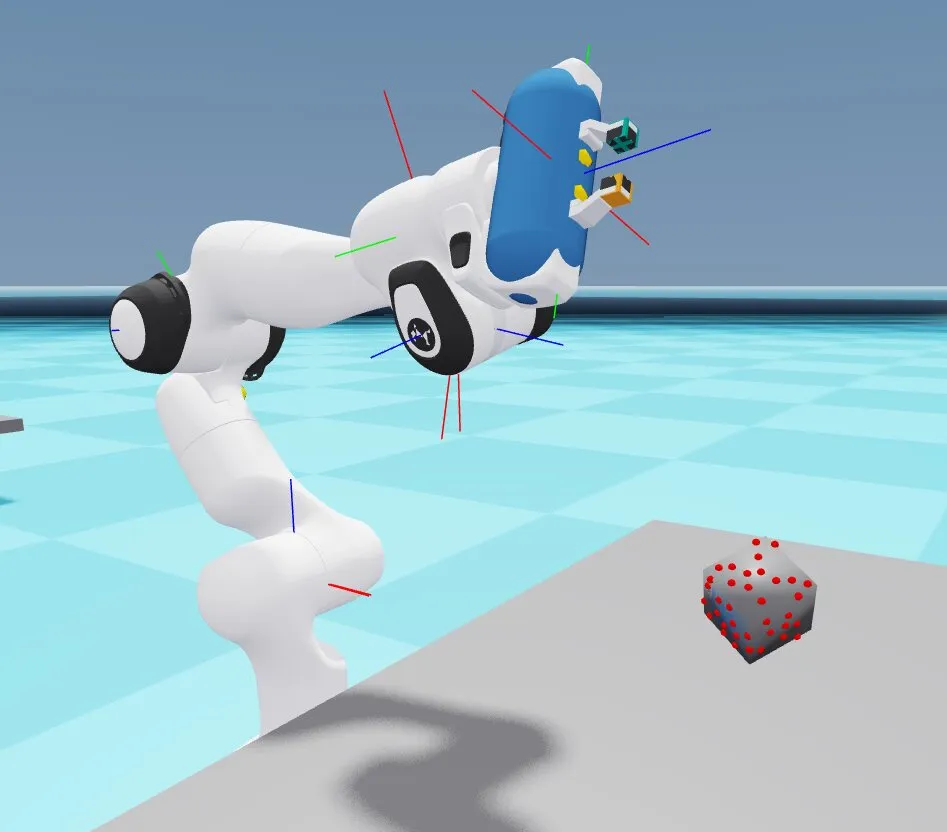
Markers are commonly used to debug per-environment state during training, such as commanded vs. current velocity, or contact events:
See also
- https://isaac-sim.github.io/IsaacLab/release/3.0.0/source/concepts/visualization.html: enabling markers per visualizer, and other visualizer features
- /source/how-to/record_video: recording a marker-annotated scene to video