

InfiniBand Port GUID Discovery
Discovers InfiniBand port GUIDs from UFM and syncs them onto the matching Nautobot interfaces (custom_fields.ib_guid). GUIDs are written only onto compute-side interfaces; the selected switches anchor the topology and are never modified. Compute interfaces are resolved from Nautobot’s cable topology, not from UFM node descriptions.
For step-by-step instructions, see the InfiniBand Port GUID Discovery user guide.
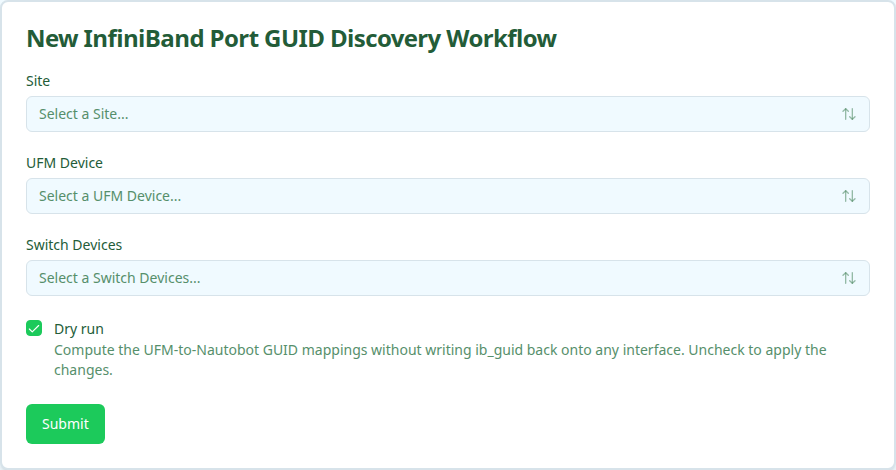
The workflow is dry-run by default. A dry run computes the GUID-to-interface mappings without writing anything. Clear the Dry run option to apply them.
User Interface
Form Inputs
Workflow Execution
Execution Stages
- Resolve the UFM hostname and site from Nautobot
- Fetch UFM ports and Nautobot cable topology, then compute GUID-to-compute-interface mappings (switch-owned ports and inter-switch links are dropped)
- Sync
ib_guidonto each resolved compute interface (skipped on dry run)